
Kling O3 Image 的核心功能
O3 Text-to-Image: 通过提示词直接生成图像,输出达到 O3 Omni-Image 质量。
O3 Image-to-Image: 结合参考图输入与提示词指令,实现更可控的图像变换。
4K + Single/Series Output: 支持 1K/2K/4K 分辨率,并可选择 single 或 series 输出行为。
Element Control: 可选 element 输入可帮助保留主体身份与结构一致性。
Aspect Ratio and Format Flexibility: 提供丰富比例支持,适配不同交付场景。
O3 Text-to-Image
O3 text-to-image 端点支持高保真提示词遵循、可选 element 输入、最高 4K 分辨率,以及 single-image 与 series 两种生成模式。
Prompt
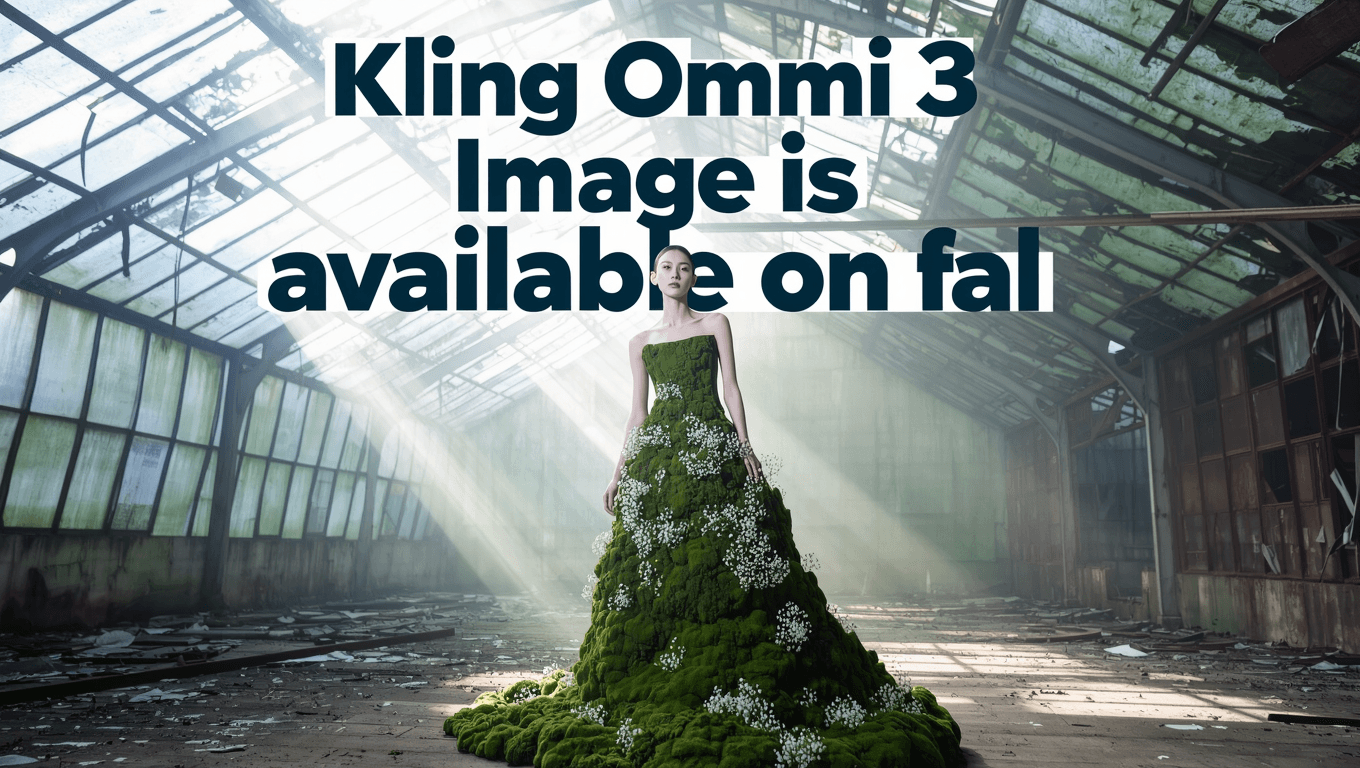
A poster design says 'Kling Omni 3 Image is available on fal' with a cool font in the background as several rows and big font size. Big gap between the rows. High fashion model wearing a dress made entirely of living moss and small white flowers, standing in an abandoned greenhouse, shafts of light, editorial photography.
结果
O3 Image-to-Image
O3 image-to-image 端点接收 `image_urls` 与 prompt(支持 @Image1、@Image2 ... 引用),支持可选 elements,并可使用 auto 长宽比选择或固定比例。
主体参考
Prompt
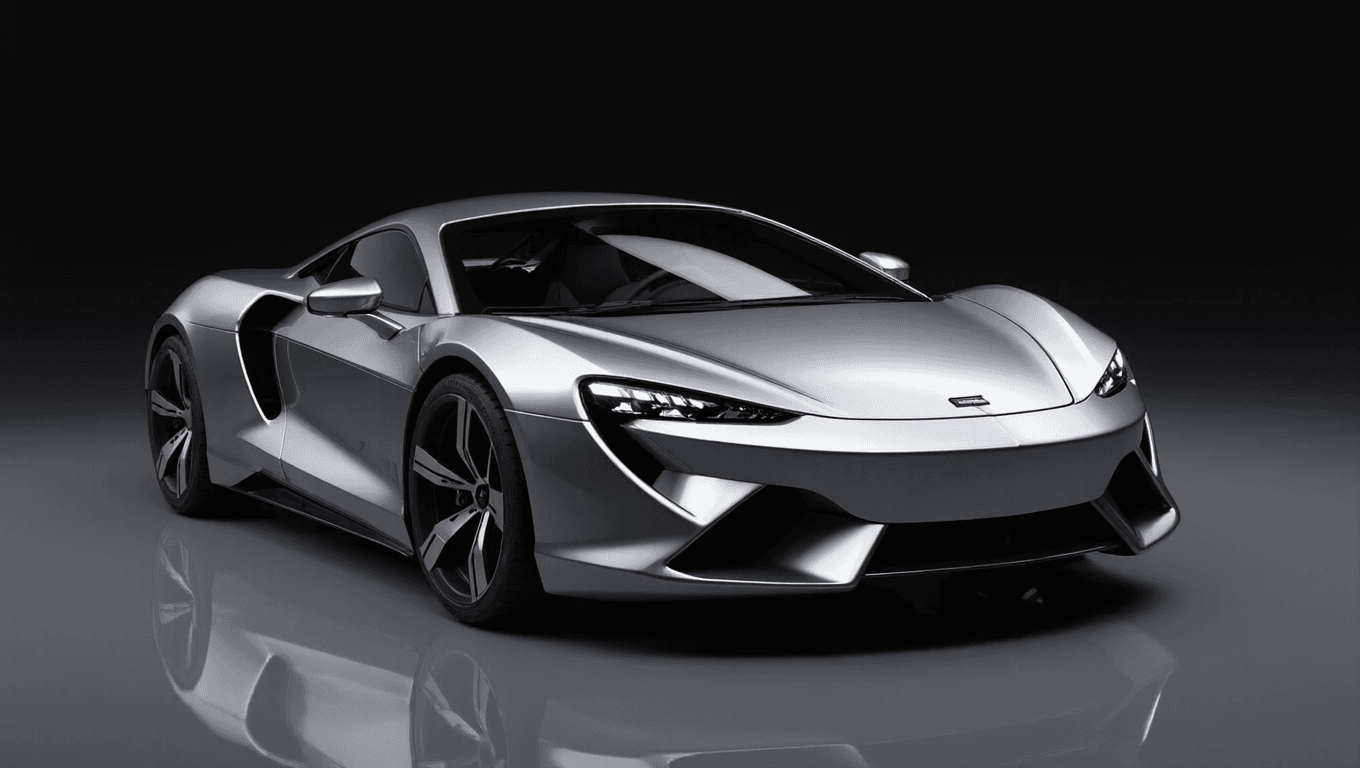
Transform into photorealistic 3D render, add proper lighting and shadows, realistic materials and textures, maintain exact proportions and design from sketch, product visualization quality.
结果
如何在 skills.video 中使用 Kling O3 Image AI 图片 模型
选择 Kling O3 Image 模型
前往创建页面,并在下拉列表中选择这个模型。
输入详细 Prompt
描述你想要的场景、风格和运动效果,并按需调整设置。
下载你的结果
点击创建,生成完成后即可下载或分享。