
Explore Kling AI's Models
Jump straight into the exact model page you want to compare, test, or use for generation.
Kling AI's Feature Offerings
Common strengths surfaced across this provider's most relevant model families.
Prompt/Image To Screen
Kling AI supports both text-to-video and image-to-video workflows, making it easier to move from concept or source artwork into cinematic output with more direct visual control.
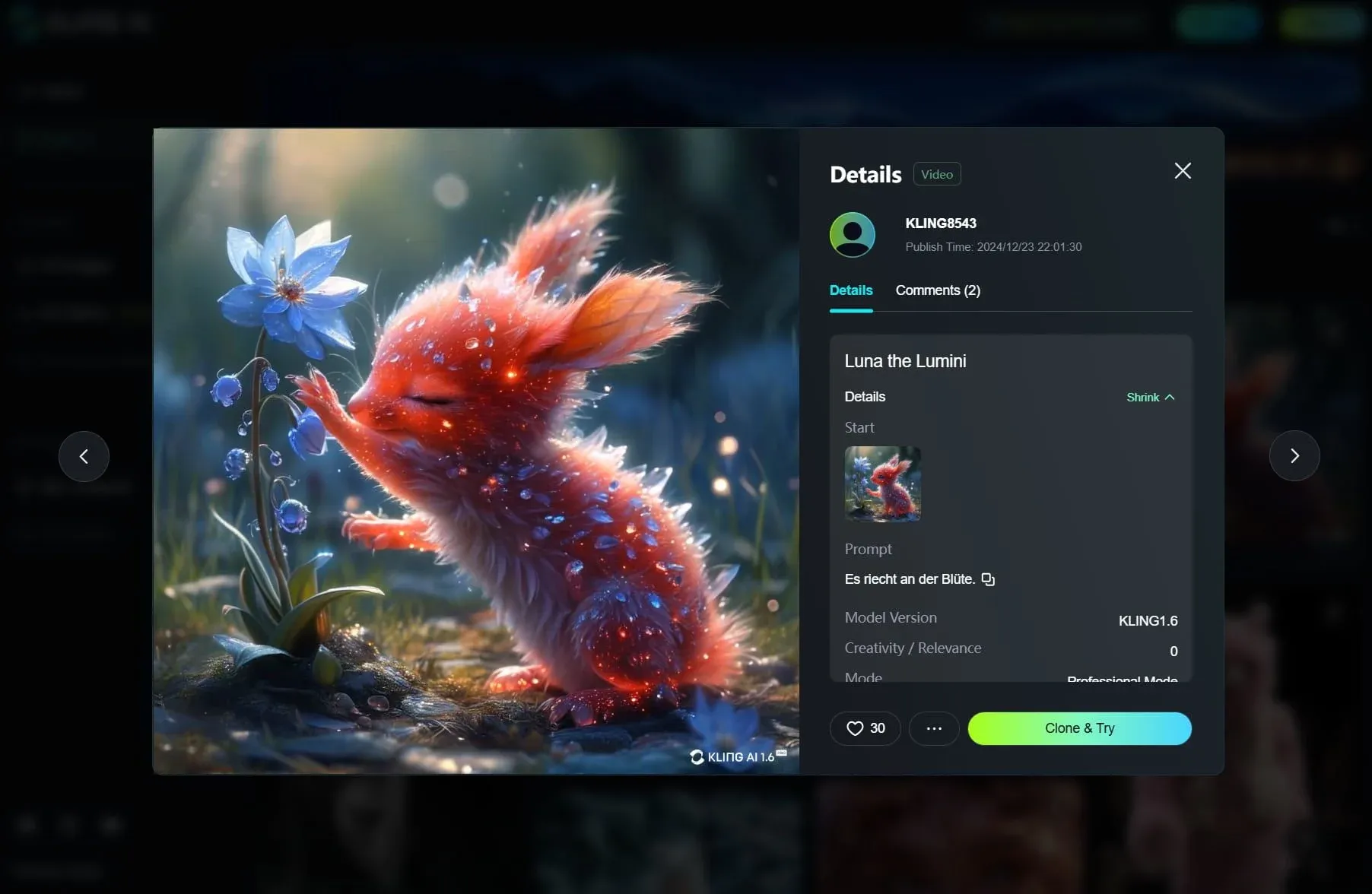
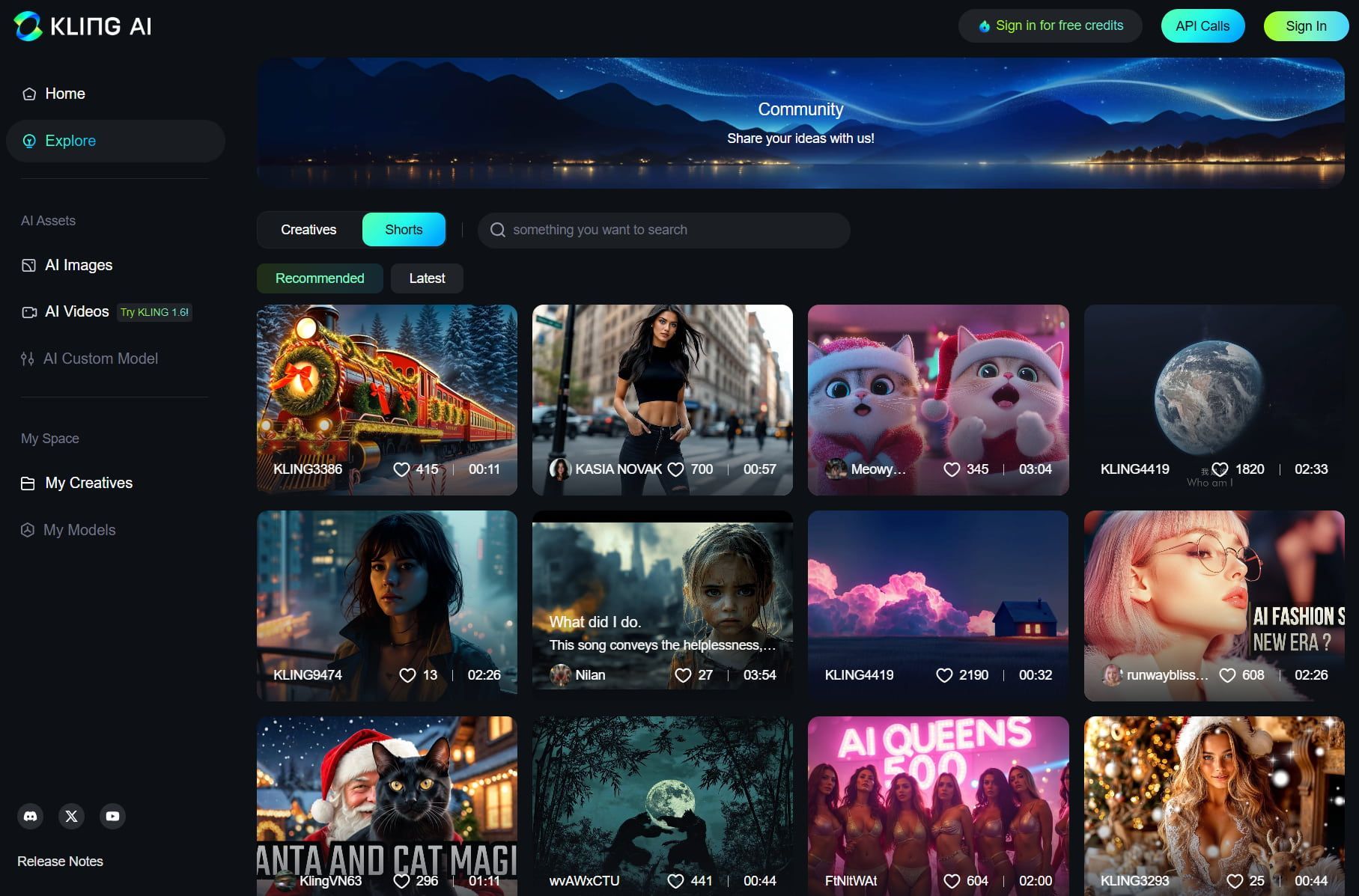
Connect, Create, and Collaborate
Kling AI can be used as part of a more collaborative creation flow, helping creators combine assets, refine generations, and move through concept development more efficiently.
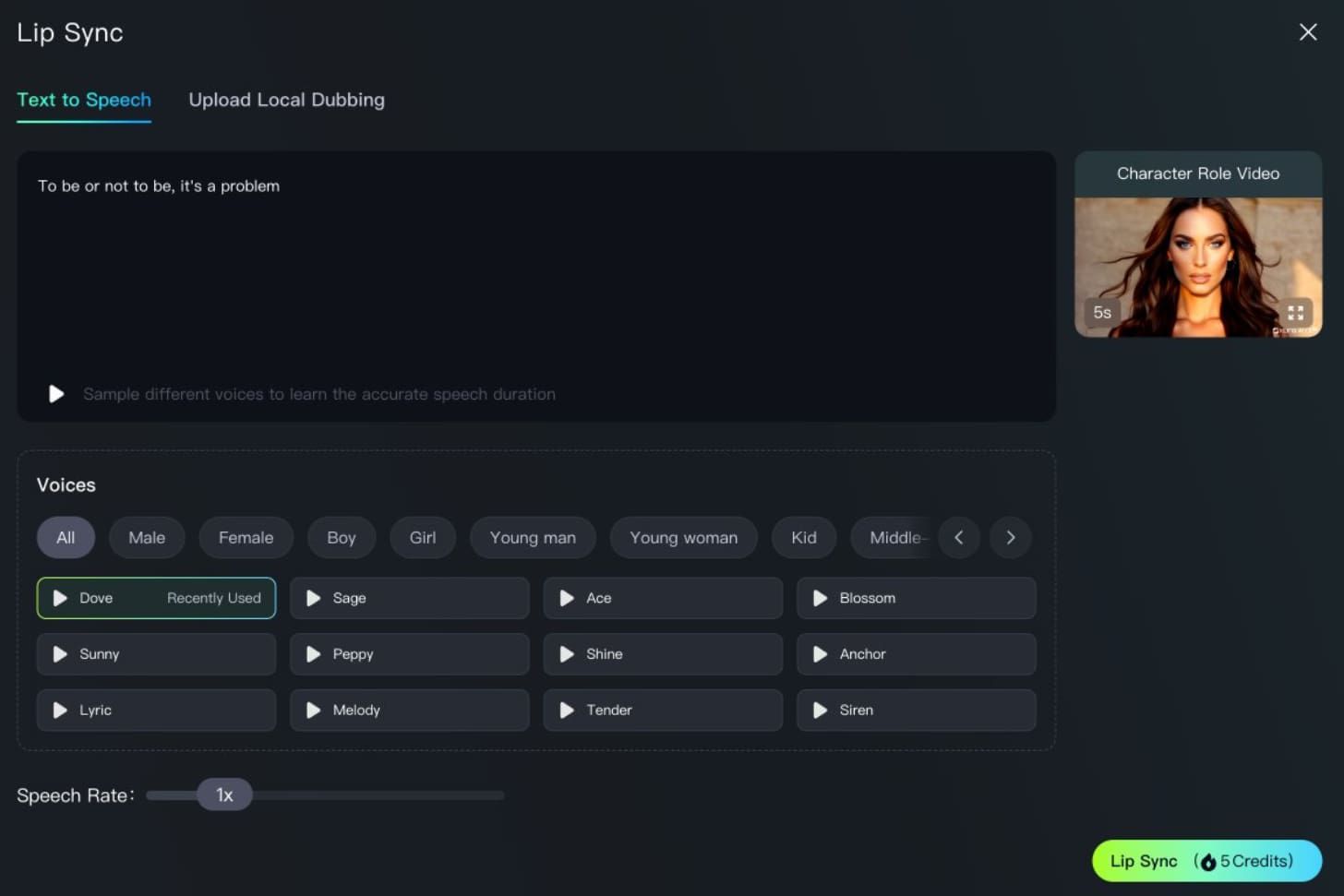
Enhanced Lip Sync
Kling AI's lip-sync capabilities are positioned for dialogue-heavy content, helping voice, mouth movement, and character performance stay better aligned in the final clip.
How to Use Kling AI on skills.video
01
Choose a Kling AI model
Pick the model family that matches your workflow, then jump into its dedicated model page.
02
Review examples and features
Check each model's prompt examples, controls, and feature details before generating.
03
Start creating
Launch directly into image or video creation once you've selected the right model.
Video Models
Browse all Kling AI video models in one place, including text-to-video and image-to-video options.
Kling 3.0
Upto 15s, multi-angle scenes, audio-backed.
Kling O3 Video
Upto 15s, with video or image references, audio-backed.
Kling O1 Video
Unified Kling O1 workflow for frame-to-video, image reference generation, video editing, and reference-video continuation.
Kling V2.6 Video
Cinematic, fluid motion, audio-backed.
Kling V2.5 Turbo
Dynamic motion, physics-aware, prompt adherence.
Image Models
Compare Kling AI image models for text-to-image and image editing workflows.
FAQs
Common questions about Kling AI models and workflows.