Camera follows a man in black sprinting through a crowded street, a group chasing close behind. The shot cuts to a side tracking angle as he panics and crashes into a roadside fruit stall, scrambles to his feet, and keeps running. Sounds of a frantic crowd.
Seedance 2.0
What Makes Seedance 2.0 Different
Director-Level Camera Control
The model handles complex camera work that other models struggle with. Dolly zooms, rack focuses, tracking shots, POV switches, and smooth handheld movement all work as expected. You describe the shot, and the camera executes it.
Action That Feels Real
Fight scenes, vehicle chases, explosions, falling debris. Seedance 2.0 understands how objects interact under force. Collisions have weight, fabric tears realistically, and characters move with physical believability even in high-action sequences.
Cinema-Grade Sound, Built In
Seedance 2.0 generates audio natively alongside video. Music carries deep bass and cinematic warmth. Dialogue is clear with precise lip-sync. Sound effects land exactly on cue. No post-production audio layering needed.
Empower Creativity
Seedance 2.0 delivers cinematic output aligned with industry standards, driving efficiency gains across the industry.
Key Features of Seedance 2.0
Next-Gen Multimodal Referencing: Use text, images, videos, or audio as precise creative anchors.
Realistic Physics & Real-Life Motion: Experience smoother, more lifelike motion and hyper-realistic rendering.
Unrivaled Visual Consistency: Maintain flawless character, product, and style details across every frame.
Precision Creative Replication: Mimic professional transitions, camera movements, and rhythms from reference clips.
Advanced Script & Storyboard Mastery: Deep understanding of narrative flow and complex prompt instructions.
Seamless Video Extension: Effortlessly expand your footage both forward and backward in time.
Next-Gen Multimodal Referencing
By uploading a combination of assets—such as a specific character image, a background video, or an audio track—Seedance 2.0 synthesizes these elements with pinpoint accuracy. It understands exactly which parts of your reference to keep, from a specific lighting mood to a complex character movement.
Example 1
Reference Inputs
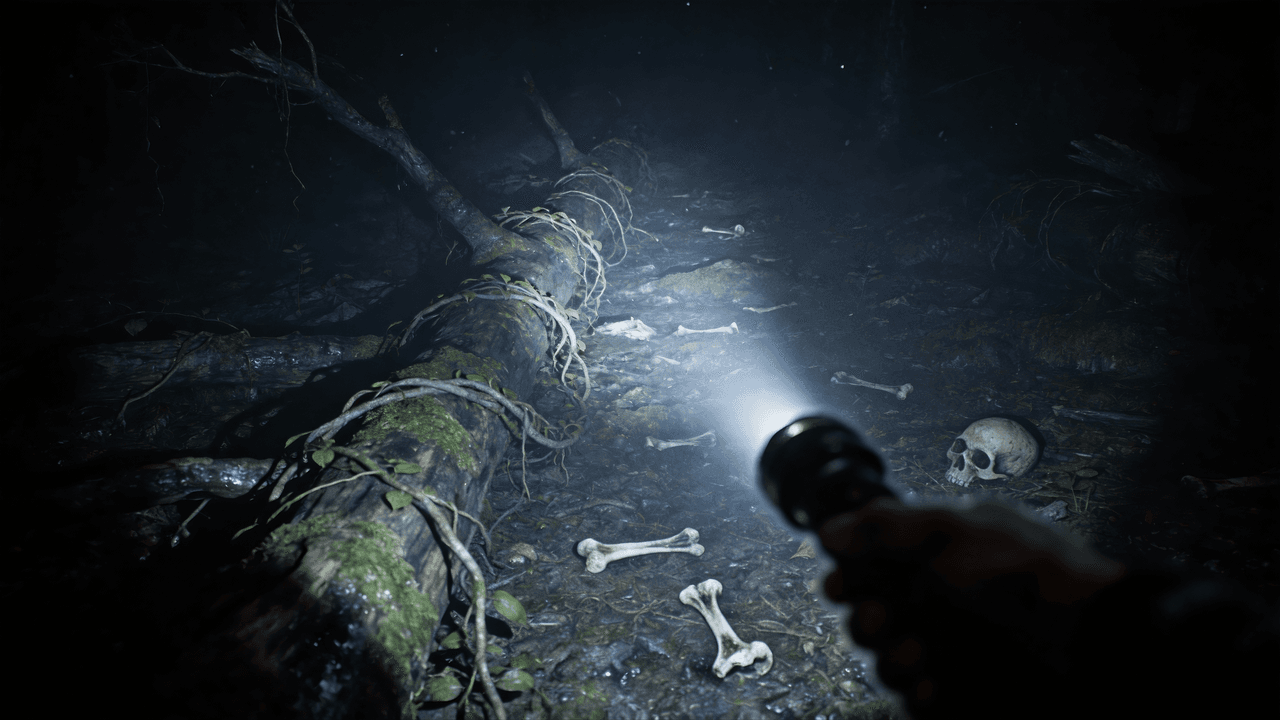
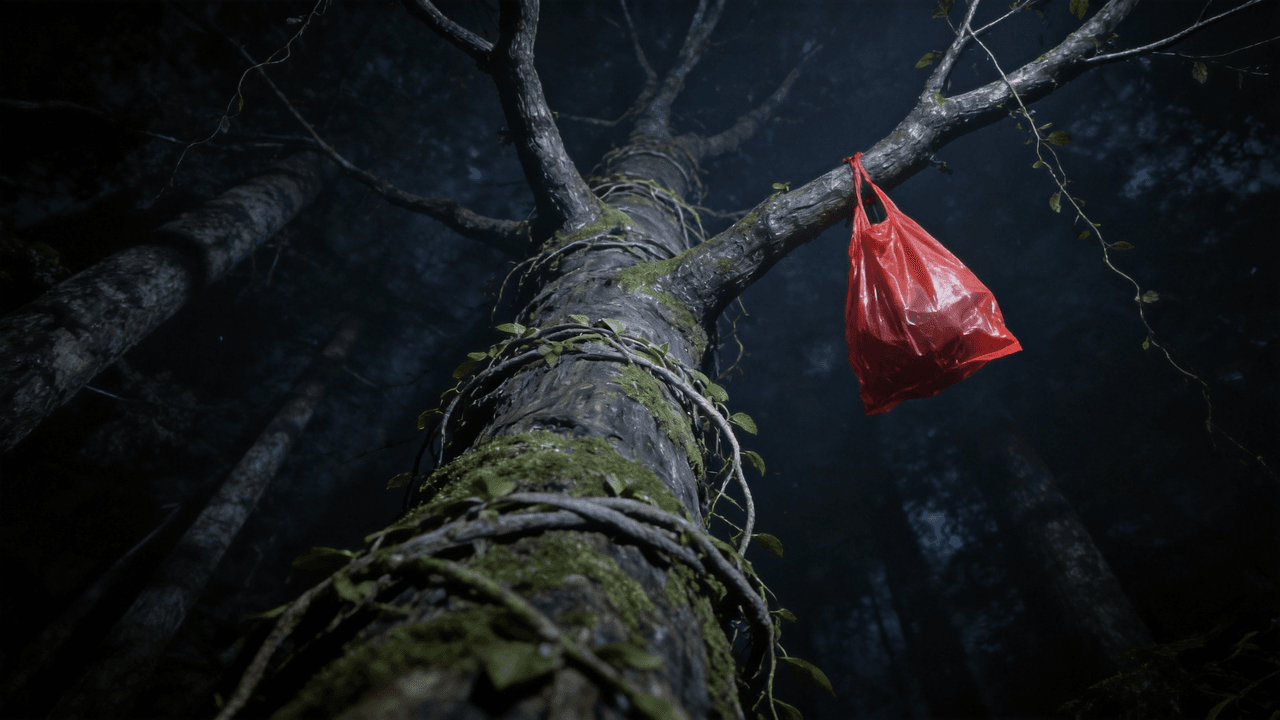
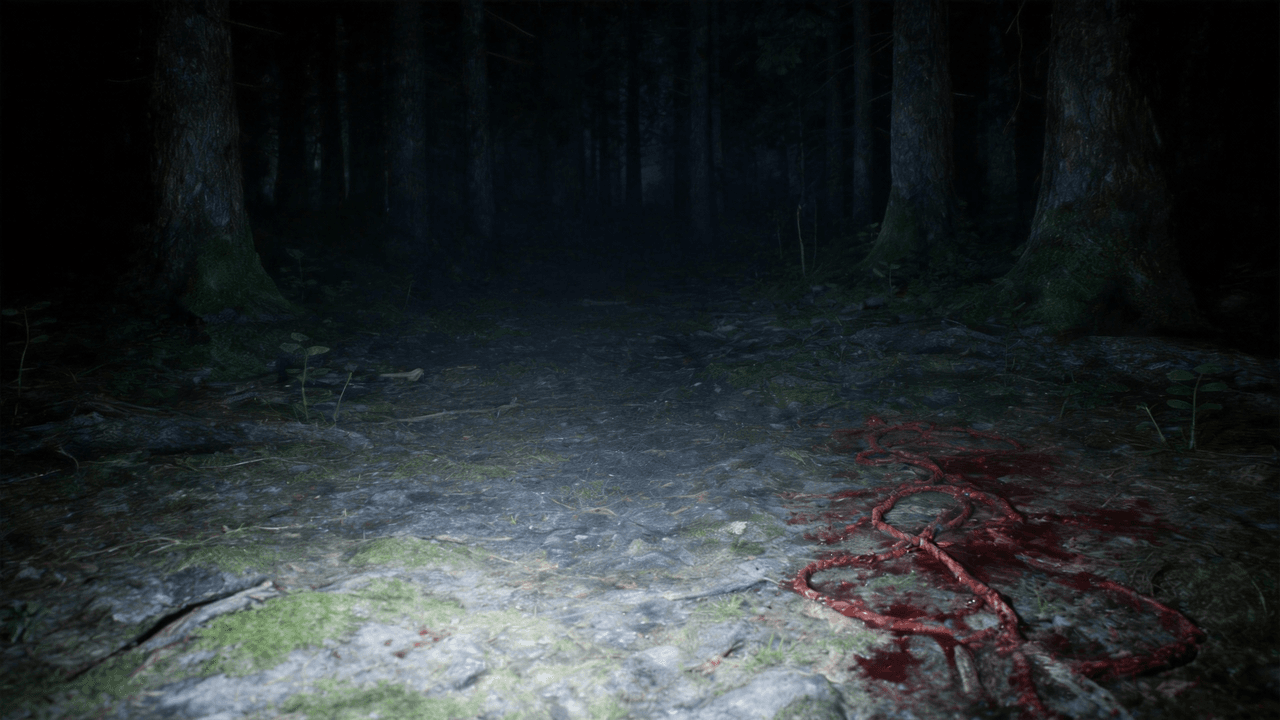
Reference Images (Image 1-4)


Reference Video
Prompt
Use @Image 1 as the first frame of the scene. Adopt a first-person perspective and refer to the camera movement effect in @Video 1. The upper scene should be based on @Image 2, the left scene on @Image 3, and the right scene on @Image 4.
Output Video
Reference Images (Image 1-4)


Reference Video
Use @Image 1 as the first frame of the scene. Adopt a first-person perspective and refer to the camera movement effect in @Video 1. The upper scene should be based on @Image 2, the left scene on @Image 3, and the right scene on @Image 4.
Realistic Physics & Real-Life Motion
Base-level capabilities have been significantly strengthened in version 2.0. Every movement—from the flow of water to the movement of human hair—is more stable, smoother, and more realistic. This enhancement ensures that even without complex references, your basic text-to-video outputs look professional and lifelike.
Example 1
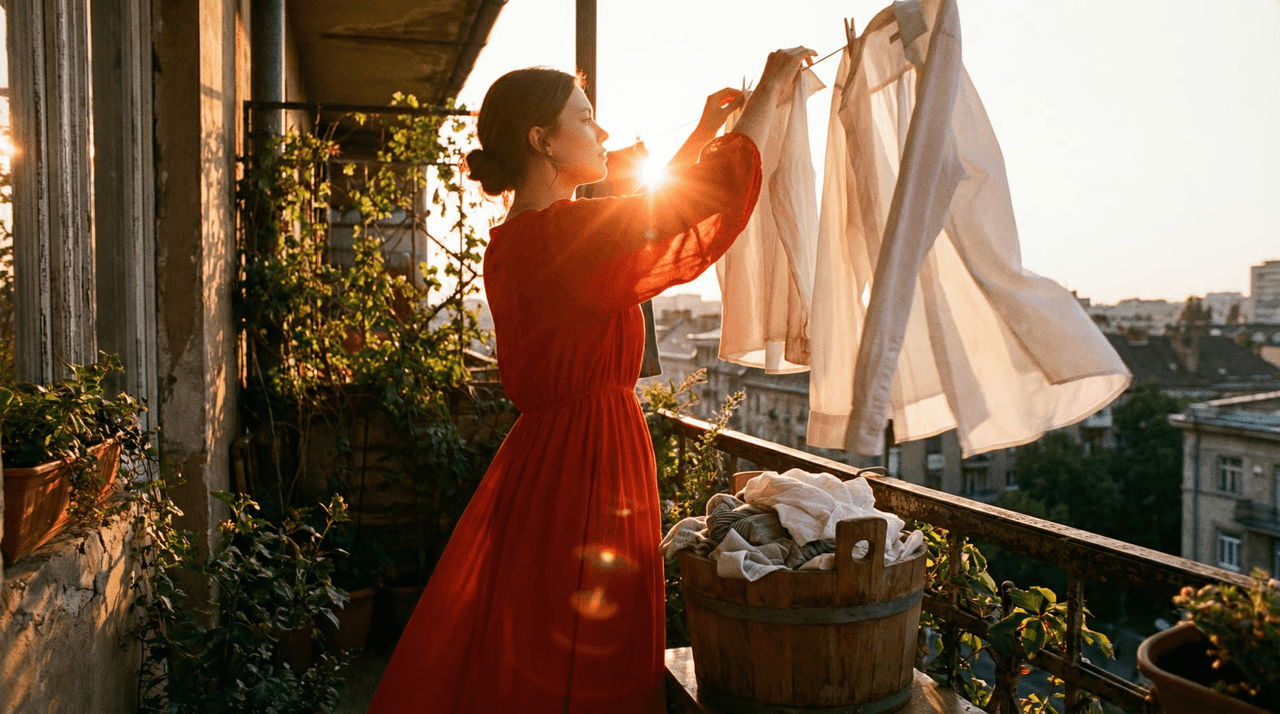
Reference Image

Prompt
The girl is gracefully drying the clothes. After that, she takes out another one from the bucket and shakes it vigorously.
Output Video

The girl is gracefully drying the clothes. After that, she takes out another one from the bucket and shakes it vigorously.
Unrivaled Visual Consistency
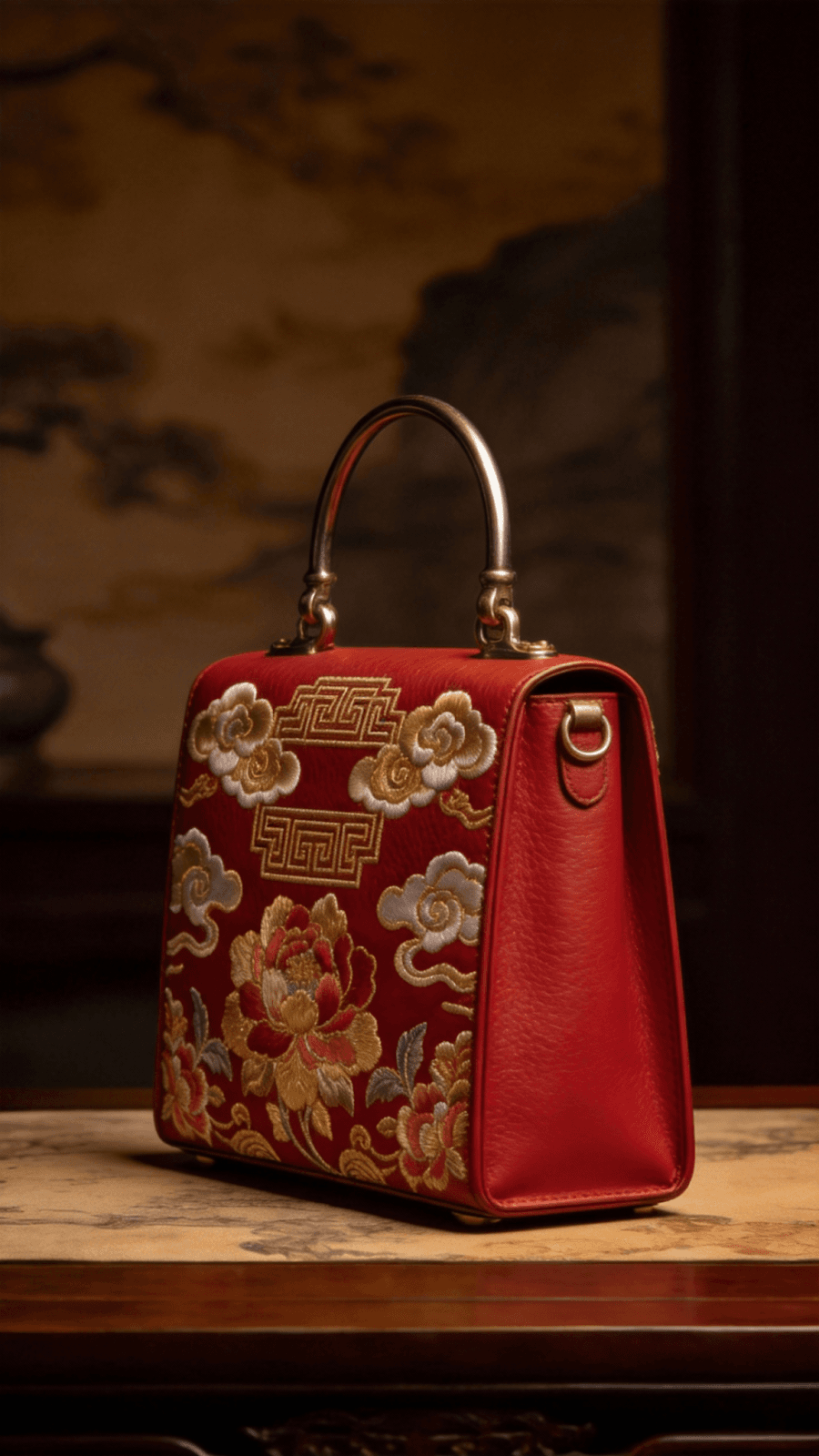
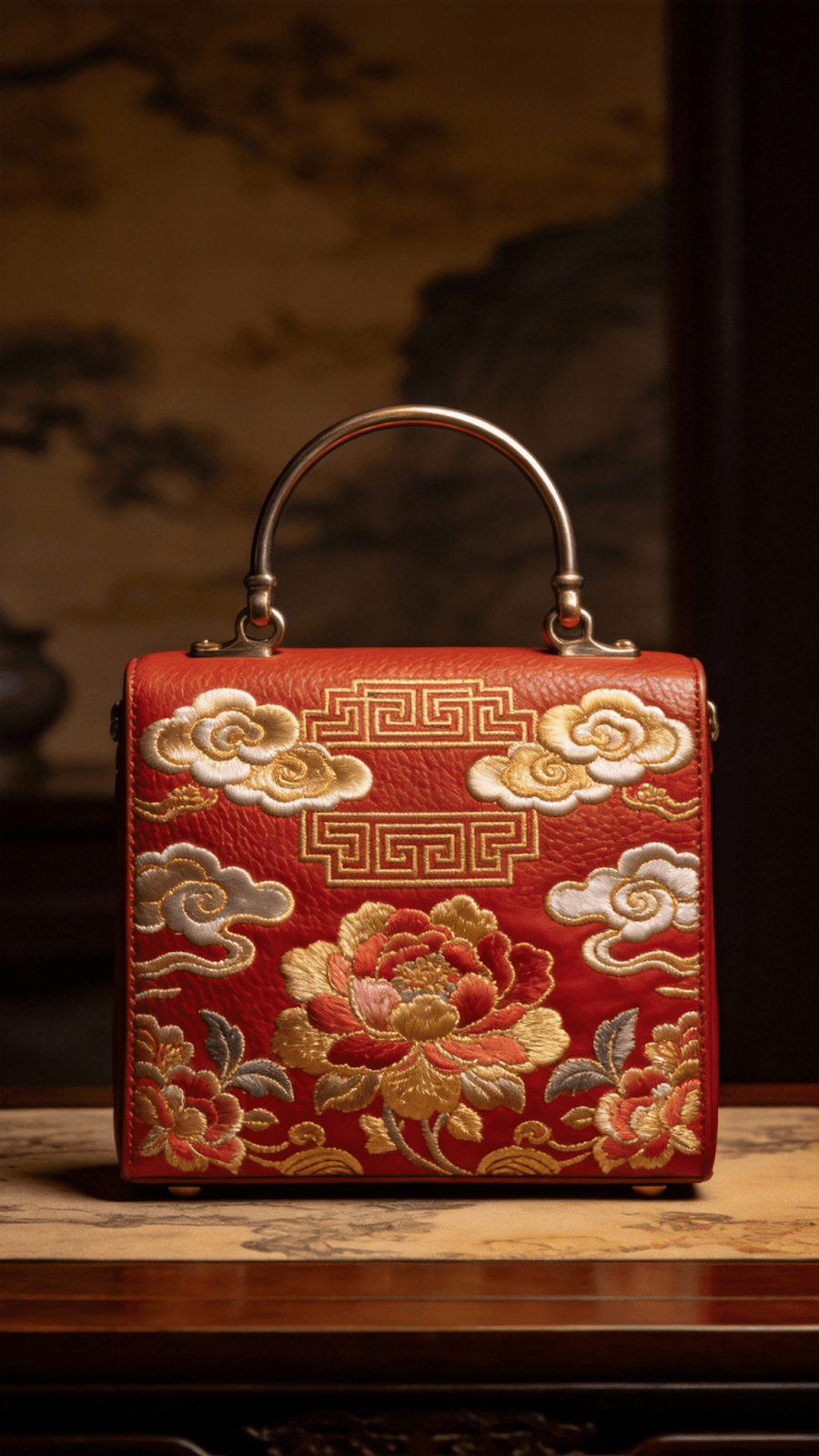
One of the biggest hurdles in AI video is "drift." Seedance 2.0 solves this by locking in details. From the specific embroidery on a jacket to the exact typography on a product label, the model ensures that your subjects remain identical from the first second to the last, eliminating flickering and unwanted character transformations.
Example 1
Reference Images
Image 1-2


Prompt / Notes
Source prompt not published. This example focuses on maintaining the same bag design, proportions, materials, and branding details throughout motion.
Output Video
Image 1-2


Source prompt not published. This example focuses on maintaining the same bag design, proportions, materials, and branding details throughout motion.
Precision Creative Replication
Seedance 2.0 can "imitate" the rhythm and structure of reference videos. It identifies camera language and visual structures, allowing you to recreate professional-grade VFX and transitions without needing a Hollywood budget or technical jargon.
Example 1
Reference Inputs
Reference Image

Reference Video
Prompt / Notes
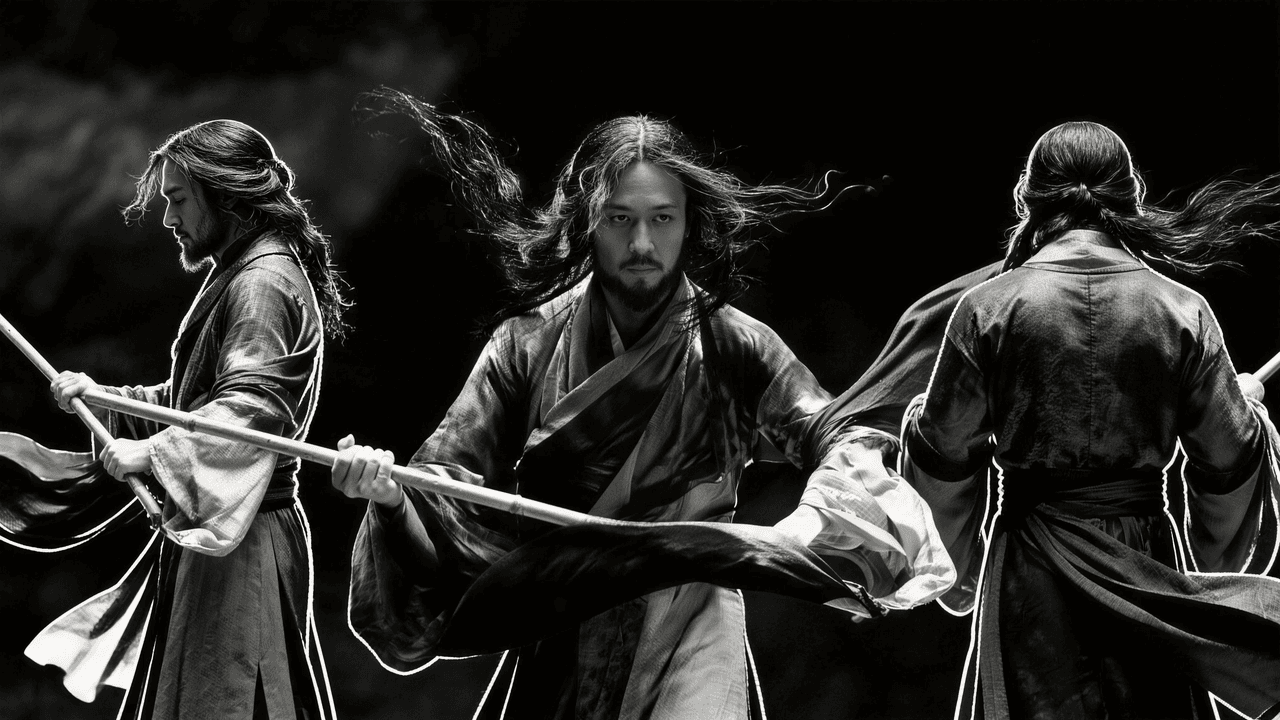
Source prompt not published. This example focuses on transferring the reference clip's rhythm, camera language, and transition structure to a new image-driven scene.
Output Video
Reference Image

Reference Video
Source prompt not published. This example focuses on transferring the reference clip's rhythm, camera language, and transition structure to a new image-driven scene.
Advanced Script & Storyboard Mastery
Seedance 2.0 possesses a deep cognitive understanding of narrative. It doesn't just generate a clip; it understands the "why" behind the scenes. By interpreting complex storyboards and detailed text prompts, it can generate sequences that follow a logical plot progression, making it the perfect tool for filmmakers and advertisers.
Example 1
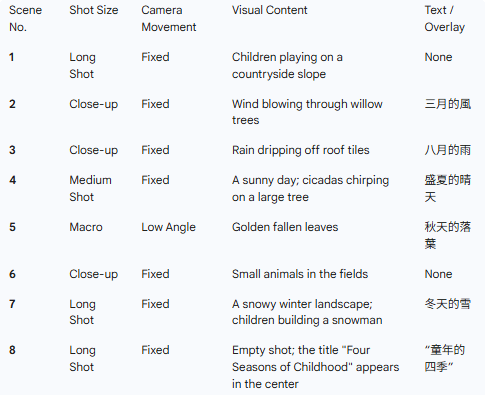
Storyboard / Script
Image 1

Prompt
Based on the shooting script of the feature film shown in @Image 1, and referring to the shots, camera angles, movement shots, scenes and dialogues in @Image 1, create a 15-second soothing opening sequence about "The Four Seasons of Childhood".
Output Video
Image 1

Based on the shooting script of the feature film shown in @Image 1, and referring to the shots, camera angles, movement shots, scenes and dialogues in @Image 1, create a 15-second soothing opening sequence about "The Four Seasons of Childhood".
Seamless Video Extension
With the enhanced Video Extension feature, Seedance 2.0 can analyze your existing clip and generate seamless continuations. Whether you need to see what happens before a dramatic reveal or extend a scene after the climax, the model maintains perfect environmental and character continuity.
Example 1
Reference Video
Prompt
Extend 10 seconds forward. Under the warm afternoon light, the shot starts from the row of sunshades swaying in the breeze on the street corner, then slowly lowers to a few daisies peeking out by the wall. Next, the protagonist’s red sneakers come into view. He crouches by a street flower stall, smiling as he gathers a large bouquet of sunflowers into his arms, petals brushing against his white T-shirt. When he steps onto his skateboard, the vendor calls out with a laugh, "Watch out—the petals might fly!" He waves back before pushing off. A few golden petals have already escaped the bouquet, landing on the skateboard deck.
Output Video
Extend 10 seconds forward. Under the warm afternoon light, the shot starts from the row of sunshades swaying in the breeze on the street corner, then slowly lowers to a few daisies peeking out by the wall. Next, the protagonist’s red sneakers come into view. He crouches by a street flower stall, smiling as he gathers a large bouquet of sunflowers into his arms, petals brushing against his white T-shirt. When he steps onto his skateboard, the vendor calls out with a laugh, "Watch out—the petals might fly!" He waves back before pushing off. A few golden petals have already escaped the bouquet, landing on the skateboard deck.
See what Seedance 2.0 can create
Turn on audio to hear the native sound generation. Every example below was generated in a single pass with no post-production.
A spear-wielding warrior clashes with a dual-blade fighter in a maple leaf forest. Autumn leaves scatter on each impact. Wide shot pulls into tight close-ups of parrying blades, then cuts to a slow-motion overhead as both leap into the air.
Spy thriller style. Front-tracking shot of a female agent in a red trench coat walking forward through a busy street, pedestrians constantly crossing in front of her. She rounds a corner and disappears. A masked girl lurks at the corner, glaring after her. Camera pans forward as the agent walks into a mansion and vanishes. Single continuous take, no cuts.
15s commercial. Shot 1: side angle, a donkey rides a motorcycle bursting through a barn fence, chickens scatter. Shot 2: close-up of spinning tires on sand, then aerial shot of the donkey doing donuts, dust clouds rising. Shot 3: snow mountain backdrop, the donkey launches off a hillside, text 'Inspire Creativity, Enrich Life' revealed behind it as dust settles.
Seedance 2.0 vs Sora 2 vs Veo 3: Feature Comparison Table
Compare Seedance 2.0 against Sora 2 and Veo 3 across multimodal control, consistency, motion, and extension workflows.
Feature
Multimodal Control
Feature
Visual Consistency
Feature
Motion & Physics
Feature
Creative Replication
Feature
Video Extension
| Feature | Seedance 2.0 | Sora 2 | Veo 3 |
|---|---|---|---|
| Multimodal Control | Advanced: Supports text, image, video, and audio references simultaneously. | Primarily text and image-based. | Primarily text and image-based. |
| Visual Consistency | Industry-Leading: Zero "drift" in character, product, and style details. | High, but prone to occasional detail "morphism." | High, with strong cinematic framing. |
| Motion & Physics | Real-Life Motion: Grounded physics with weightful, authentic movement. | Hyper-realistic but sometimes defies physical logic. | Smooth and cinematic, optimized for storytelling. |
| Creative Replication | Precise: Can mimic specific transitions and camera rhythms from reference clips. | General stylistic adherence. | High-quality cinematic shot replication. |
| Video Extension | Dual-Direction: Effortless forward and backward seamless expansion. | Robust forward expansion. | Strong temporal continuity. |
| Ease of Use | Professional Orchestration: Complex results with simple references. | High-end generative results. | Deep integration with creative workflows. |
How To Use Seedance 2.0 AI Video Model on skills.video
Select the Seedance 2.0 model
Head to the create page and choose this model from the dropdown list.
Input your detailed prompt
Describe the scene, style, and motion you want. Adjust settings as needed.
Download your video
Click create, then download or share once the generation finishes.