
Key Features of Nano Banana 2
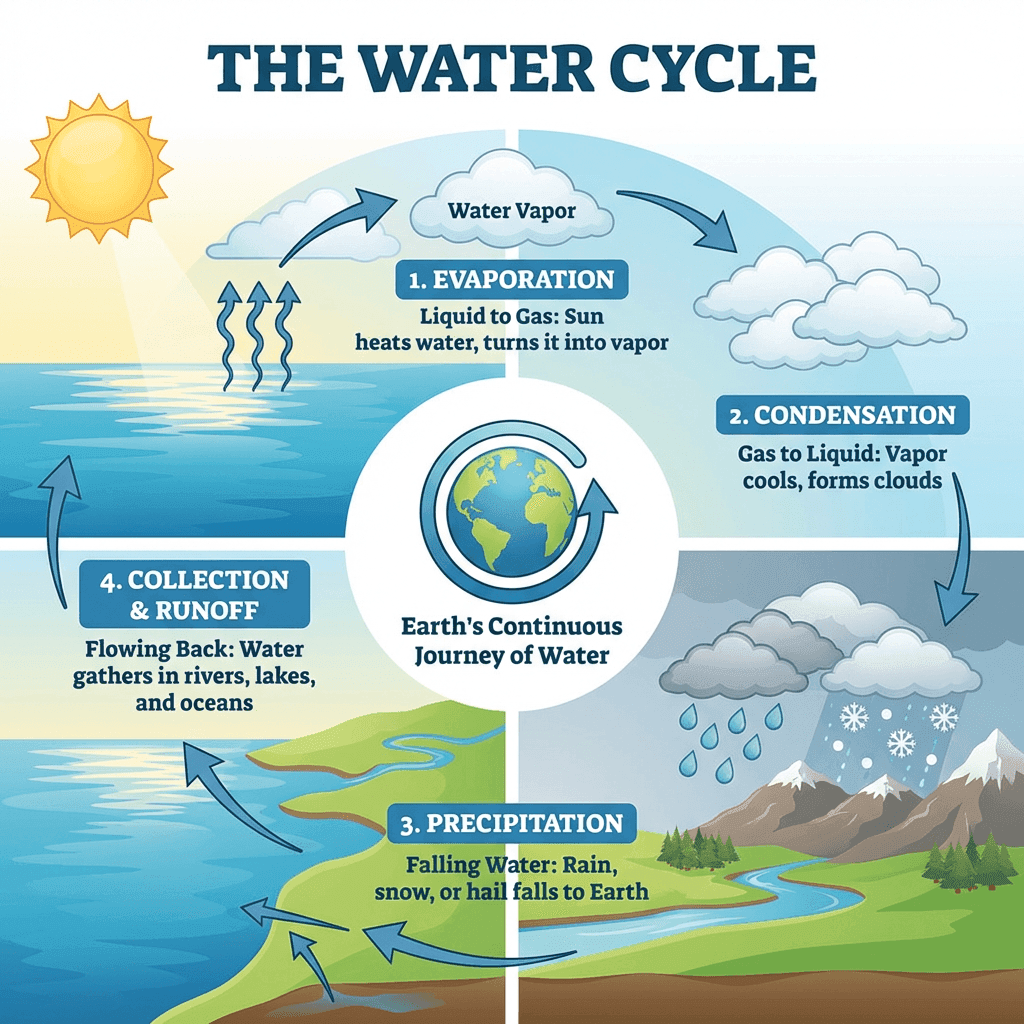
Real-Time World Knowledge & Grounding: Integrated Google Search and Image grounding for accurate rendering of real-world landmarks and facts.
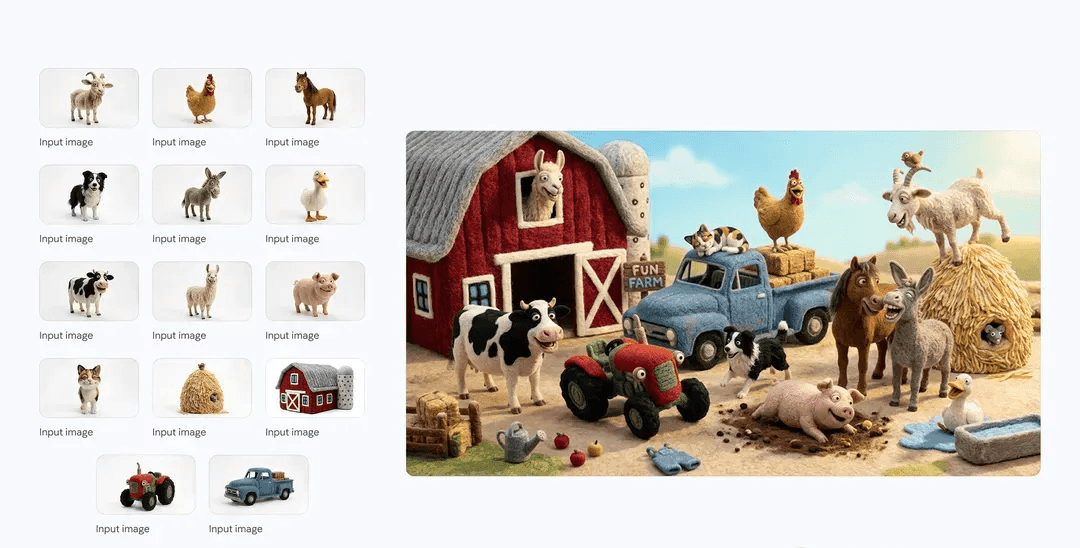
Superior Character & Style Consistency: Industry-leading identity preservation for up to 4 characters and 10 objects across a sequence.
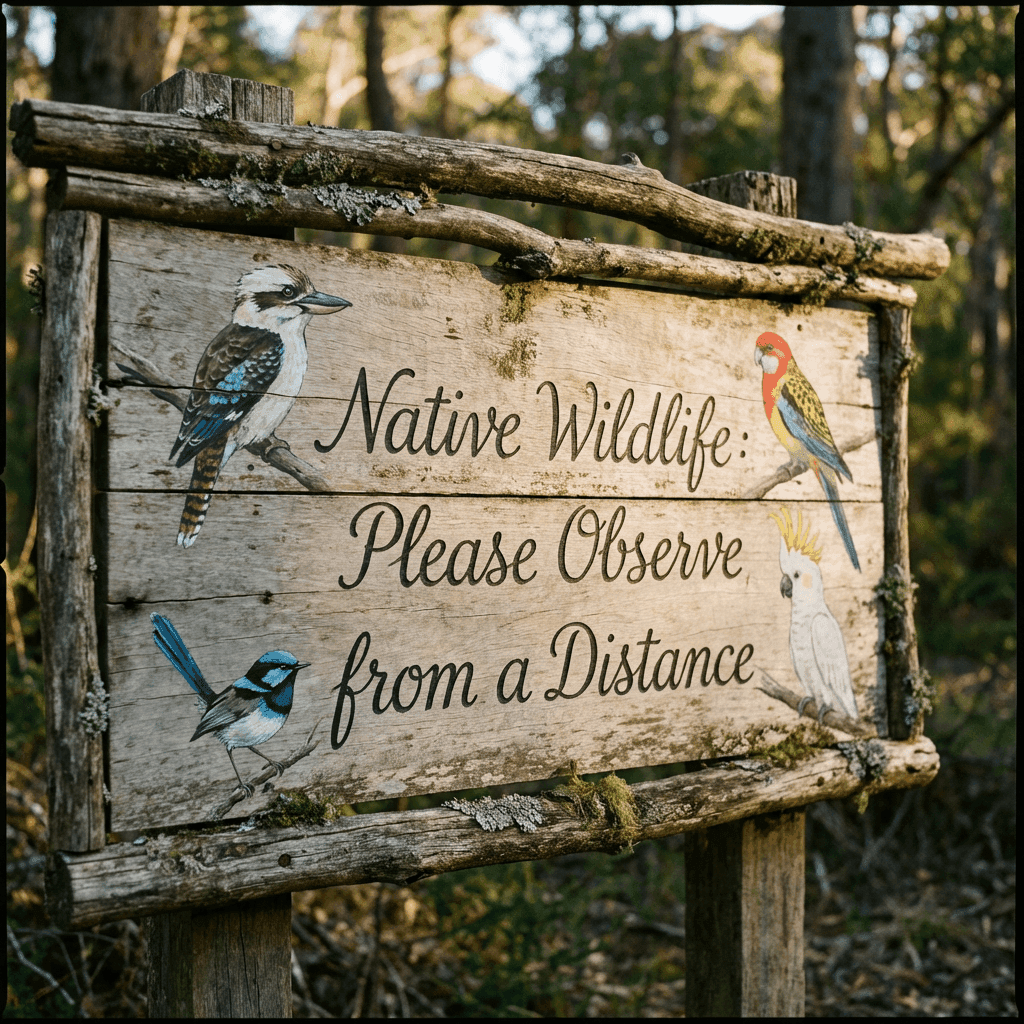
Advanced Typography & Localization: Precise text rendering in multiple languages, perfect for professional infographics and global ad campaigns.
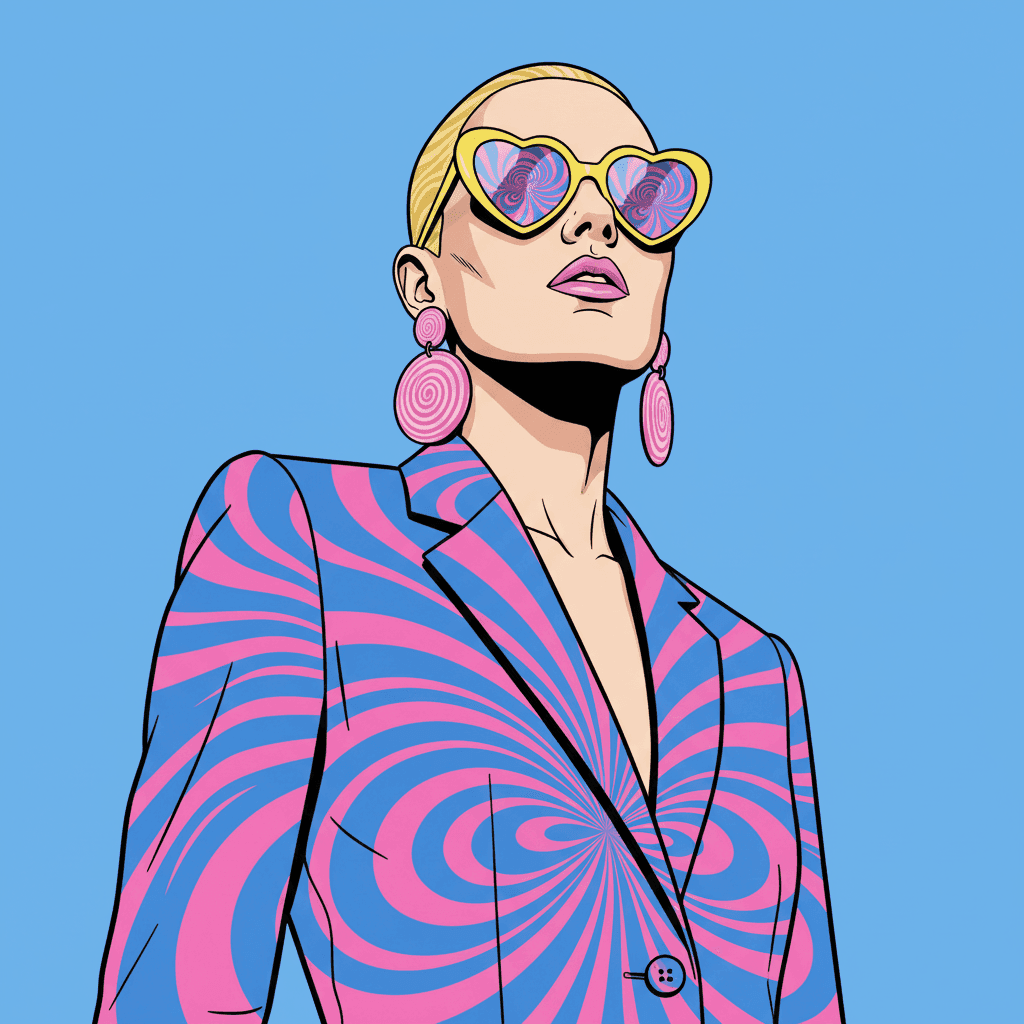
Chain-of-Thought Reasoning: Built-in "Thinking Level" configuration that analyzes complex prompts for superior logic and instruction following.
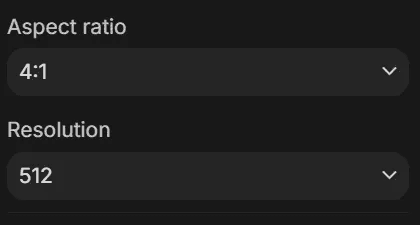
Professional 4K & Extreme Ratios: Native 4096x4096 resolution with support for specialized formats like 1:8, 8:1, 1:4, and 4:1.
Real-Time World Knowledge & Grounding
Nano Banana 2 connects directly to Google's live knowledge base. Unlike other models that "hallucinate" details, it can research real-world architecture, historical facts, or scientific data before rendering to ensure visual accuracy.
Prompt
Infographic about the water cycle
Result
Superior Character & Style Consistency
Maintain perfect identity across your entire project. Nano Banana 2 can reference up to 14 source images to keep characters, outfits, and art styles identical across multiple frames, making it the ultimate tool for comic book artists and storyboarders.
Result
Advanced Typography & Localization
Stop struggling with "gibberish" text. Nano Banana 2 renders sharp, legible fonts and can even translate your creative concepts into different languages while adjusting the visual atmosphere to match the target culture.
Prompt
A cinematic close-up of a wooden sign made of recycled materials. The sign features detailed illustrations of local birds and the text "Native Wildlife: Please Observe from a Distance" in elegant, legible handwriting.
Result
Chain-of-Thought Reasoning
Nano Banana 2 features a configurable Thinking Level. By increasing the reasoning depth, the model performs a multi-step internal analysis of your prompt before rendering. This significantly improves spatial logic, ensuring that objects are placed exactly where you requested and that complex, multi-layered descriptions are followed to the letter.
Prompt
A highly stylized pop art fashion portrait from a low-angle perspective. The subject wears a suit with electric blue swirls and bright pink concentric circles. Accessories include yellow heart-shaped sunglasses and oversized pink earrings. The background is a flat, uniform sky blue with soft, shadowless lighting.
Result
Professional 4K & Extreme Ratios
From 512px thumbnails to native 4K masterpieces, Nano Banana 2 handles any scale. With new support for extreme ratios like 4:1 and 8:1, you can generate panoramic landscapes or vertical mobile banners without any awkward cropping.
Result
Nano Banana 2 vs GPT Image 1.5 vs Nano Banana Pro: Performance Comparison Table
Discover how Nano Banana 2, GPT Image 1.5, and Nano Banana Pro compare with each other here:
Feature
Image Arena Elo Scores
Feature
Text-to-Image Ranking
Feature
Thinking Process
Feature
Cost per Image
| Feature | Nano Banana 2 | GPT Image 1.5 | Nano Banana Pro |
|---|---|---|---|
| Image Arena Elo Scores | 1279 (Rank 1) | 1247 | 1238 |
| Text-to-Image Ranking | Global #1 | Top Tier | Top Tier |
| Thinking Process | Native Chain-of-Thought | Limited | Specialized |
| Cost per Image | 0.0672 USD | High | 0.1344 USD |
How To Use Nano Banana 2 AI Image Model on skills.video
Select the Nano Banana 2 model
Head to the create page and choose this model from the dropdown list.
Input your detailed prompt
Describe the scene, style, and motion you want. Adjust settings as needed.
Download your result
Click create, then download or share once the generation finishes.