
Z-Image Image Generator
Z-Image gives you a focused AI image generation lineup for fast iteration, clean detail, and flexible visual styles. Explore the available models below and start creating on skills.video.
Explore Z-Image's Models
Jump straight into the exact model page you want to compare, test, or use for generation.
Z-Image's Feature Offerings
Common strengths surfaced across this provider's most relevant model families.
Z-Image
High-Quality Creative Generation
The official repository describes Z-Image as the foundation model behind Z-Image-Turbo, focused on high-quality generation and stronger aesthetic output. It is positioned for creators and developers who need a more capable base model for image synthesis rather than only the fastest distilled path.
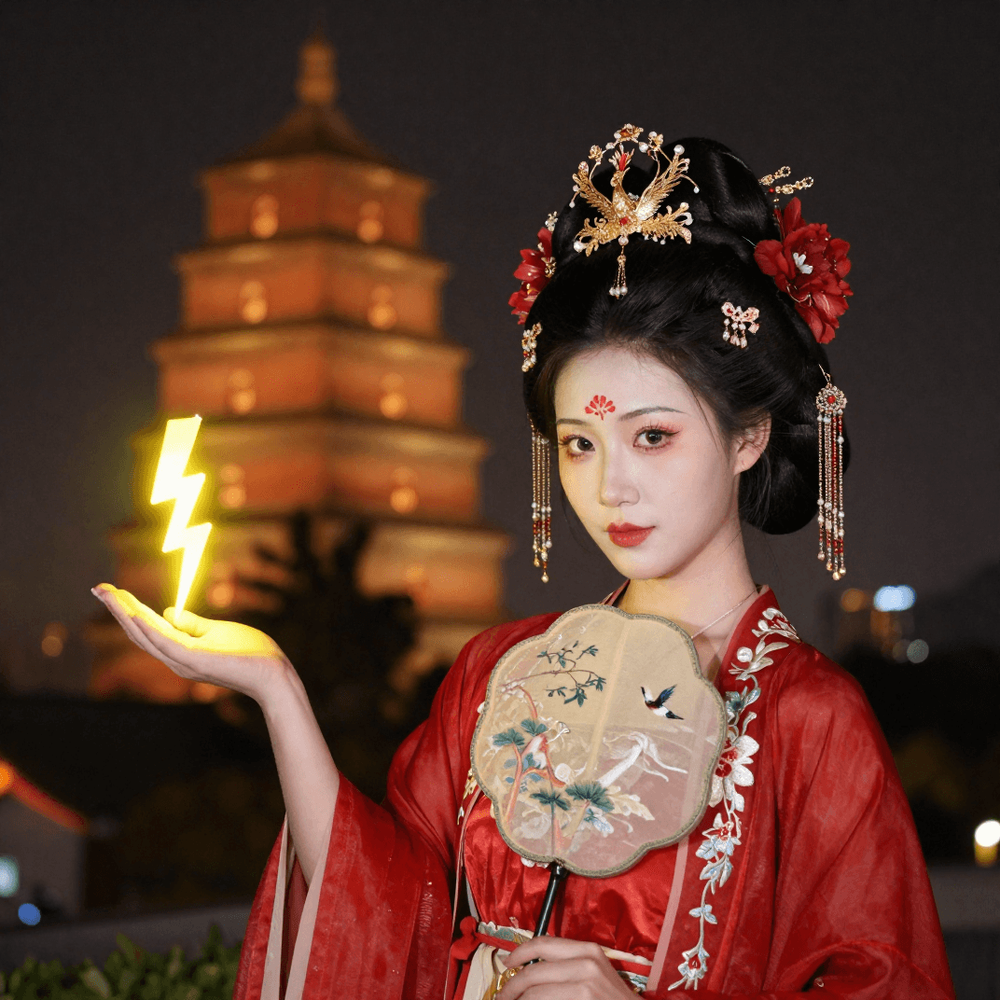
Z-Image
Strong Diversity And Controllability
The README explicitly states that Z-Image focuses on strong diversity and controllability. It highlights diversity across identities, poses, compositions, and layouts, which makes the model more suitable for iterative creative exploration and downstream customization.
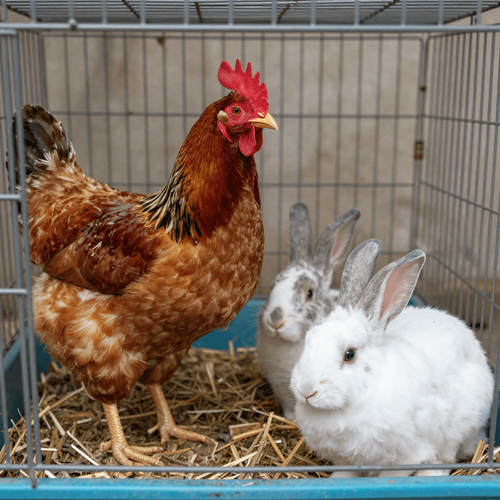
Z-Image
Wide Style Range And Negative Prompting
The official repo says Z-Image supports a wide range of artistic styles and effective negative prompting. In the recommended parameters for the base model, negative prompts are described as strongly recommended for better control when removing unwanted content or tightening the composition.

Z-Image
Flexible Resolution And Sampling Controls
For the base Z-Image model, the repository recommends resolutions from 512×512 up to 2048×2048 in total pixel area at any aspect ratio. It also recommends guidance scale 3.0 to 5.0, inference steps 28 to 50, and using cfg_normalization false for general stylism or true for realism.
How to Use Z-Image on skills.video
01
Choose a Z-Image model
Pick the model family that matches your workflow, then jump into its dedicated model page.
02
Review examples and features
Check each model's prompt examples, controls, and feature details before generating.
03
Start creating
Launch directly into image or video creation once you've selected the right model.
Image Models
Compare Z-Image image models for text-to-image and image editing workflows.
FAQs
Common questions about Z-Image models and workflows.