
Runway AI Video Generator
Runway AI is a creative video platform from Runway Research that combines text-to-video, image-to-video, video transformation, character performance tools, lip sync, and frame interpolation in a single AI workflow.
Explore Runway AI's Models
Jump straight into the exact model page you want to compare, test, or use for generation.
Runway AI's Feature Offerings
Common strengths surfaced across this provider's most relevant model families.
Text to Video
Runway can generate videos from simple or complex prompts, making it useful for ideation, storyboarding, and fast visual exploration directly from text.
Example 1
Prompt
Wide angle shot of a painting in a museum. The camera zooms in close to the painting
Output videos
Example 2
Prompt
FPV camera view exiting through a tunnel into a stunning and lively underwater lake
Output videos
Example 3
Prompt
Top-down-drone-shot of icebergs with muted colors
Output videos
Example 4
Prompt
The late afternoon sun peeking through the window of a New York City loft.
Output videos
| Prompt | Output videos |
|---|---|
Wide angle shot of a painting in a museum. The camera zooms in close to the painting | |
FPV camera view exiting through a tunnel into a stunning and lively underwater lake | |
Top-down-drone-shot of icebergs with muted colors | |
The late afternoon sun peeking through the window of a New York City loft. |
Image to Video
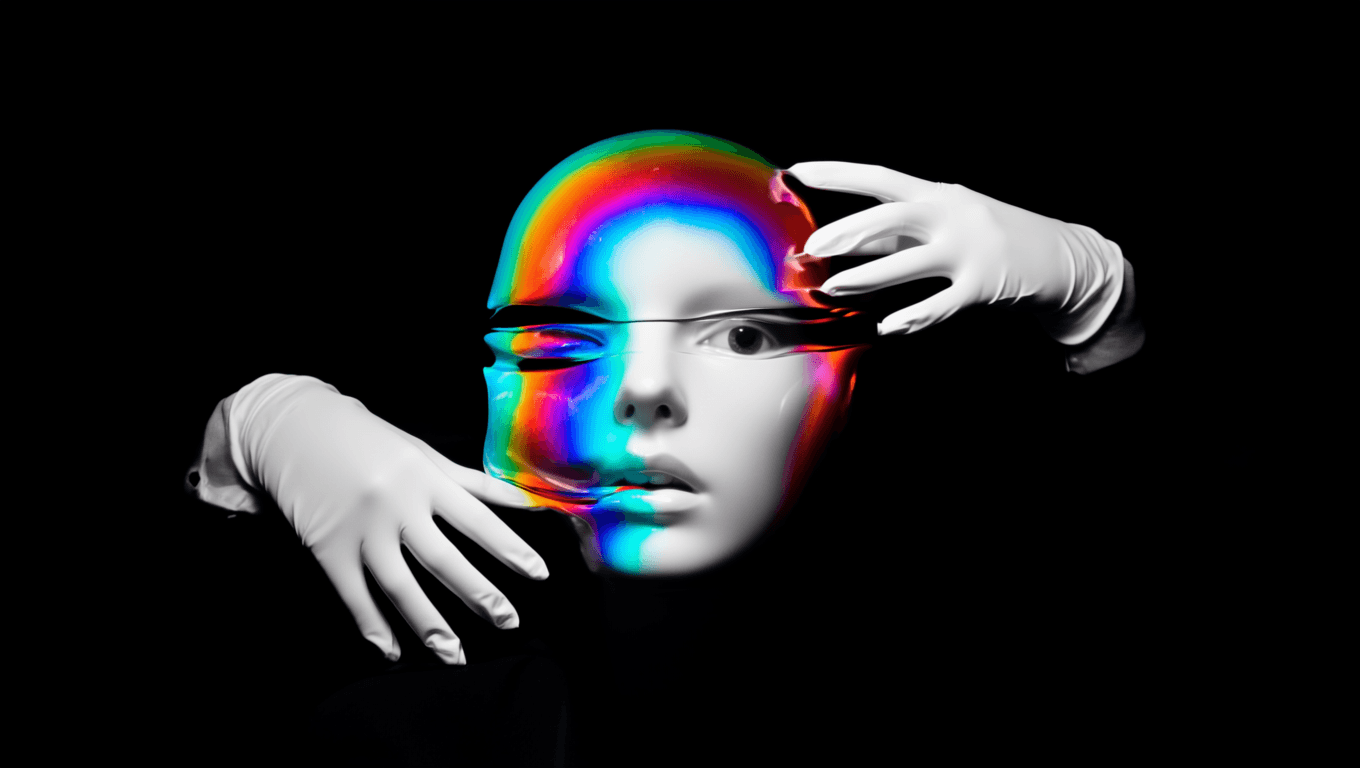
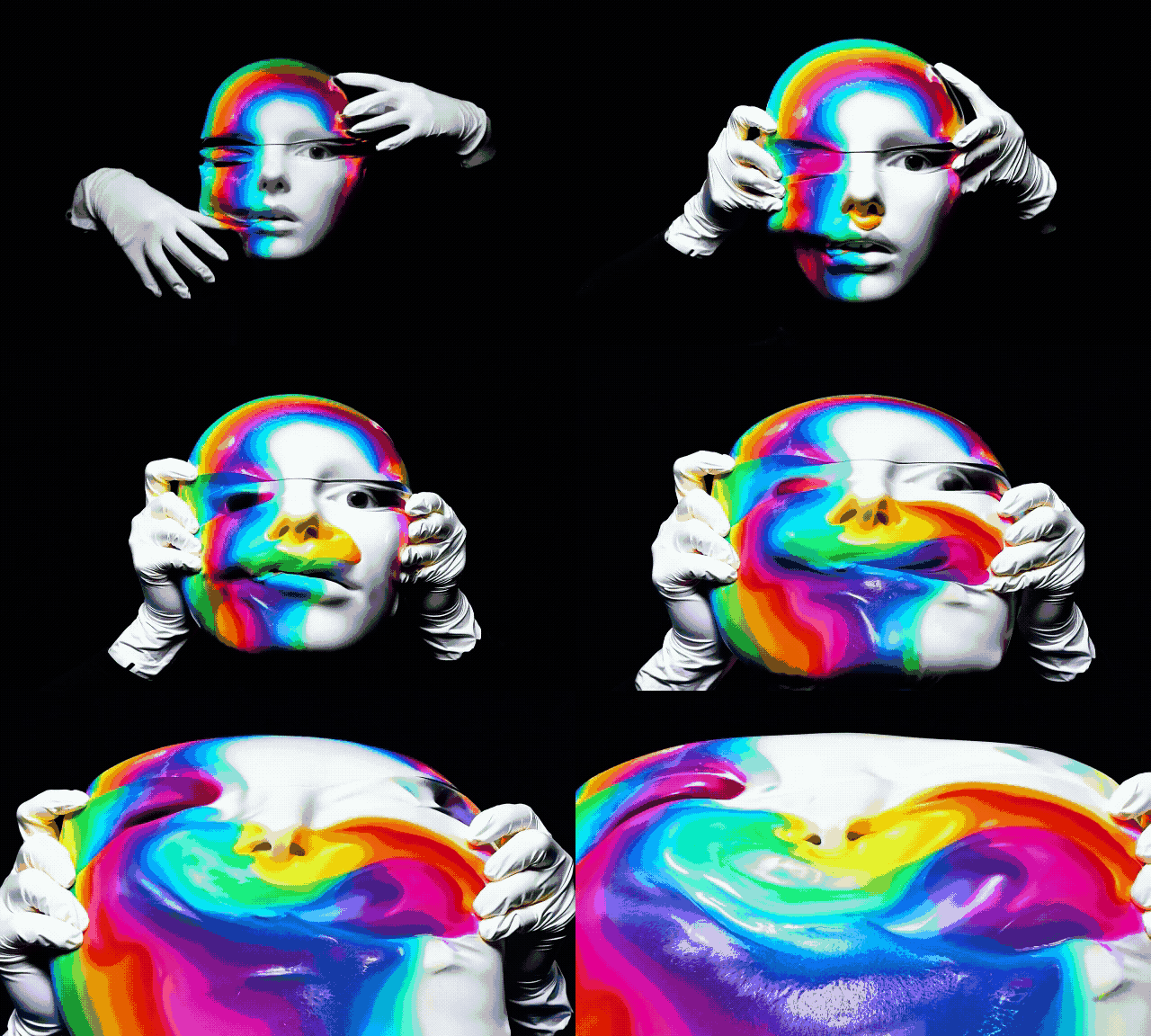
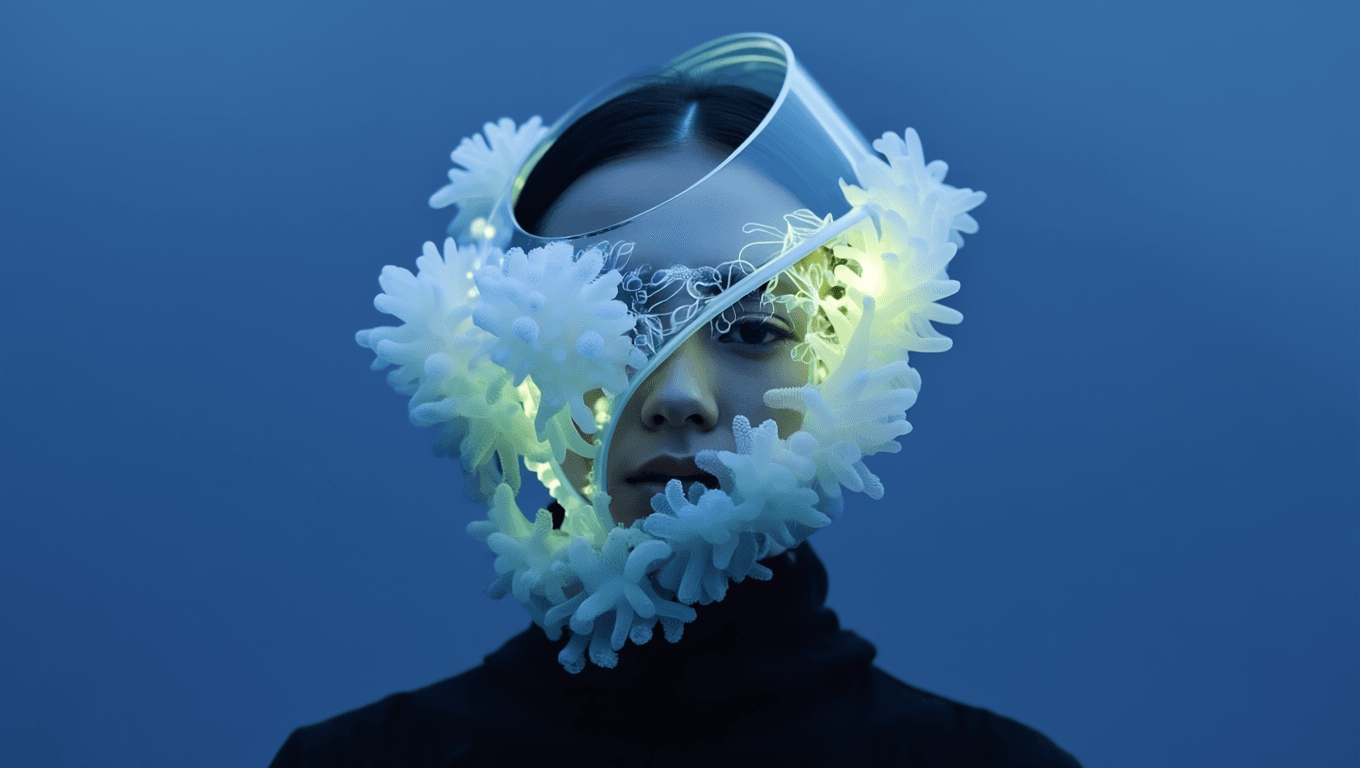
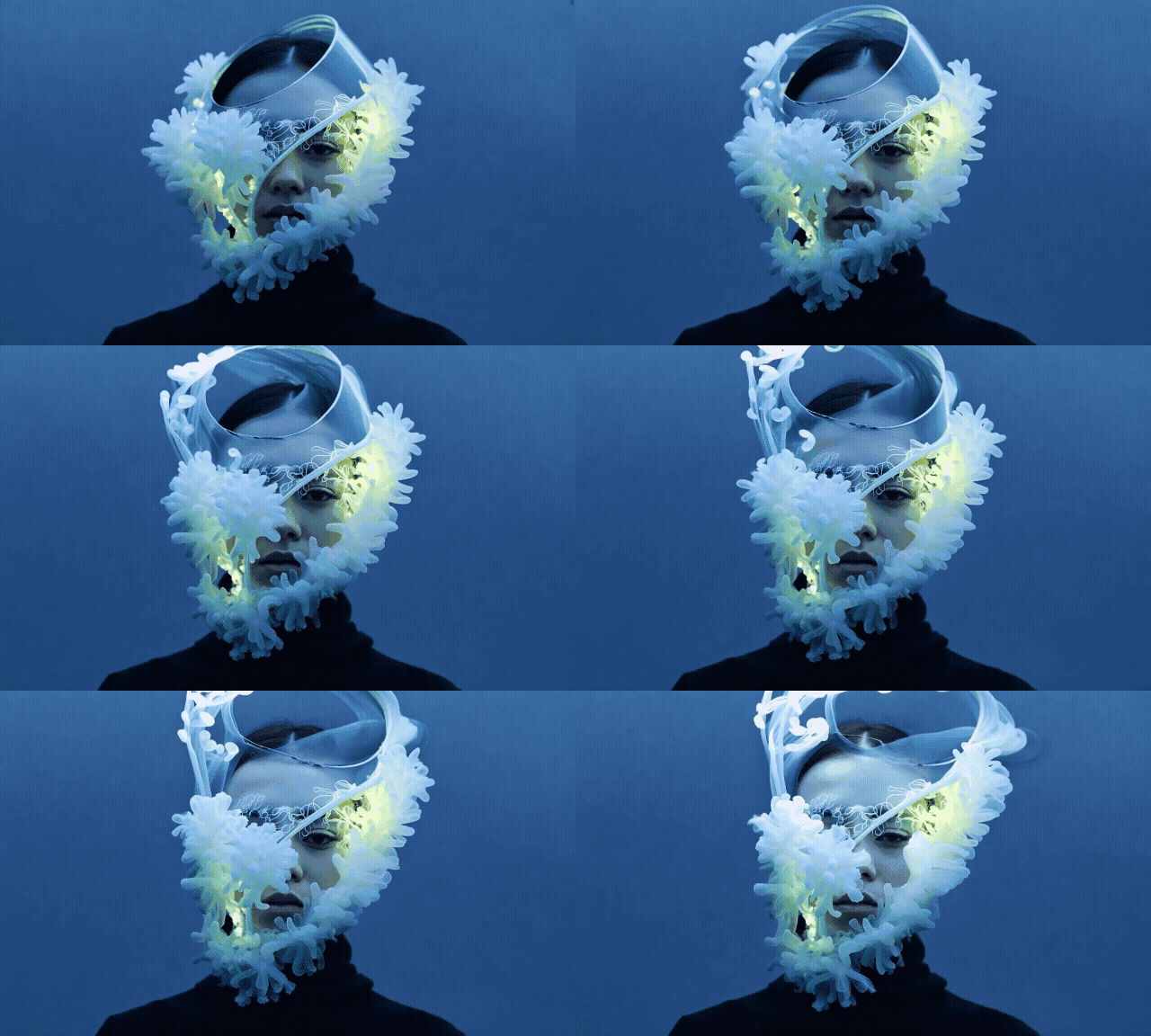
This workflow uses a still image as the source composition and lets you add prompt-driven movement, making it useful for turning artwork or photography into motion sequences.
Example 1
Prompt
The gloved hands pull to stretch the face made of a bubblegum material
Input Image
Output video
Example 2
Prompt
The sea anemones sway and flow naturally in the water. the camera remains still.
Input Image
Output video
| Prompt | Input Image | Output video |
|---|---|---|
The gloved hands pull to stretch the face made of a bubblegum material | | |
The sea anemones sway and flow naturally in the water. the camera remains still. | | |
Motion Brush
It gives you localized control over movement so only selected parts of the frame animate, instead of relying on a full-frame reinterpretation.
Image with Runway's Motion Brush applied
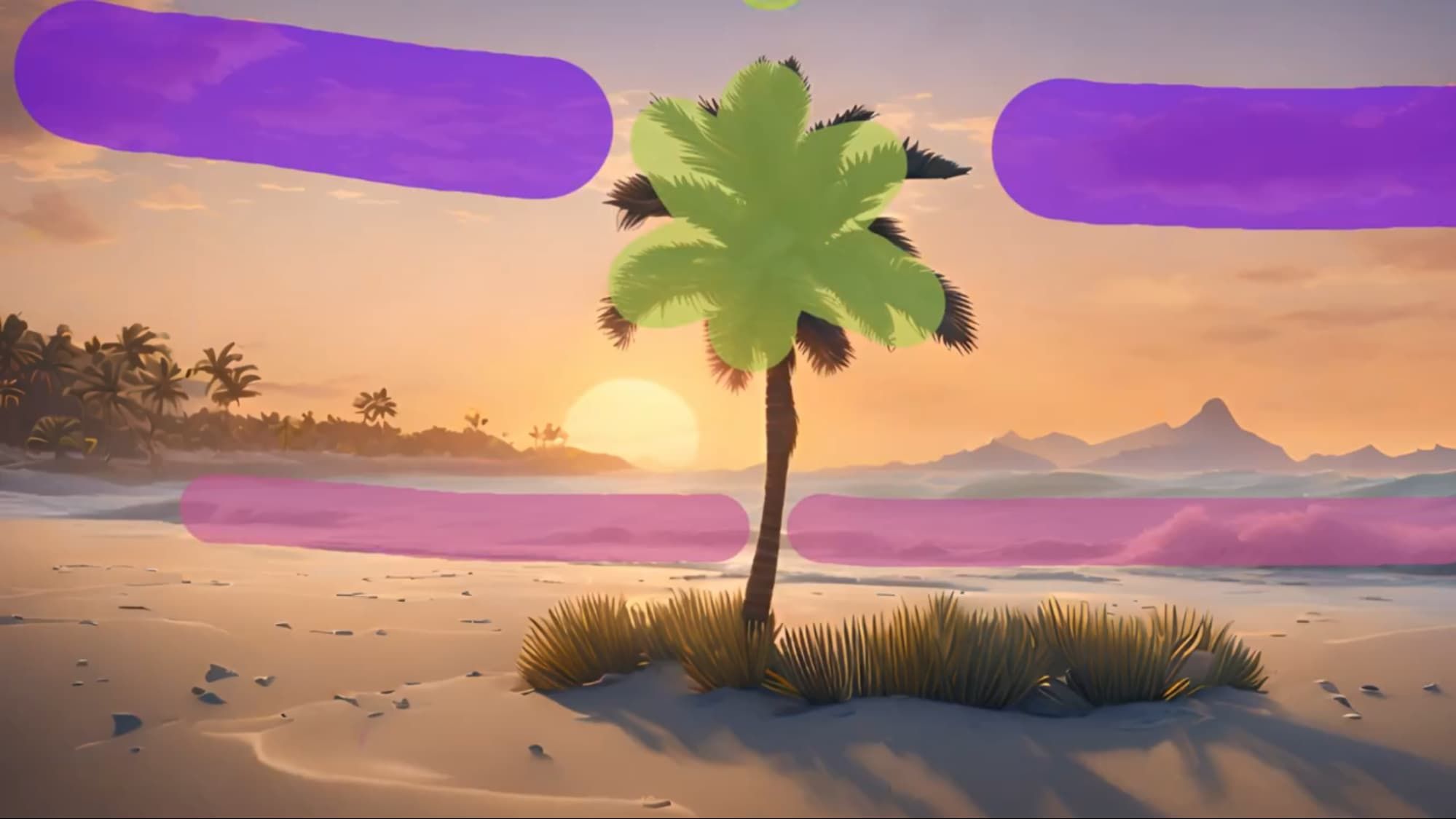
Output video
| Image with Runway's Motion Brush applied | Output video |
|---|---|
|
Video to Video
It is designed for reimagining footage with new visual treatments instead of generating entirely new motion from scratch.
Input video
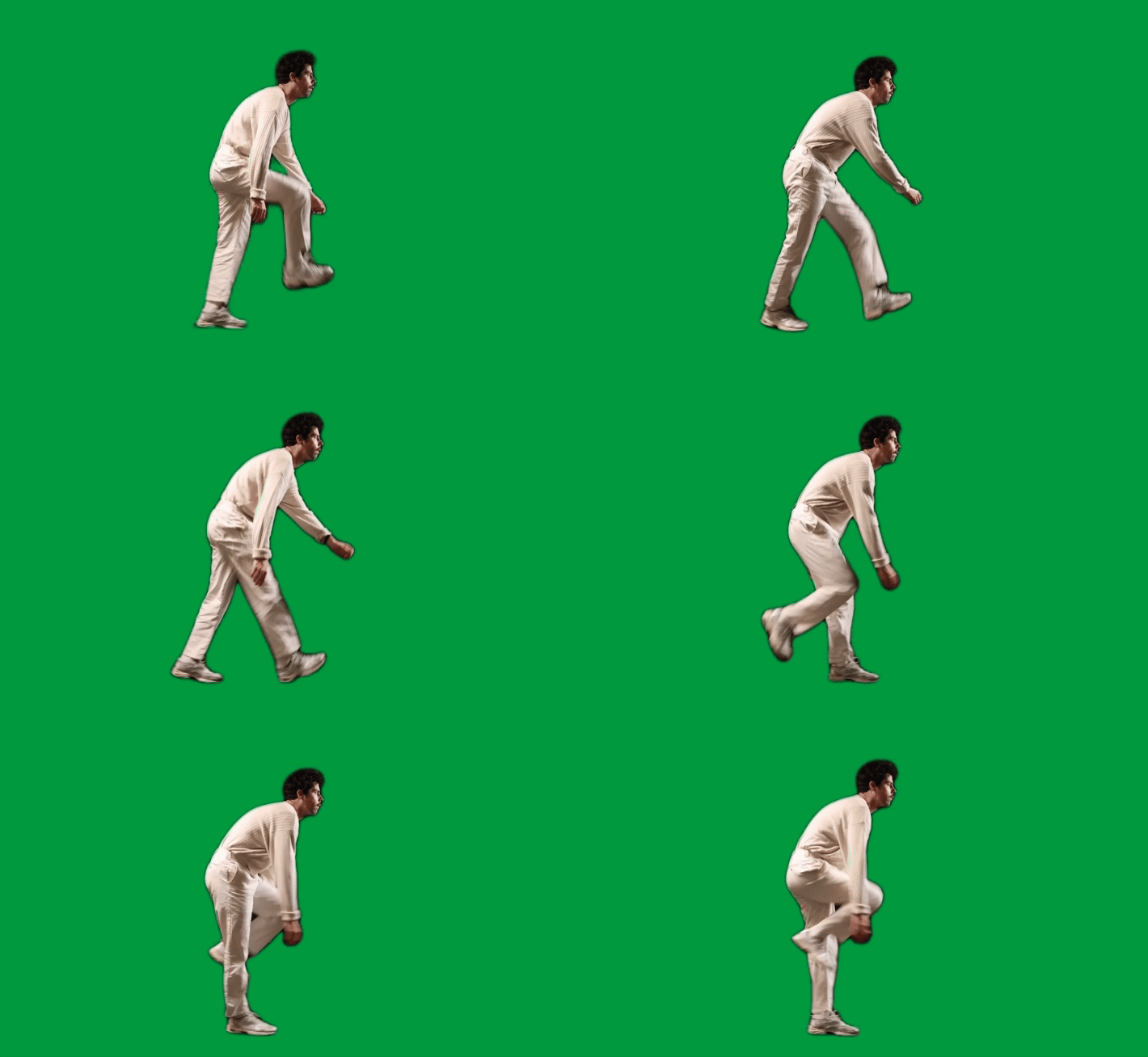
Prompt
3D halftone CMYK style. halftone print dot. comic book. vibrant colors in layers of cyan blue, yellow, magenta purple, and black circular dots.
Output video
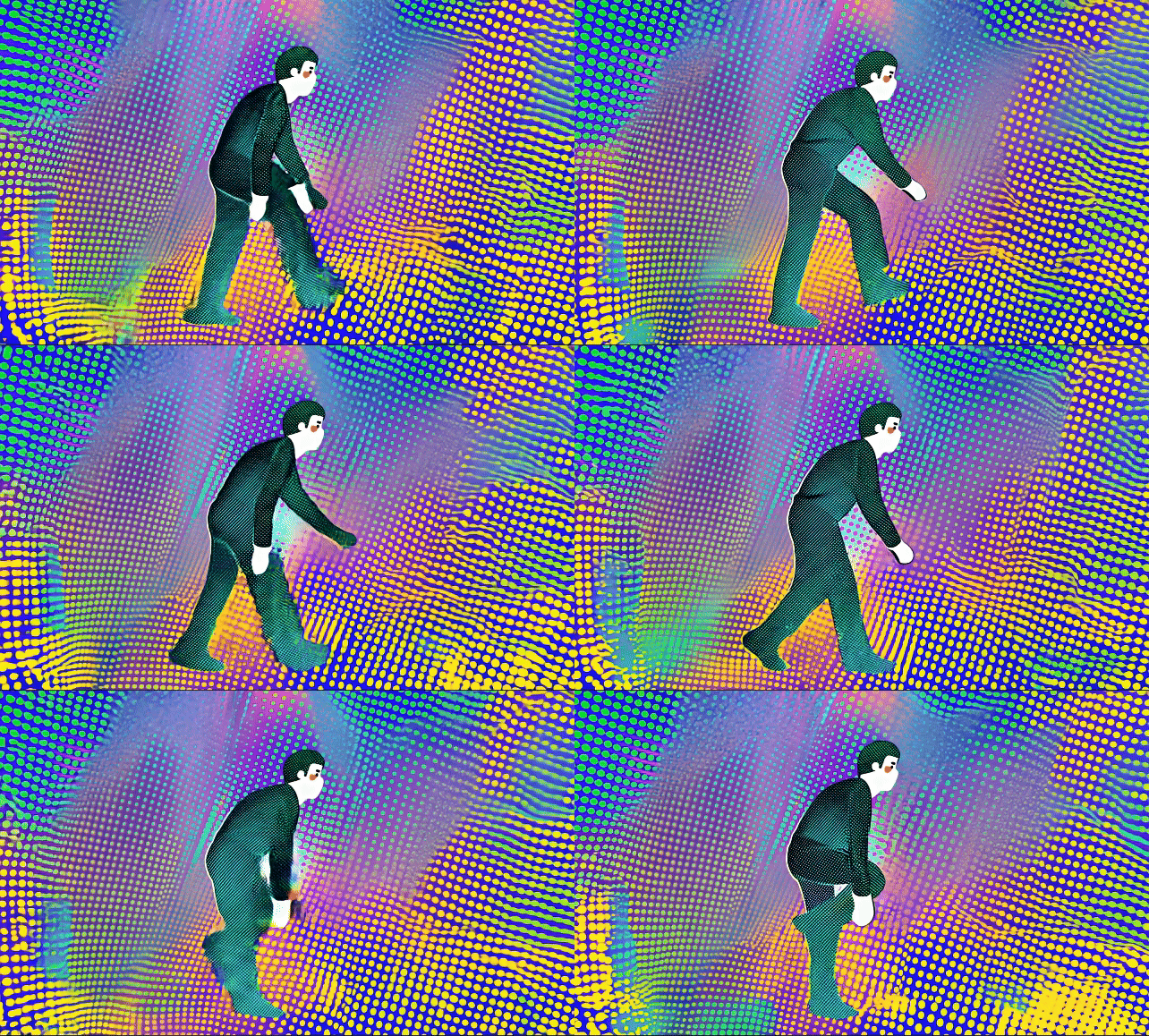
| Input video | Prompt | Output video |
|---|---|---|
| 3D halftone CMYK style. halftone print dot. comic book. vibrant colors in layers of cyan blue, yellow, magenta purple, and black circular dots. | |
Act One
To create these character performances, you combine a source video that drives movement and speech with a reference image that defines the character being animated.
Driving video and character reference
| Driving video and character reference |
|---|
Lip Sync
It supports text-to-speech scripts, uploaded audio, and multi-face scenes, and is intended for character dialogue and conversational video scenes.
Example 1
Image
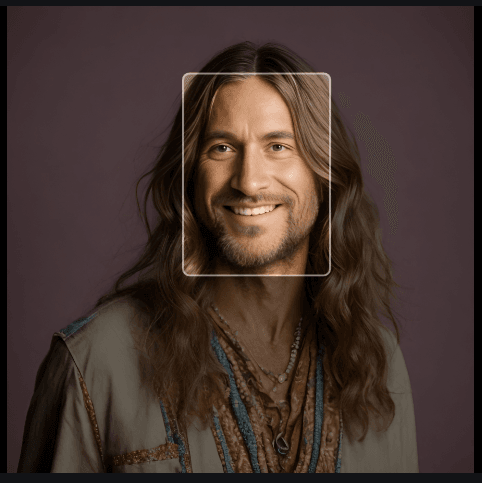
Text script
I hope you’re all having a fantastic time today. It’s awesome to have this chance to connect.
Output video
Example 2
Image
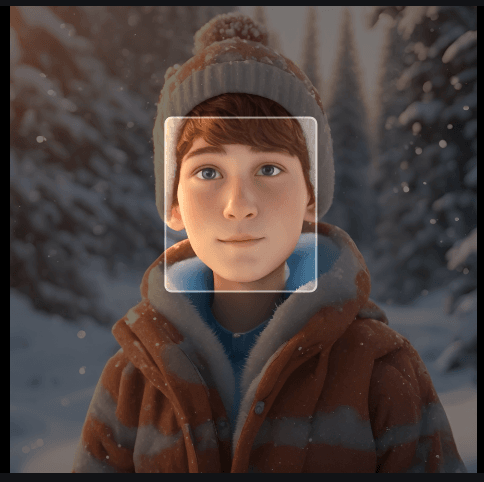
Text script
Hey Jamie! Do you have any plans for the weekend?
Output video
| Image | Text script | Output video |
|---|---|---|
| I hope you’re all having a fantastic time today. It’s awesome to have this chance to connect. | |
| Hey Jamie! Do you have any plans for the weekend? |
Frame Interpolation
It is designed for morphing, blending, and keyframe-based image sequences where smooth transitions are the main goal.
Images
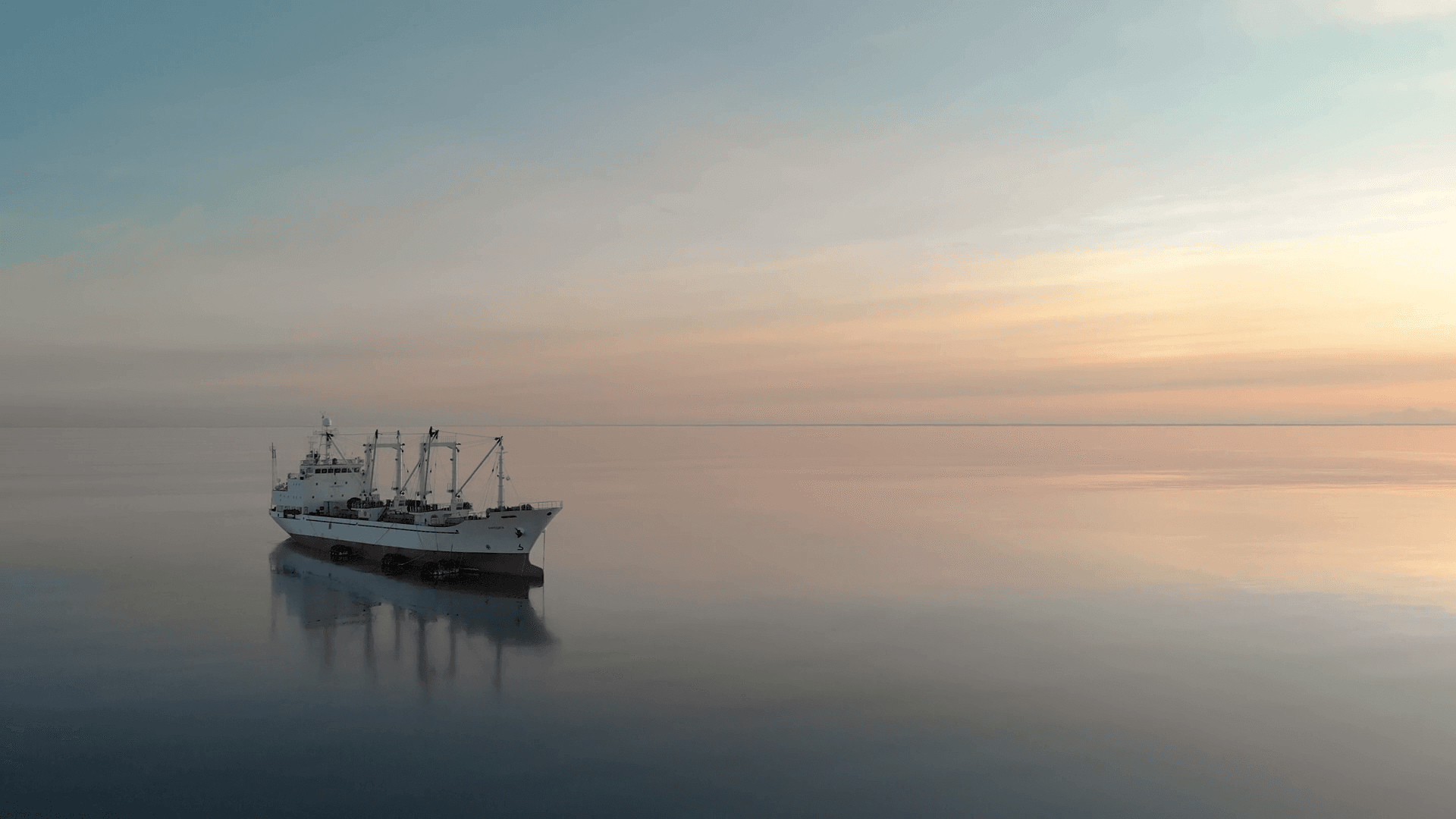
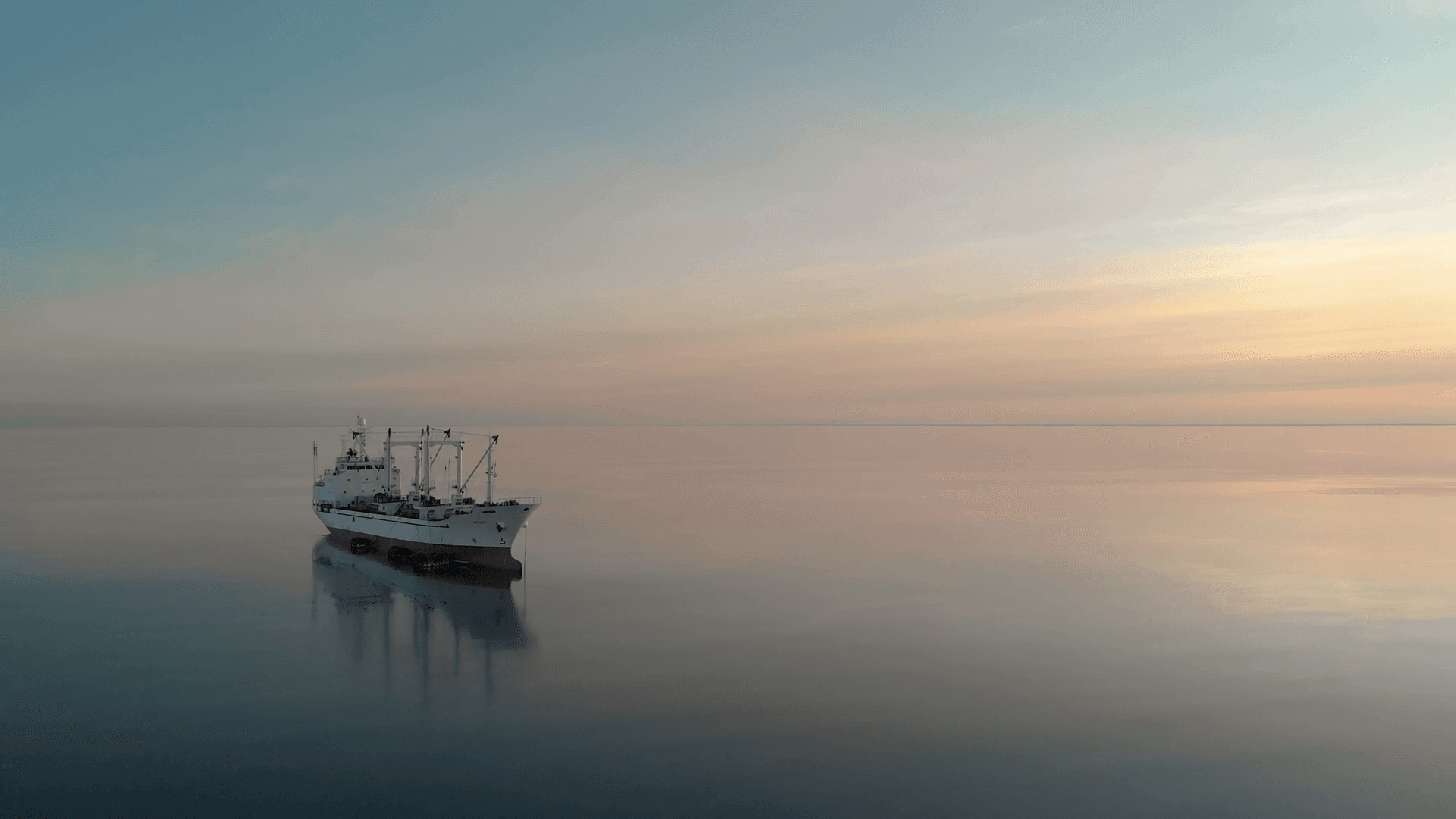
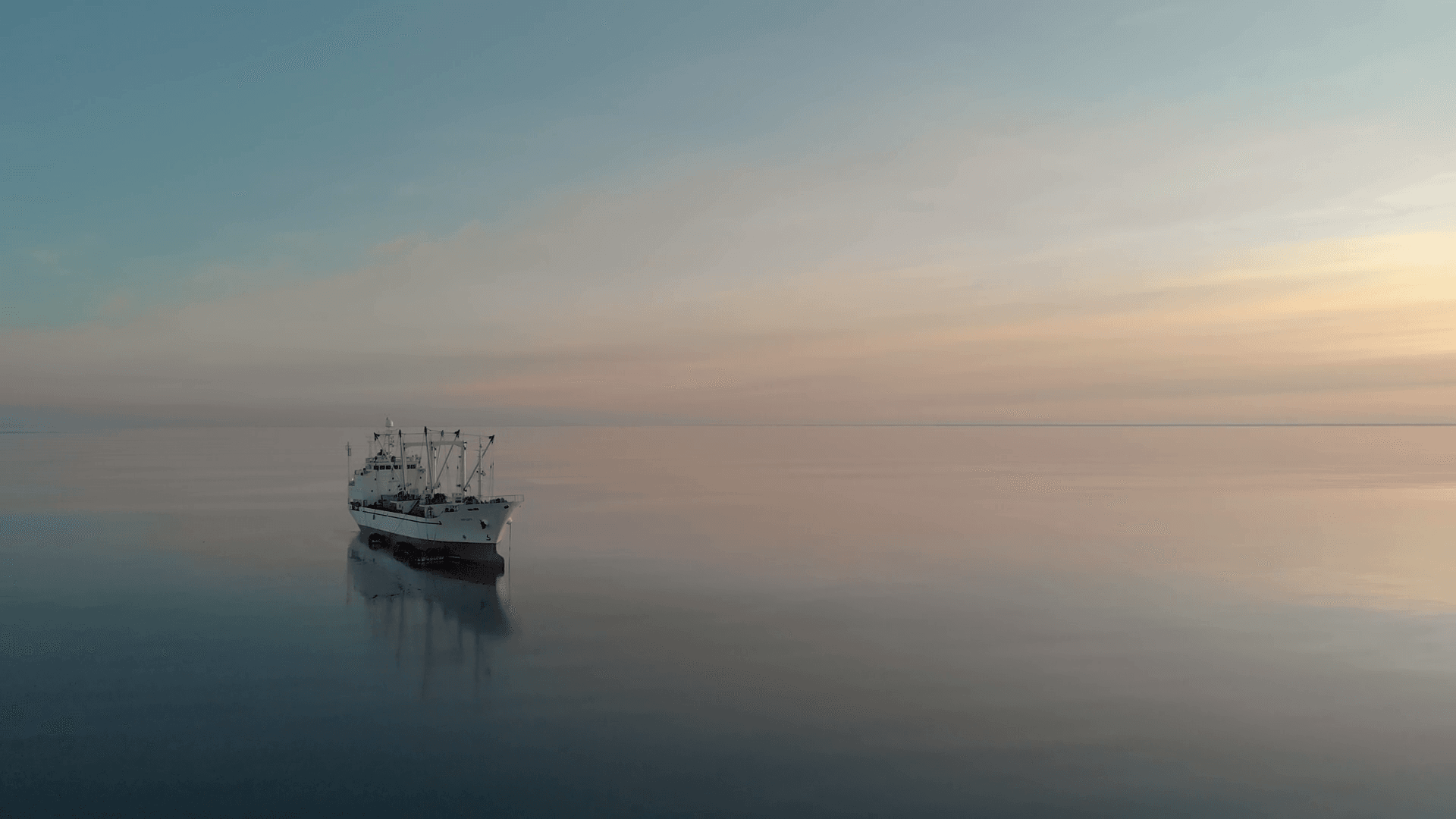
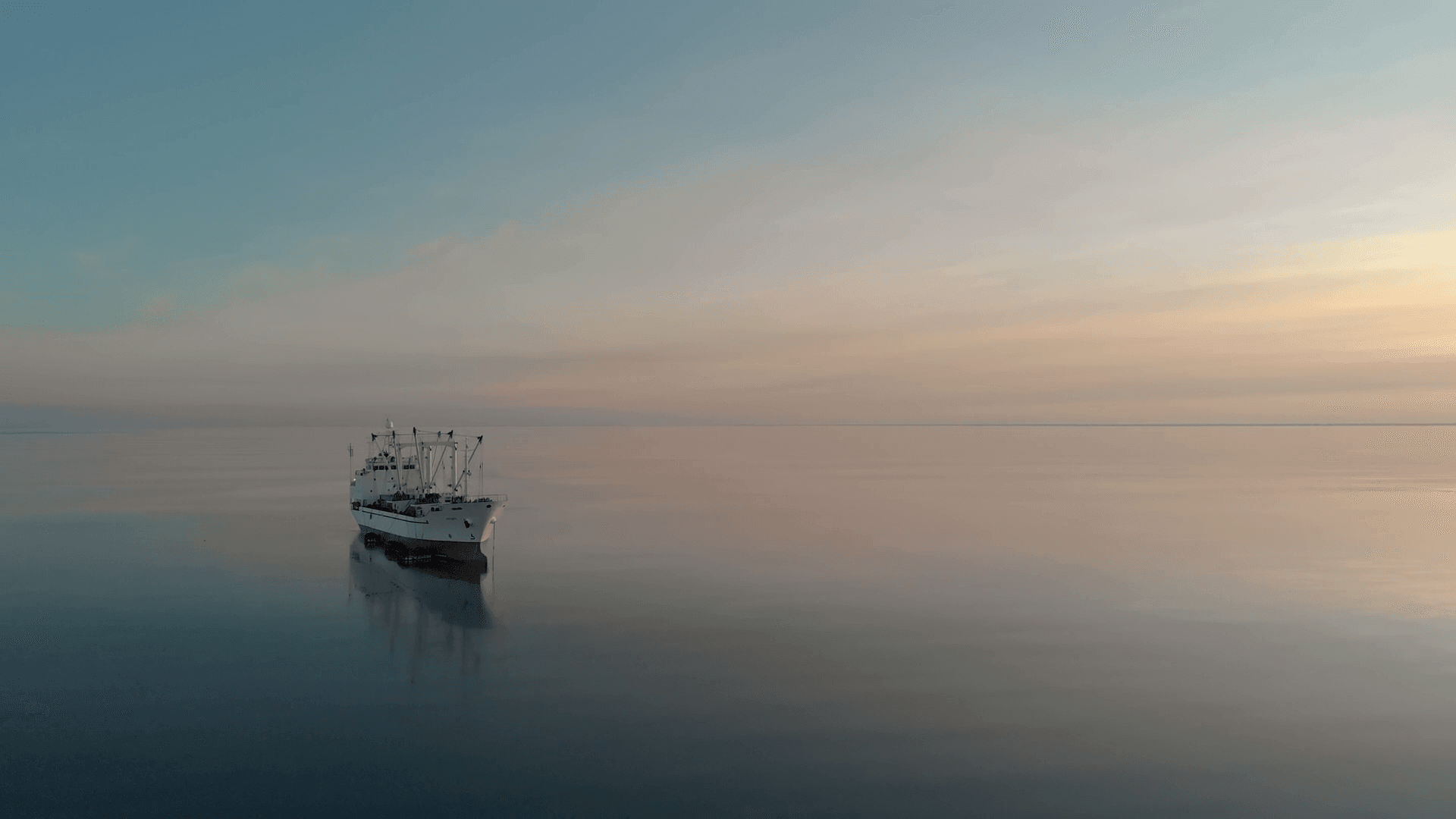
Output video
| Images | Output video |
|---|---|
|
How to Use Runway AI on skills.video
01
Upload an Image
Start by uploading the image you want to animate using the interface.
02
Input Your Prompt
Type a text prompt describing the motion, style, or camera behavior you want in the final video.
03
Adjust Settings and Create
Adjust Motion Brush, camera controls, aspect ratio, and then generate the video.
Video Models
Browse all Runway AI video models in one place, including text-to-video and image-to-video options.
FAQs
Common questions about Runway AI models and workflows.