
Google Nano Banana Image Generator
Google Nano Banana AI, also called Gemini 2.5 Flash Image, is an advanced AI image generation and editing model from Google DeepMind. It is designed for detail-rich image creation, highly consistent iterative edits, and fast natural-language-driven refinement across both original generation and image editing workflows.
Explore Google Nano Banana's Models
Jump straight into the exact model page you want to compare, test, or use for generation.
Google Nano Banana's Feature Offerings
Common strengths surfaced across this provider's most relevant model families.
State-of-the-art Image Generation
Google Nano Banana AI combines strong prompt understanding with contextual consistency, making it well-suited for producing high-quality images that stay aligned with detailed text instructions across a wide range of art directions.
Prompt
A digital illustration of a glowing forest spirit sitting beside bioluminescent flowers in a misty valley at sunrise, cinematic composition, soft painterly textures, high detail.
Output Image
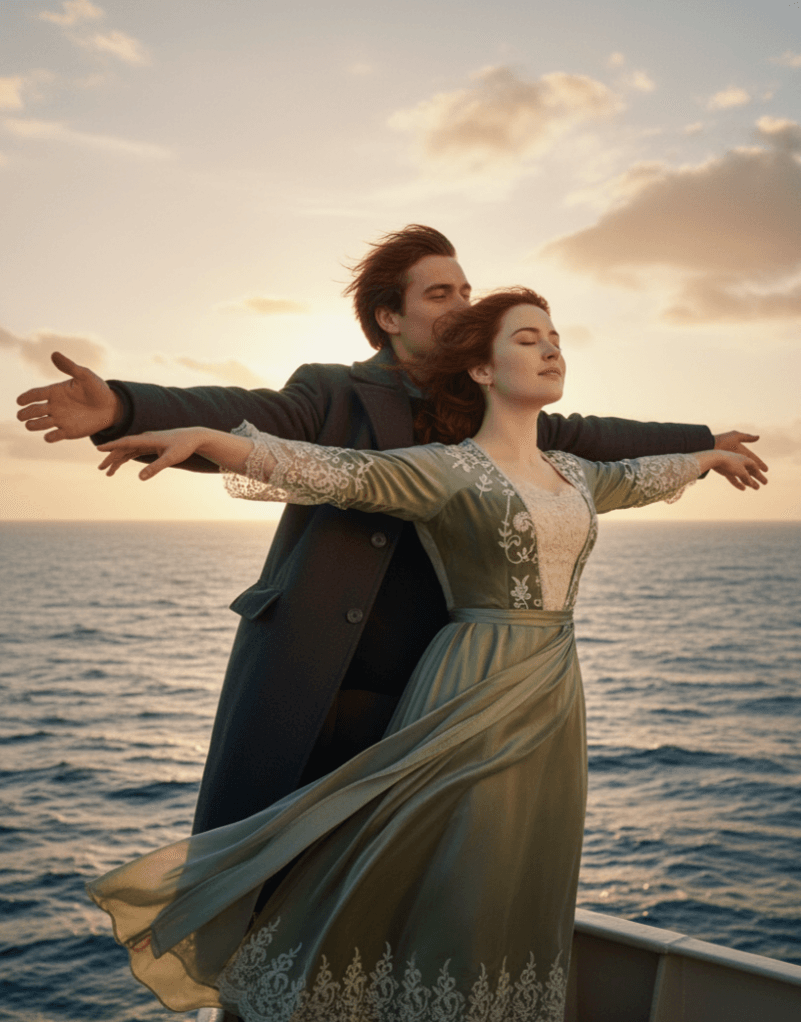
Prompt
A young Asian female figure, positioned in the center of the image. She appears to be a teenager, with long, straight, dark black hair styled in pigtails. She is wearing a light beige-colored cardigan-style sweater over a white collared shirt, a plaid mini skirt, black socks, and brown oxfords.
Output Image
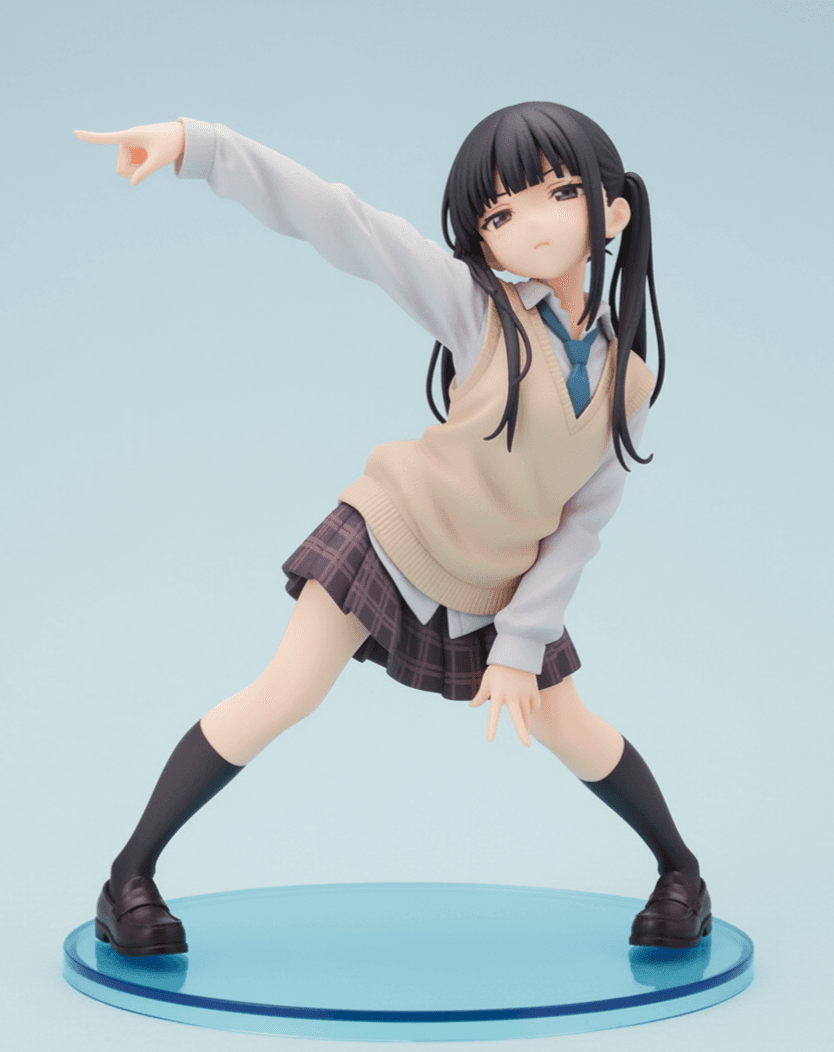
| Prompt | Output Image |
|---|---|
A digital illustration of a glowing forest spirit sitting beside bioluminescent flowers in a misty valley at sunrise, cinematic composition, soft painterly textures, high detail. | |
A young Asian female figure, positioned in the center of the image. She appears to be a teenager, with long, straight, dark black hair styled in pigtails. She is wearing a light beige-colored cardigan-style sweater over a white collared shirt, a plaid mini skirt, black socks, and brown oxfords. | |
Perfect Character Consistency
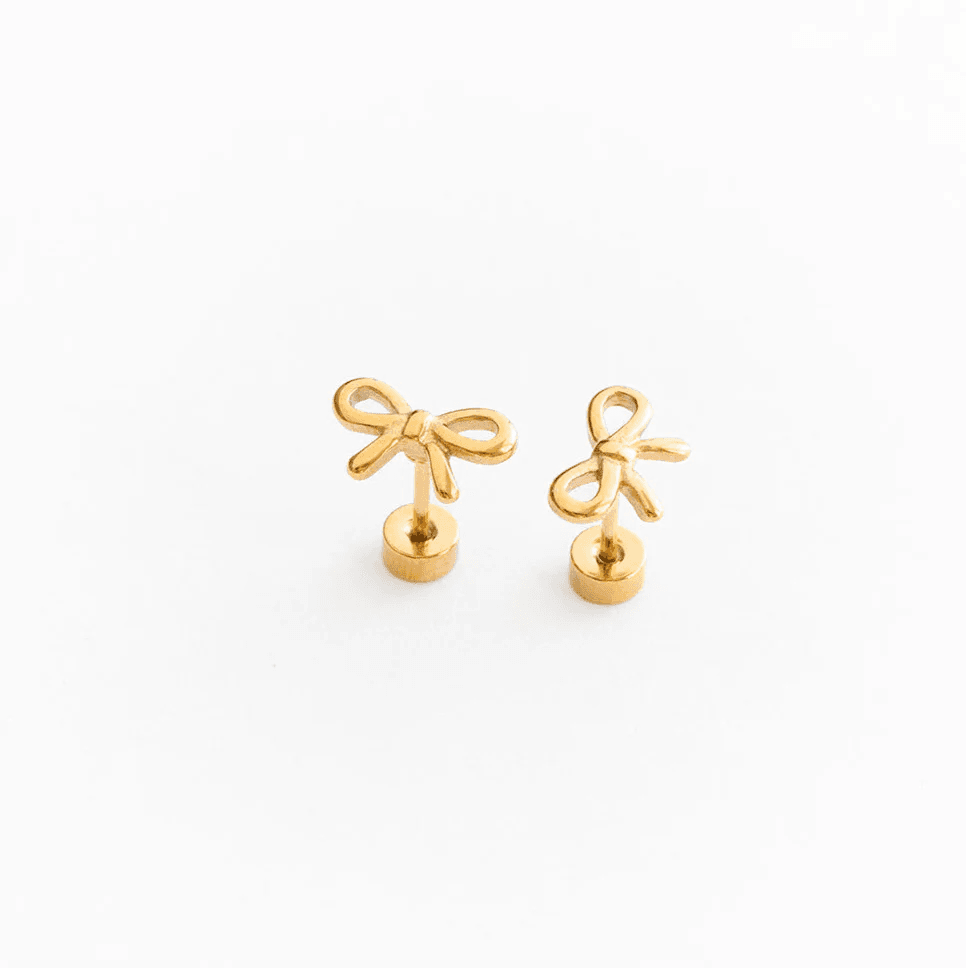
Nano Banana is designed for revision-heavy workflows where you need to add, remove, or adjust scene details without losing subject identity, composition, or overall style consistency from one edit to the next.
Original Image

Original Image 2
Prompt
Place the subject into a cozy window-side cafe in Paris. Keep the red scarf, facial features, and illustration style consistent while updating the environment lighting and background details.
Output Image

| Original Image | Original Image 2 | Prompt | Output Image |
|---|---|---|---|
| | Place the subject into a cozy window-side cafe in Paris. Keep the red scarf, facial features, and illustration style consistent while updating the environment lighting and background details. | |
Natural Language Image Refinement
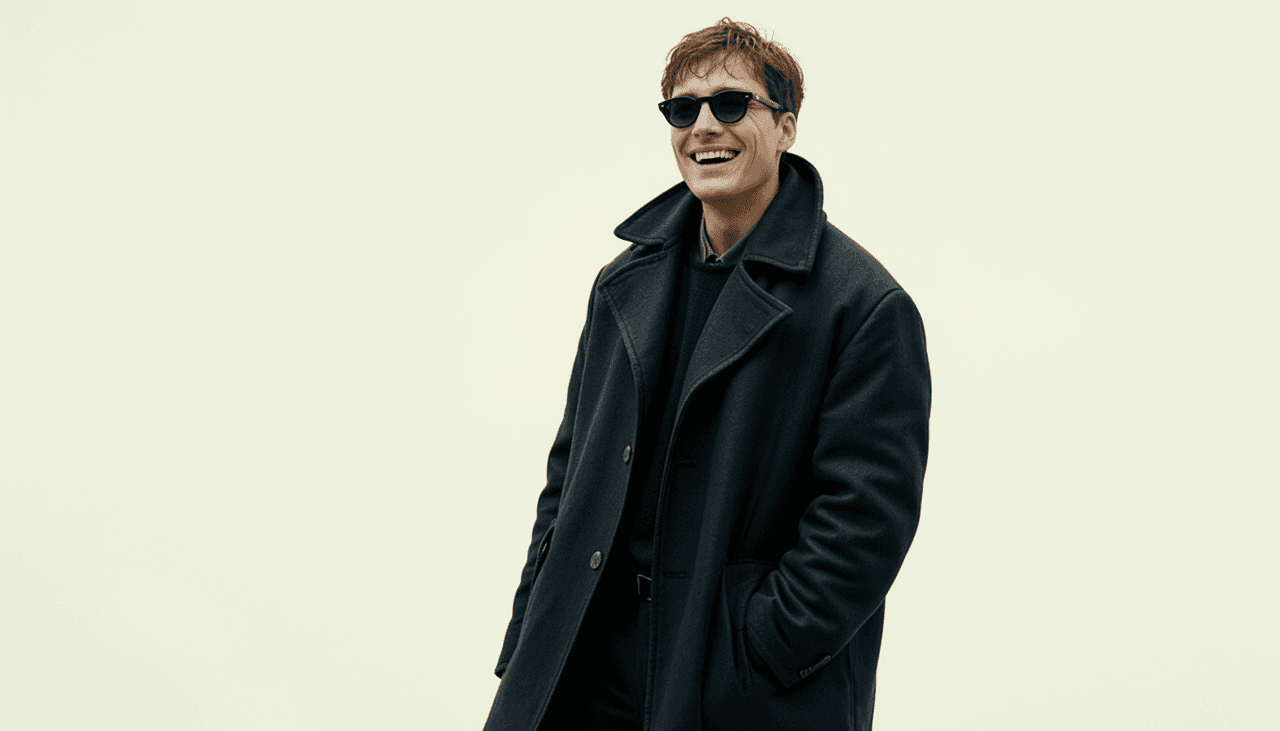
Using simple text instructions, Nano Banana can identify edit regions and make focused changes such as swapping backgrounds, removing distractions, changing poses, or refining stylistic details with minimal overhead.
Original Image
Prompt
Remove the background crowd, add soft golden-hour sunlight, and update the outfit to a light linen jacket while keeping the subject framing and expression consistent.
Output Image
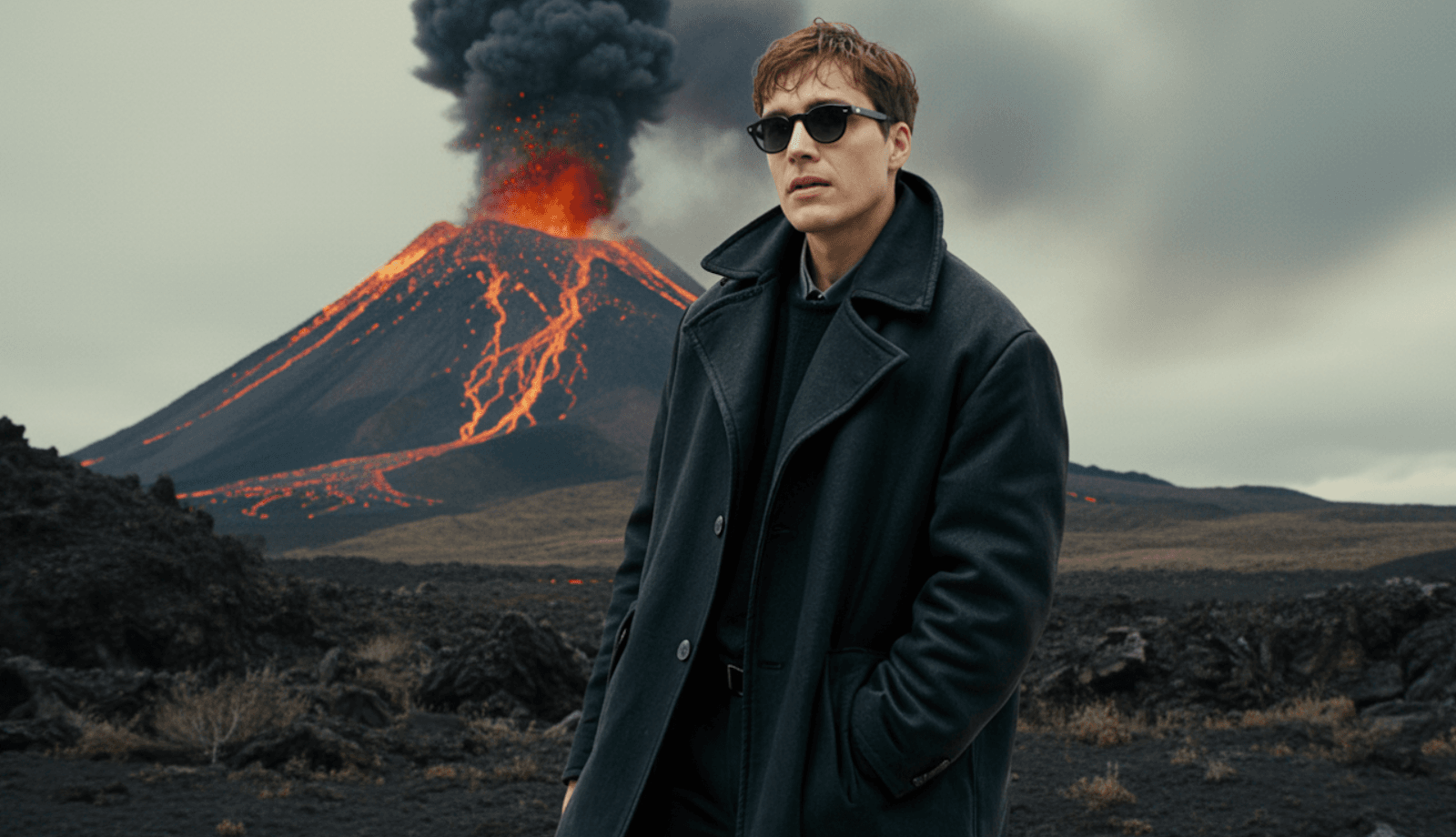
| Original Image | Prompt | Output Image |
|---|---|---|
| Remove the background crowd, add soft golden-hour sunlight, and update the outfit to a light linen jacket while keeping the subject framing and expression consistent. | |
Seamless Multi-Image Fusion
Gemini 2.5 Flash Image effortlessly understands and blends multiple input images. Whether inserting an object into a scene, restyling a room with new colors or textures, or merging images, you can achieve stunning results with a single natural language prompt.
Ultra-Fast Image Processing
Compared to other AI image models, Google Nano Banana AI takes speed to a whole new level. It doesn’t process imagery in tens of seconds but in even less time than that. Because of this, it can be an ideal solution for rapid ideation, experimentation, and editing, making it easier than ever for creators to produce more refined projects.
How to Use Google Nano Banana on skills.video
01
Choose a Google Nano Banana model
Pick the model family that matches your workflow, then jump into its dedicated model page.
02
Review examples and features
Check each model's prompt examples, controls, and feature details before generating.
03
Start creating
Launch directly into image or video creation once you've selected the right model.
Image Models
Compare Google Nano Banana image models for text-to-image and image editing workflows.
FAQs
Common questions about Google Nano Banana models and workflows.