
OpenAI Sora Video Generator
OpenAI Sora is a cinematic AI video generator built for prompt-driven short clips, image-to-video animation, and fast iteration across scene composition, pacing, and visual style.
Explore OpenAI Sora's Models
Jump straight into the exact model page you want to compare, test, or use for generation.
OpenAI Sora's Feature Offerings
Common strengths surfaced across this provider's most relevant model families.
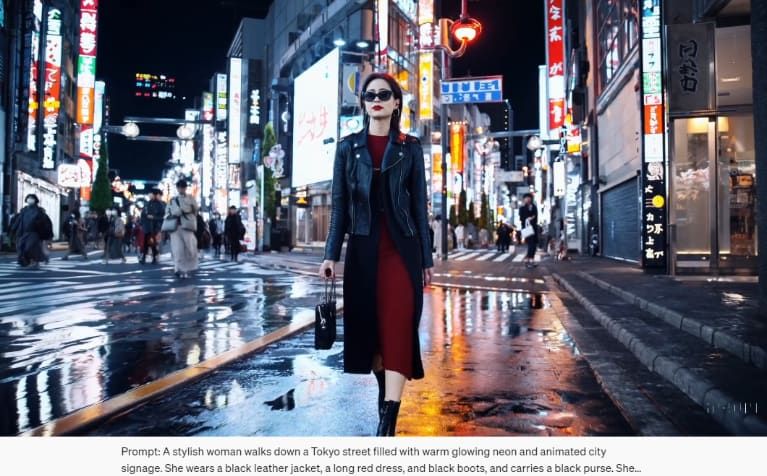
Text-to-Video Generation
With Sora's groundbreaking text-to-video feature, you can instantly convert your ideas into dynamic videos within seconds! Simply type in your ideas, from character descriptions to scene settings, and it will instantly generate a professional-quality video matching your description.
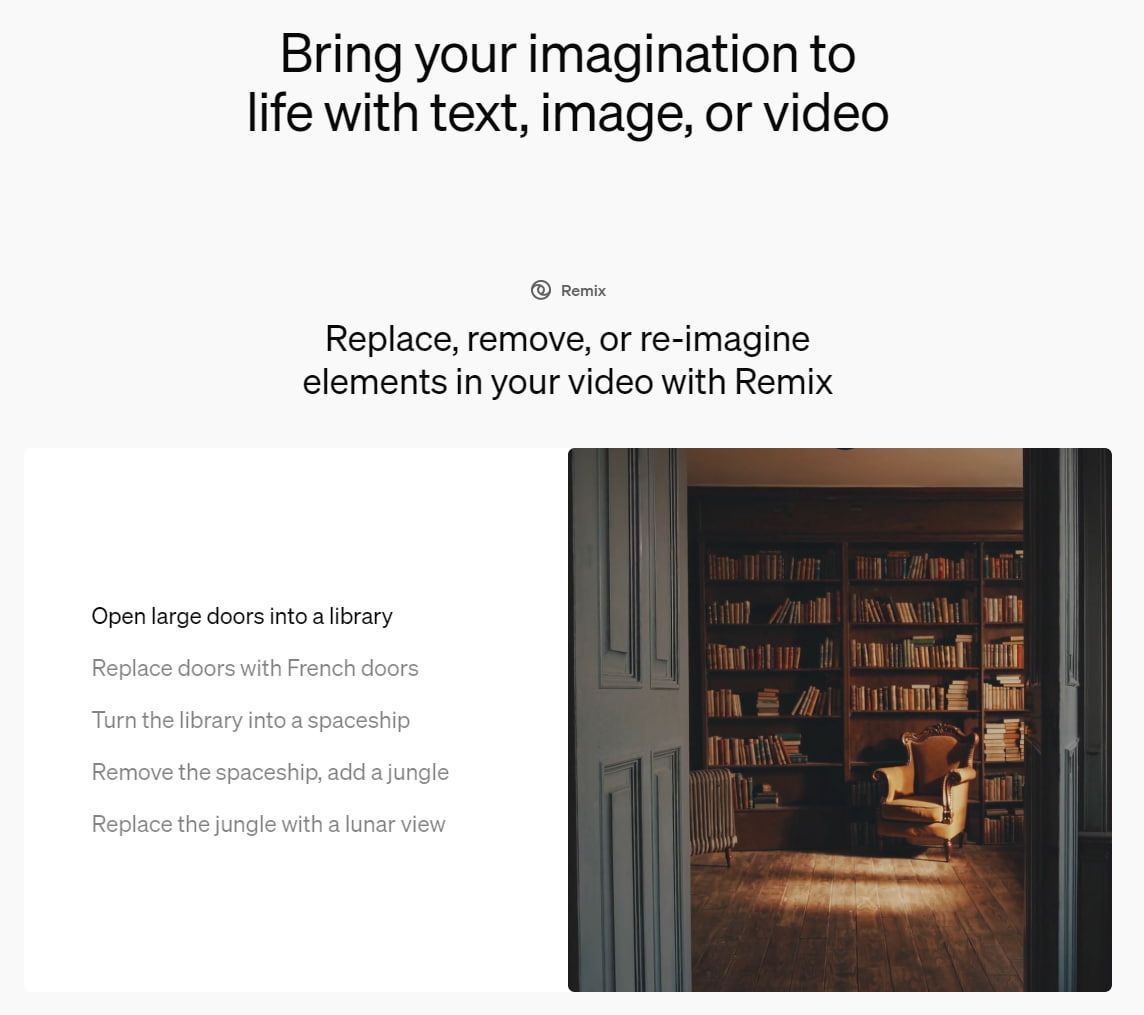
Powerful Remix Tool
By using Sora AI's Remix feature, you can introduce new characters, objects, or entire scenes into your existing video, erase distractions, and completely transform video styles, moods, and settings—all with simple text prompts.
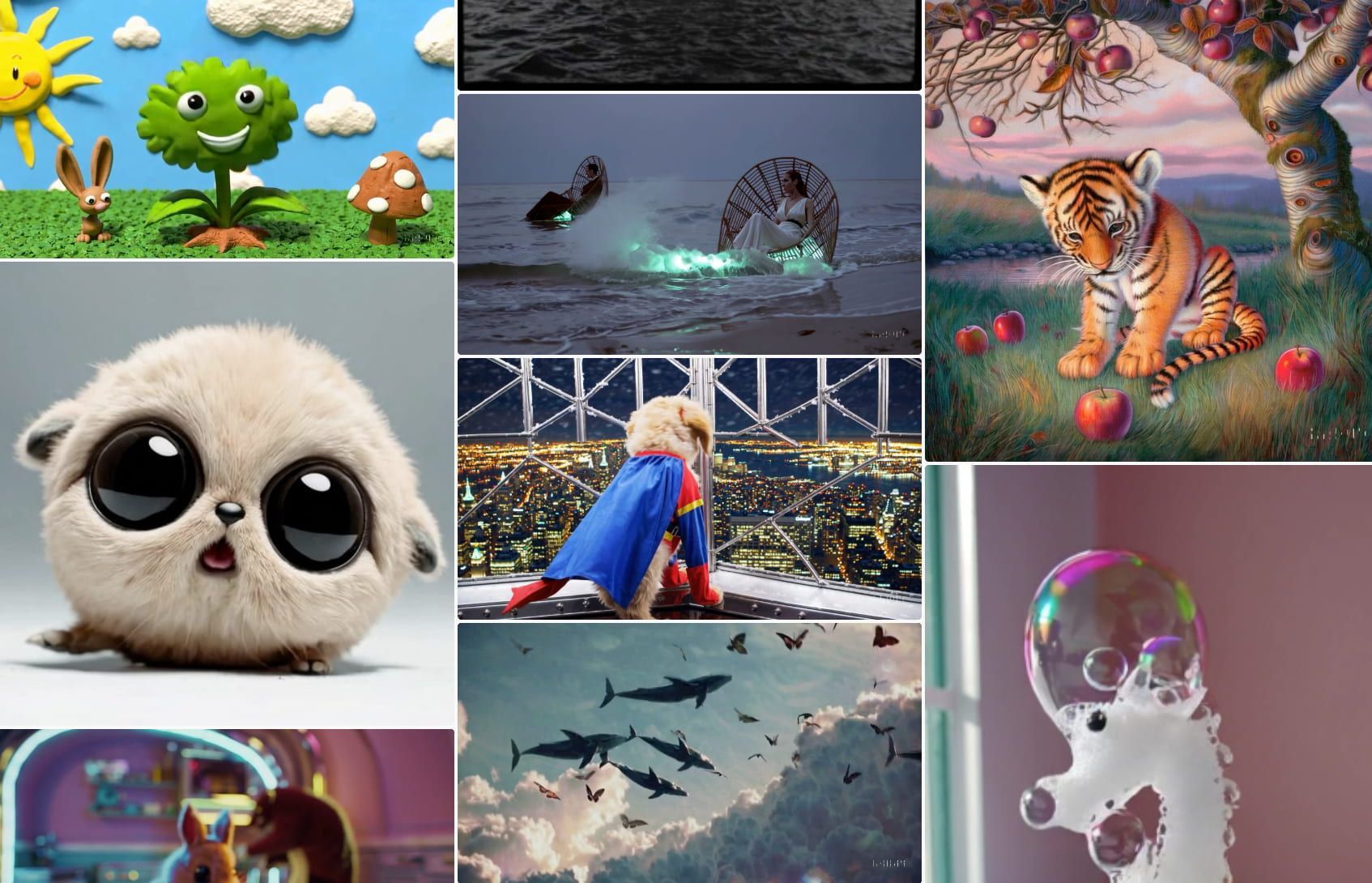
Immersive Visual Capturing
OpenAI's Sora AI can produce videos with different camera angles to provide an immersive visual experience that captures various perspectives. This includes close-ups, drone views, street-level shots, and more. It also comes with pre-made templates that can be useful in various use cases such as marketing, filmmaking, etc.
How to Use OpenAI Sora on skills.video
01
Start with a Prompt or Image
Describe the scene you want to generate, or upload a still image to use as the visual starting point.
02
Choose the Sora Model and Format
Pick Sora 2 or Sora 2 Pro, then set the aspect ratio and visual direction that fit the shot.
03
Generate and Refine
Create the first draft, then iterate with storyboard edits, remixing, or prompt changes until the clip lands.
Video Models
Browse all OpenAI Sora video models in one place, including text-to-video and image-to-video options.
FAQs
Common questions about OpenAI Sora models and workflows.