
PixVerse AI Video Generator
PixVerse AI is a browser-based AI video generator that focuses on fast web creation, varied styles, creative effects, and high-resolution video output without requiring a desktop app.
Explore PixVerse AI's Models
Jump straight into the exact model page you want to compare, test, or use for generation.
PixVerse AI's Feature Offerings
Common strengths surfaced across this provider's most relevant model families.
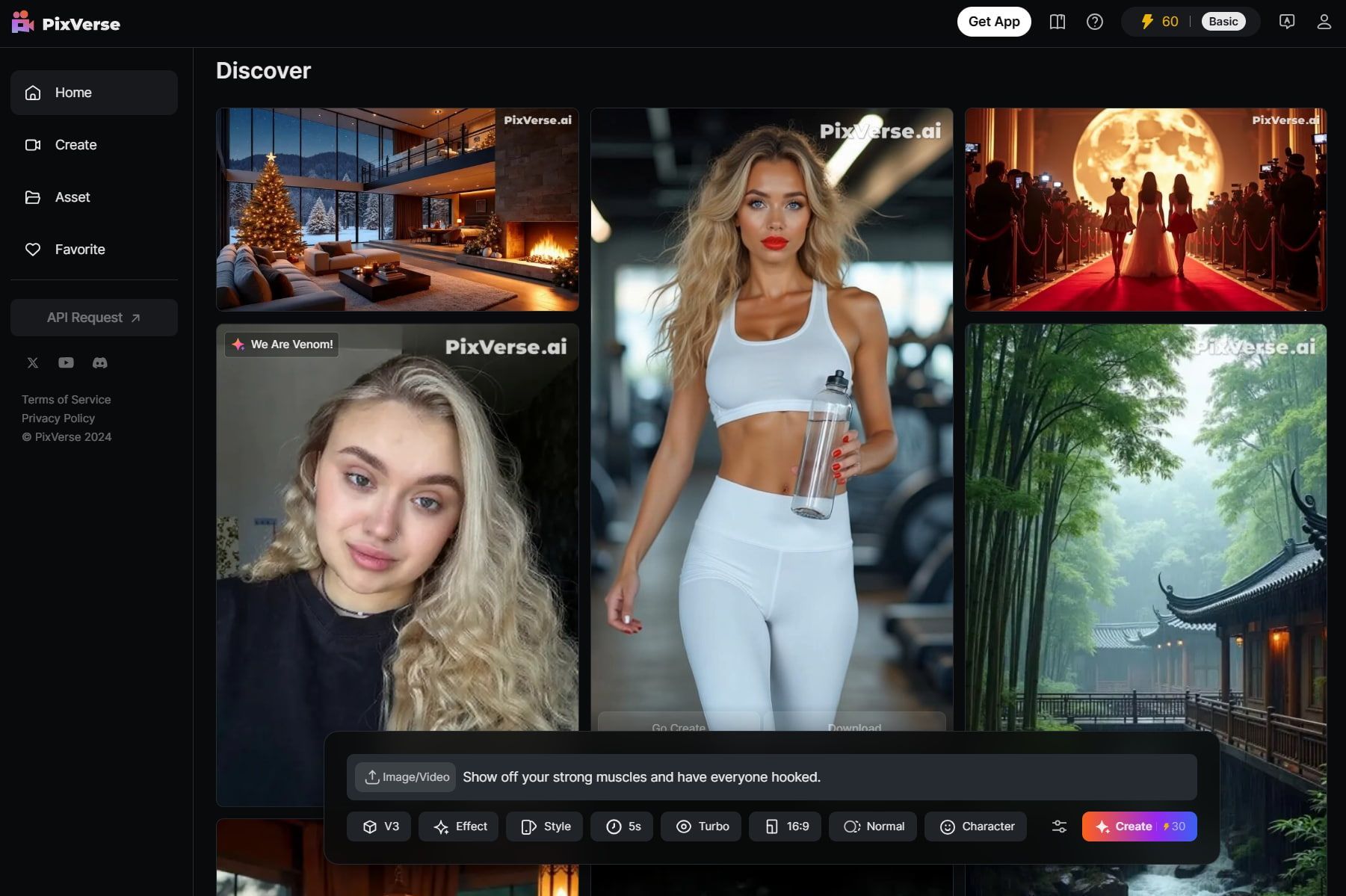
Discover Various Videos
This discovery-oriented workflow makes it easier to learn what kinds of prompts and settings produce the best results before starting your own generation.
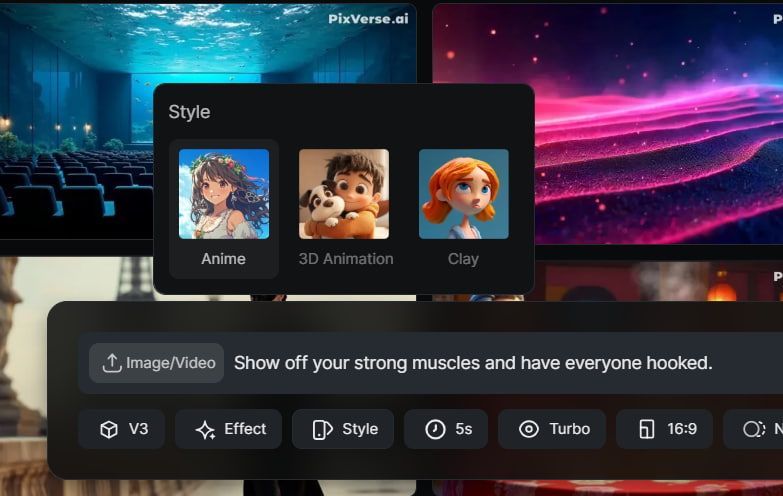
Different Style Exploration
Style presets let you quickly pivot between very different aesthetics while keeping the creation flow simple and fast inside the same interface.
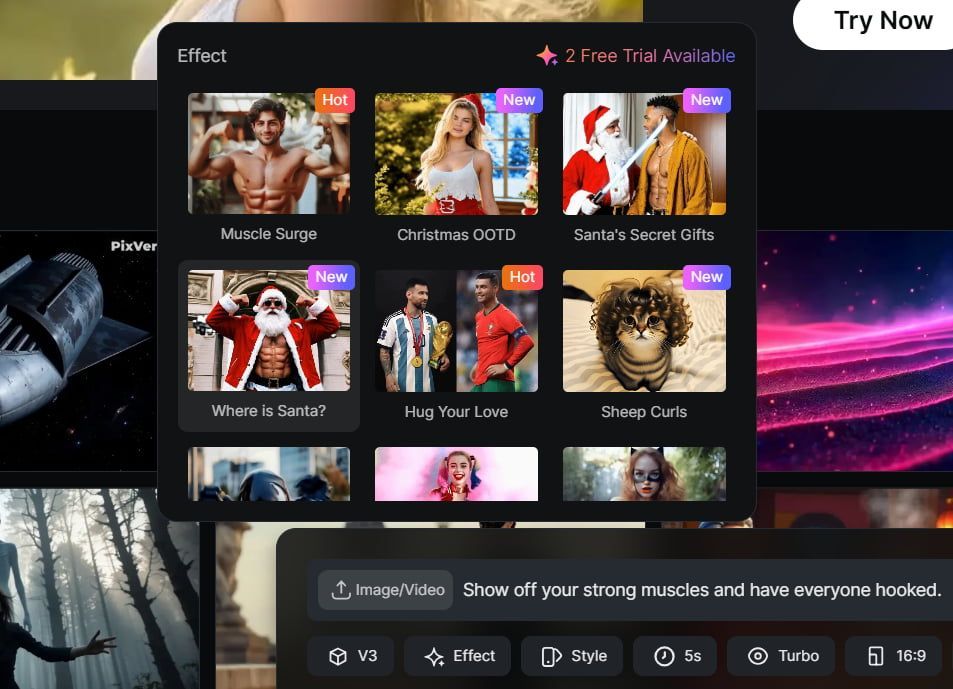
Effect Library
These effects expand the creative range of the platform and make it easier to generate novelty, entertainment, or trend-driven content without additional editing.
How to Use PixVerse AI on skills.video
01
Describe Your Video
Using text prompts, scripts, or images, input your idea for the AI to transform into a video.
02
Choose Custom Settings
Adjust settings like video style, aspect ratio, duration, and more to refine the result.
03
Generate & Save
Wait for a few moments, and then download your final video once it is ready.
Video Models
Browse all PixVerse AI video models in one place, including text-to-video and image-to-video options.
FAQs
Common questions about PixVerse AI models and workflows.