
Grok Imagine Image Generator
Grok Imagine gives you a focused AI image generation lineup for fast iteration, clean detail, and flexible visual styles. Explore the available models below and start creating on skills.video.
Explore Grok Imagine's Models
Jump straight into the exact model page you want to compare, test, or use for generation.
Grok Imagine's Feature Offerings
Common strengths surfaced across this provider's most relevant model families.
Grok Imagine Image
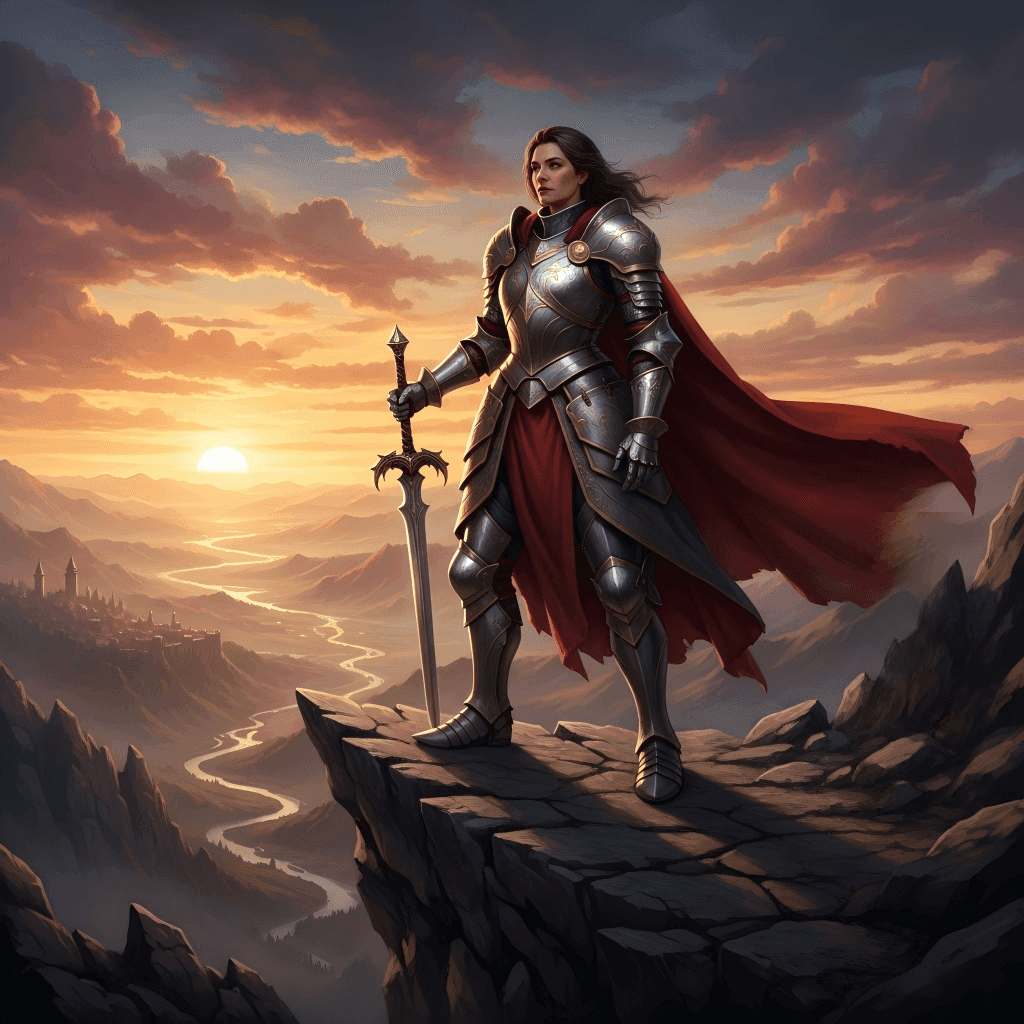
Cinematic Character Rendering
Grok Imagine Image delivers cinematic-quality characters with highly consistent faces, realistic lighting, and perfectly balanced compositions. Every character looks polished and expressive, making your social media posts, storytelling visuals, or narrative illustrations feel professional and immersive.
Grok Imagine Image
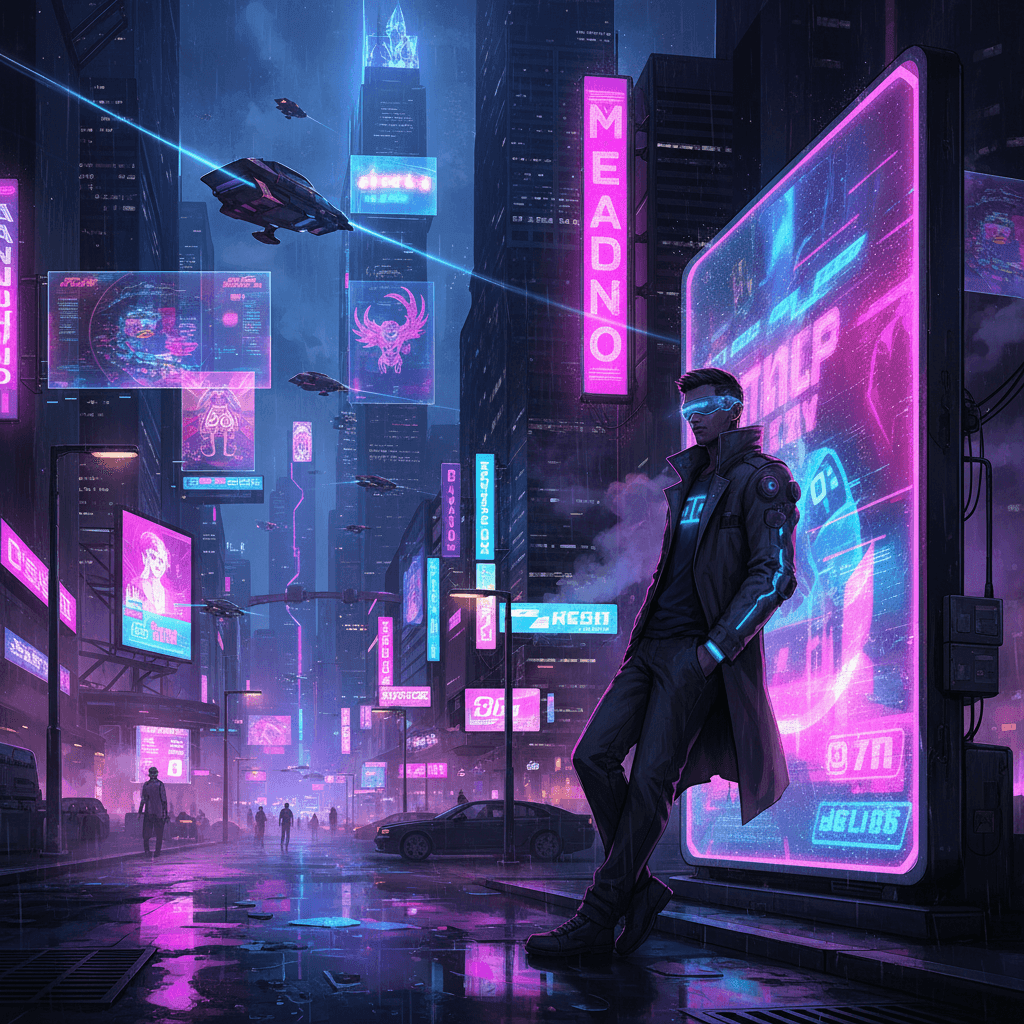
Stylized Aesthetic Excellence
Bring your imagination to life with bold, stylized visuals. Whether anime, cyberpunk, or other artistic aesthetics, Grok Imagine Image excels at vivid neon lighting, striking layouts, and dramatic color schemes. It's perfect for creating eye-catching social content, concept art, or thematic illustrations that demand attention and wow viewers.
Grok Imagine Image
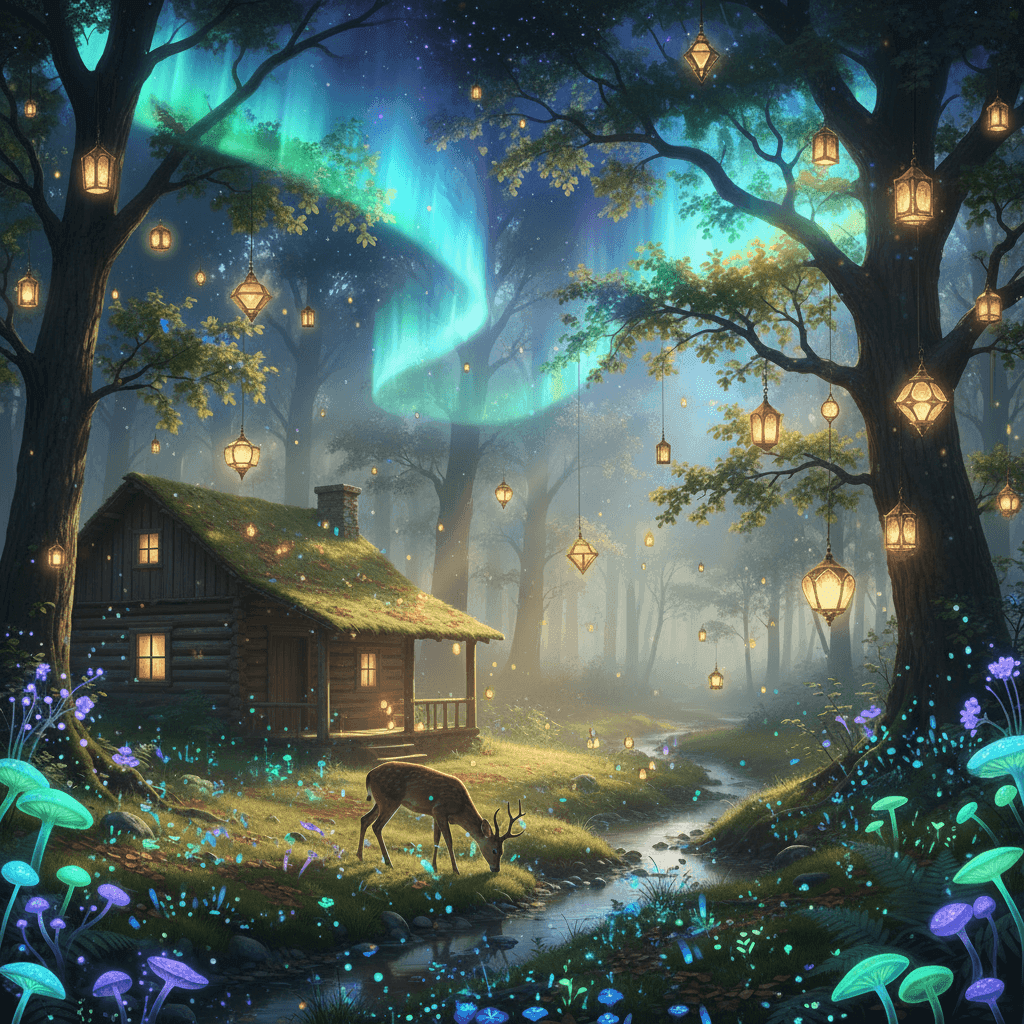
Spicy Mode Creativity
Turn up the creativity with Spicy Mode! This mode adds bold, imaginative flair to your images, letting you explore more surreal, unconventional, or artistic directions without losing coherence. Perfect for fantasy art, dreamlike illustrations, or standout social media visuals that demand attention.
Grok Imagine Image
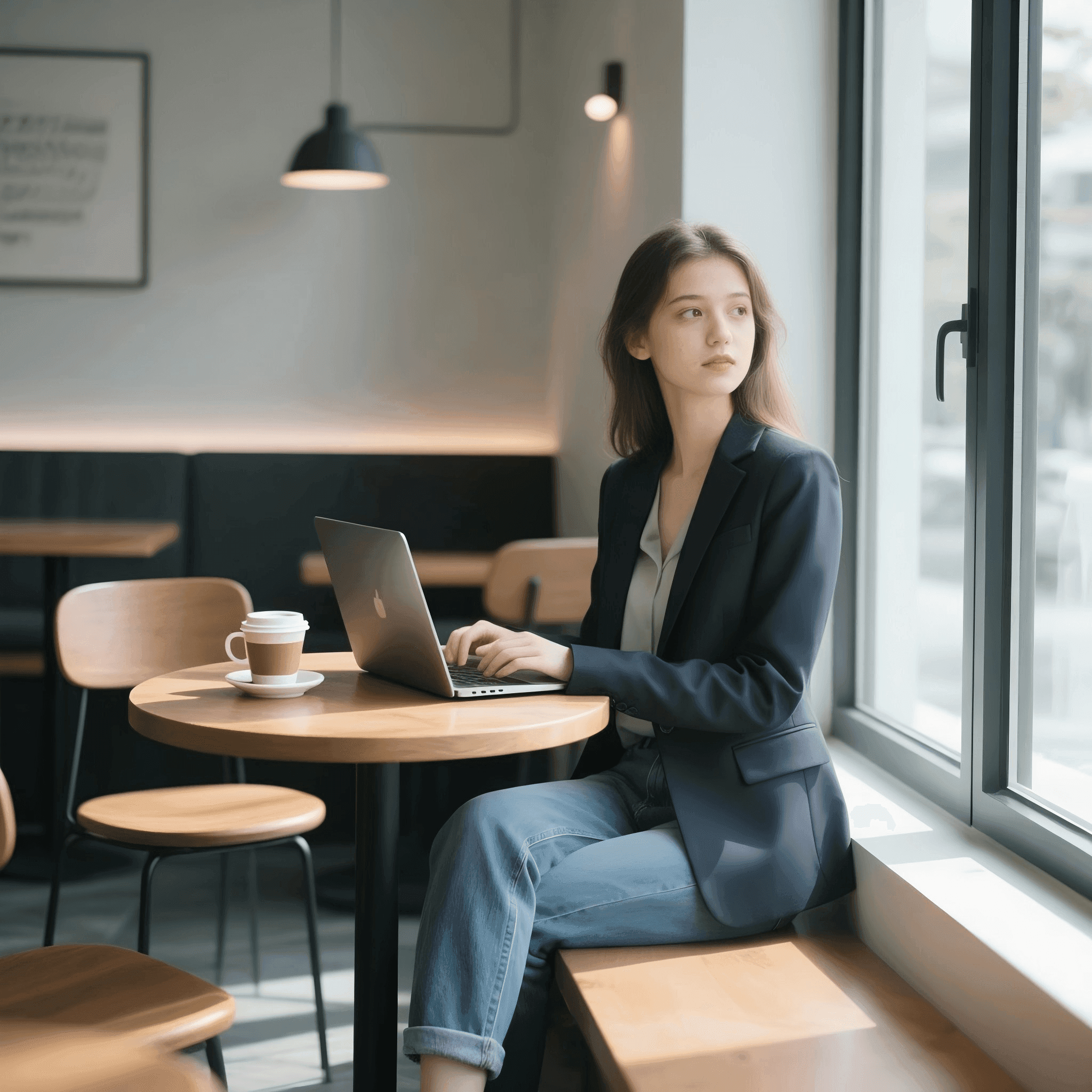
Precise Prompt Control
Gain full control over your edits. Grok Imagine Image lets you make specific changes while keeping the rest of the scene intact. Adjust lighting, swap backgrounds, or modify details without compromising the overall composition—ideal for iterative creative workflows and precise visual storytelling.
How to Use Grok Imagine on skills.video
01
Choose a Grok Imagine model
Pick the model family that matches your workflow, then jump into its dedicated model page.
02
Review examples and features
Check each model's prompt examples, controls, and feature details before generating.
03
Start creating
Launch directly into image or video creation once you've selected the right model.
Image Models
Compare Grok Imagine image models for text-to-image and image editing workflows.
FAQs
Common questions about Grok Imagine models and workflows.