
Key Features of Grok Imagine Image
Cinematic Character Rendering: Generate characters with consistent faces, expressive lighting, and strong compositions.
Stylized Aesthetic Excellence: Create anime, cyberpunk, and other stylized art with vivid neon and bold layouts.
Spicy Mode Creativity: Add bold, imaginative flair to your images.
Precise Prompt Control: Implement only the changes you want while keeping scenes intact.
Fast and Seamless Image Generation: Produce high-quality images quickly for rapid iteration.
Cinematic Character Rendering
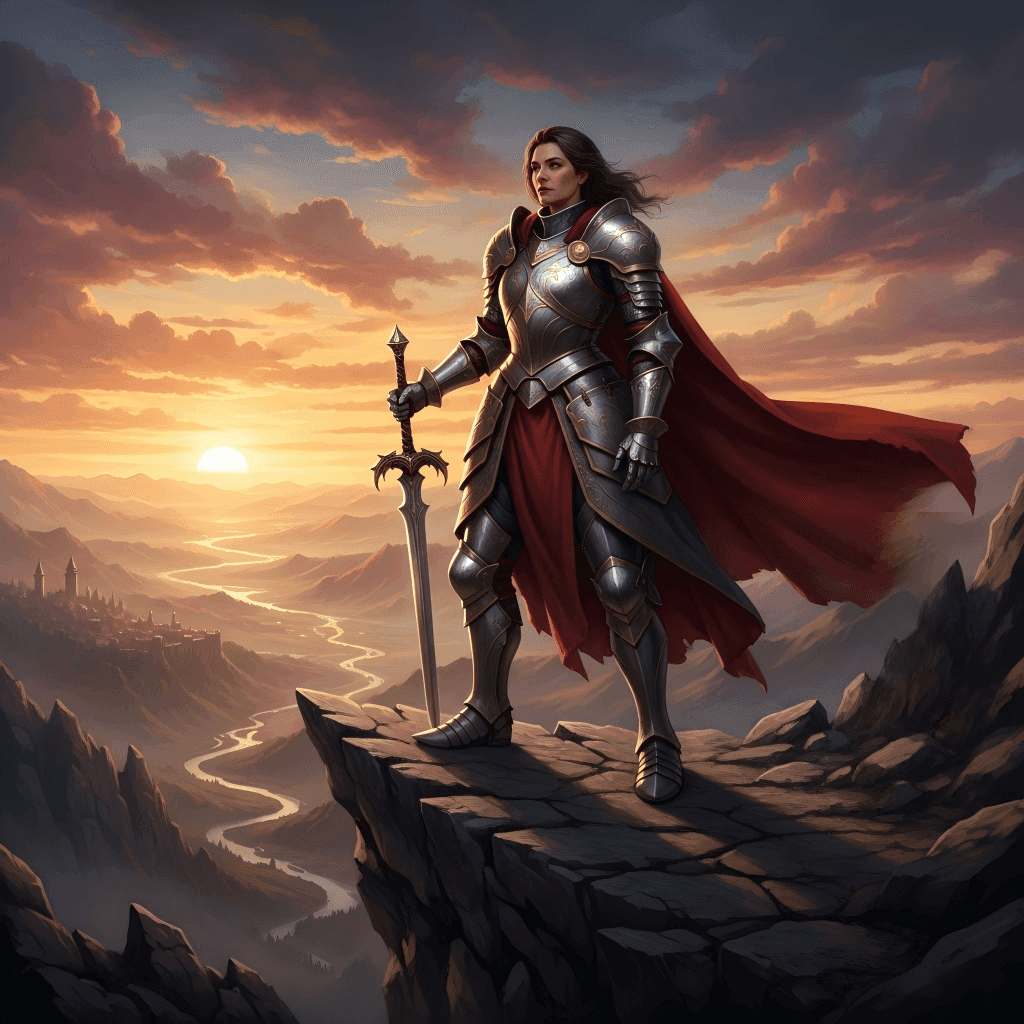
Grok Imagine Image delivers cinematic-quality characters with highly consistent faces, realistic lighting, and perfectly balanced compositions. Every character looks polished and expressive, making your social media posts, storytelling visuals, or narrative illustrations feel professional and immersive.
Prompt
A heroic female knight standing on a cliff at sunset, wearing detailed armor. Her face is calm and determined, with realistic shadows highlighting the contours of her armor. The cliff and background are composed dramatically, with the sun casting warm light across the scene.
Result
Stylized Aesthetic Excellence
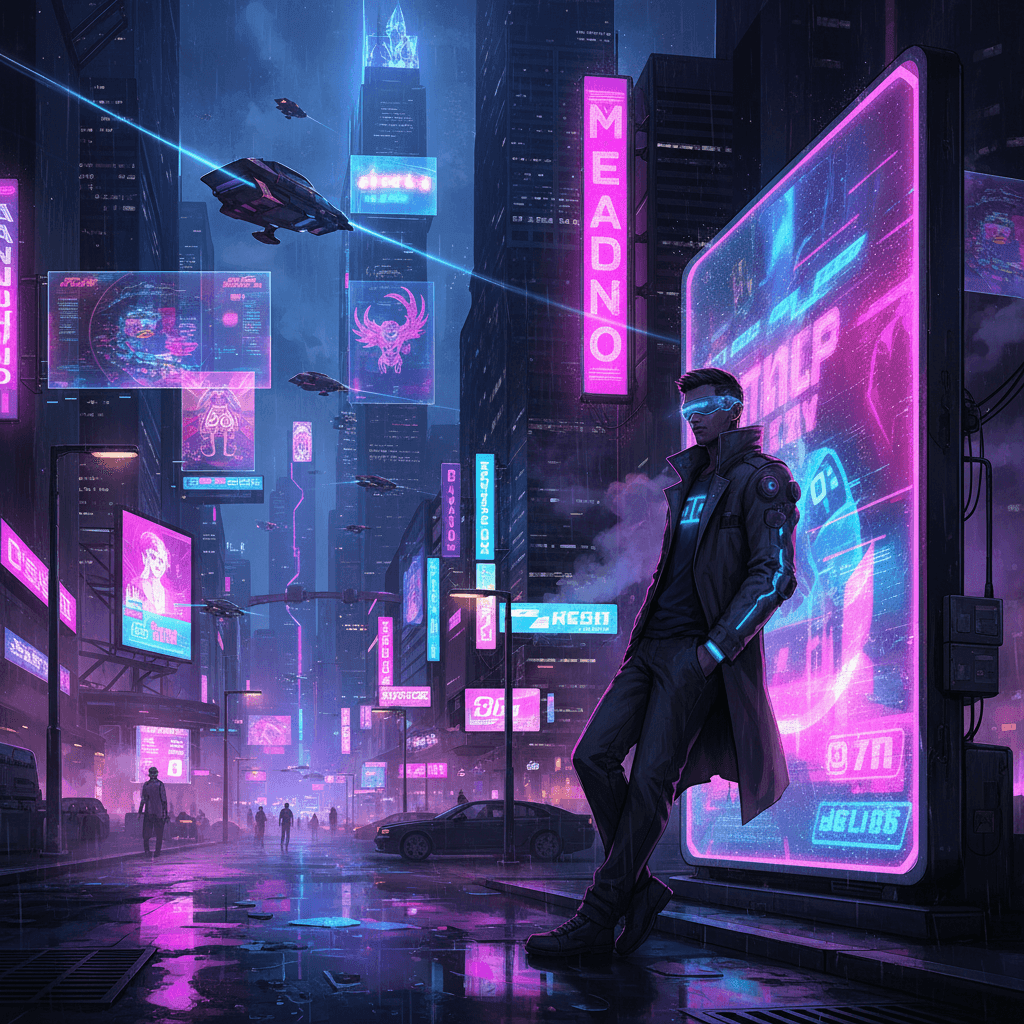
Bring your imagination to life with bold, stylized visuals. Whether anime, cyberpunk, or other artistic aesthetics, Grok Imagine Image excels at vivid neon lighting, striking layouts, and dramatic color schemes. It's perfect for creating eye-catching social content, concept art, or thematic illustrations that demand attention and wow viewers.
Prompt
A futuristic cyberpunk street at night, neon signs glowing in pink and blue. A male hacker with a glowing visor leans against a holographic billboard. Flying cars and holograms fill the skyline, wet streets reflecting vibrant colors. Dynamic, bold composition in a stylized anime-cyberpunk aesthetic.
Result
Spicy Mode Creativity
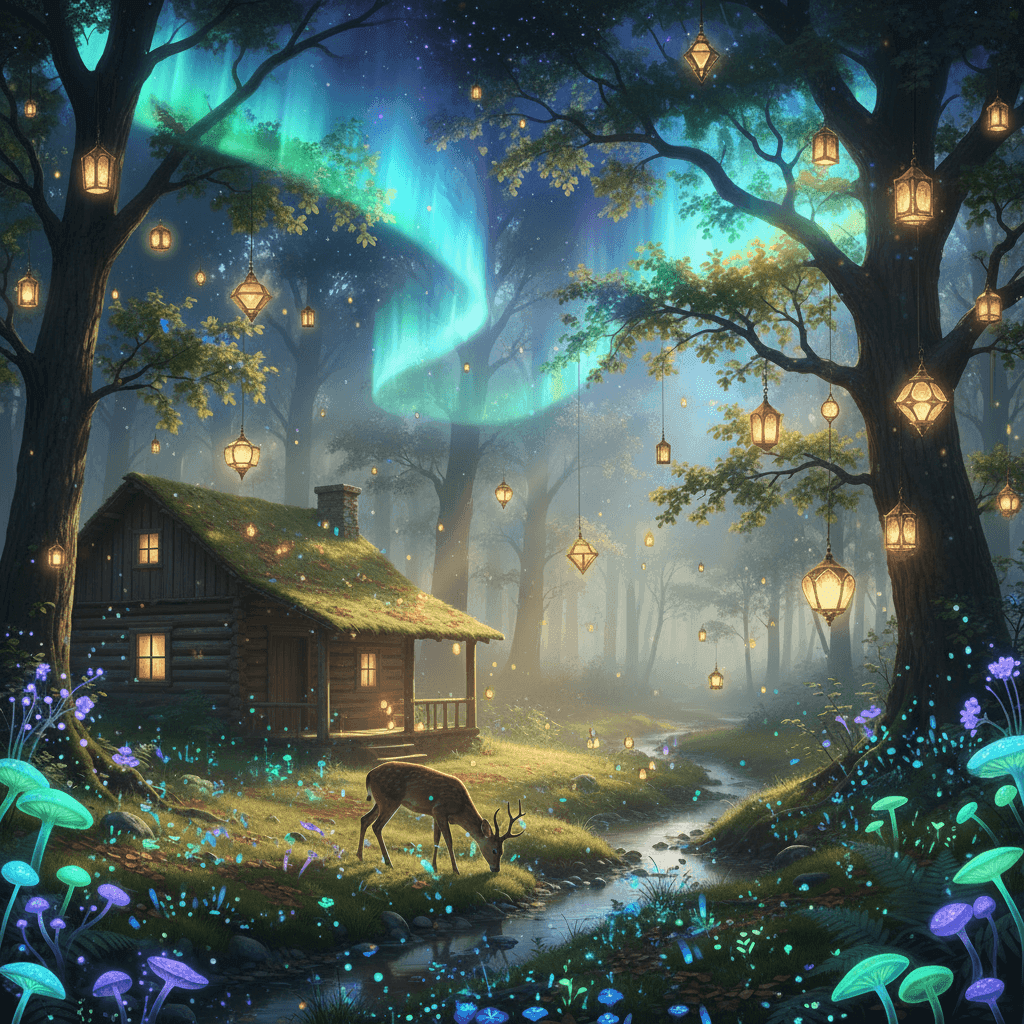
Turn up the creativity with Spicy Mode! This mode adds bold, imaginative flair to your images, letting you explore more surreal, unconventional, or artistic directions without losing coherence. Perfect for fantasy art, dreamlike illustrations, or standout social media visuals that demand attention.
Subject Reference
Prompt
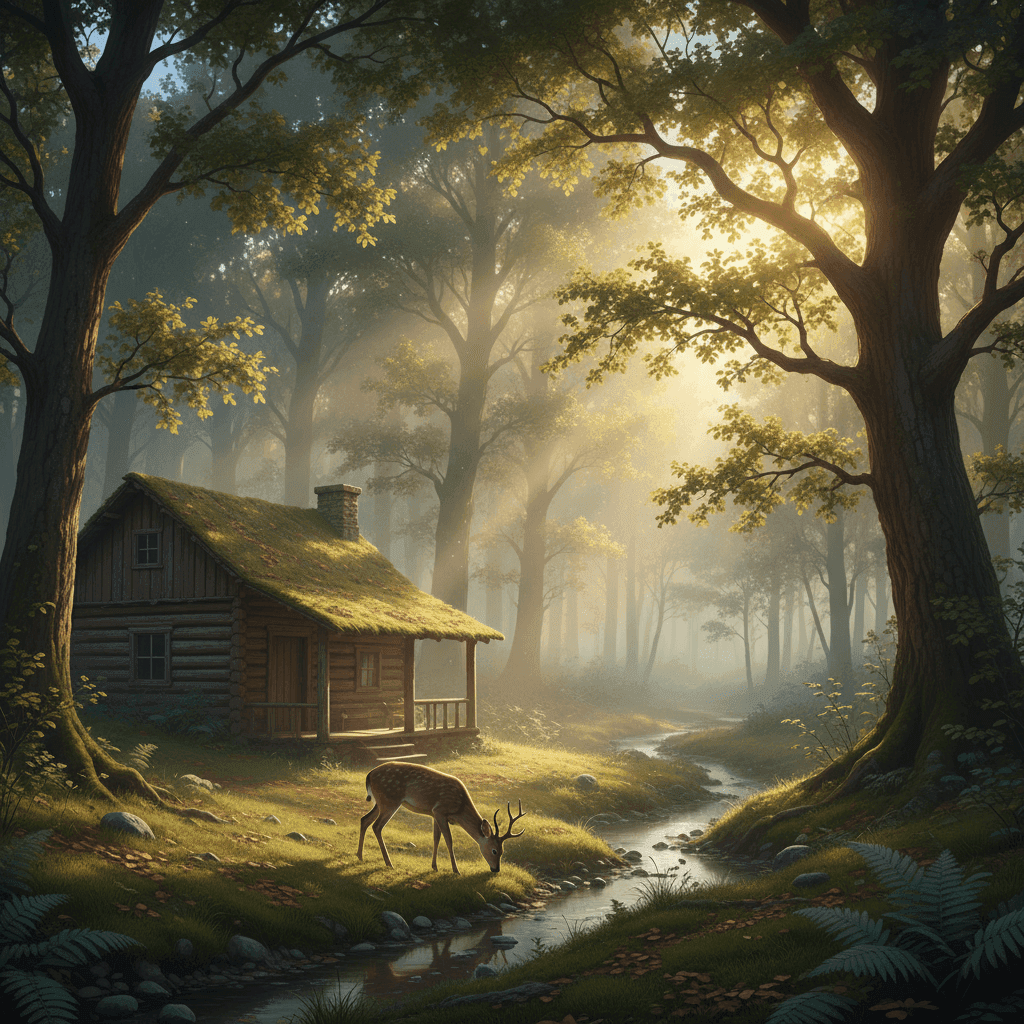
Transform the forest clearing into a magical, glowing scene. Add floating lanterns, bioluminescent plants, and a mystical aurora in the sky.
Result
Precise Prompt Control
Gain full control over your edits. Grok Imagine Image lets you make specific changes while keeping the rest of the scene intact. Adjust lighting, swap backgrounds, or modify details without compromising the overall composition—ideal for iterative creative workflows and precise visual storytelling.
Subject Reference
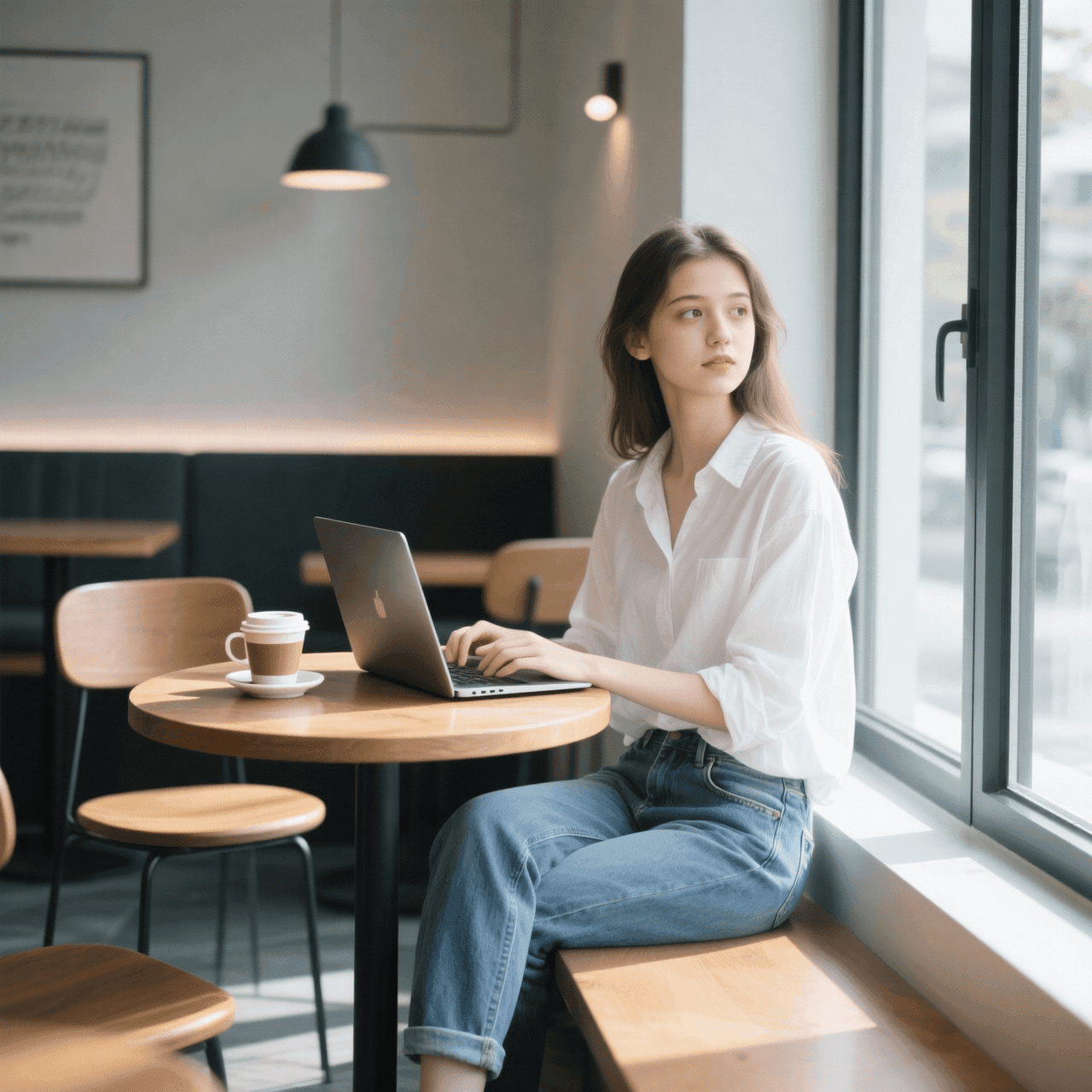
Prompt
Change only the woman's outfit to a dark business suit. Keep everything else unchanged.
Result
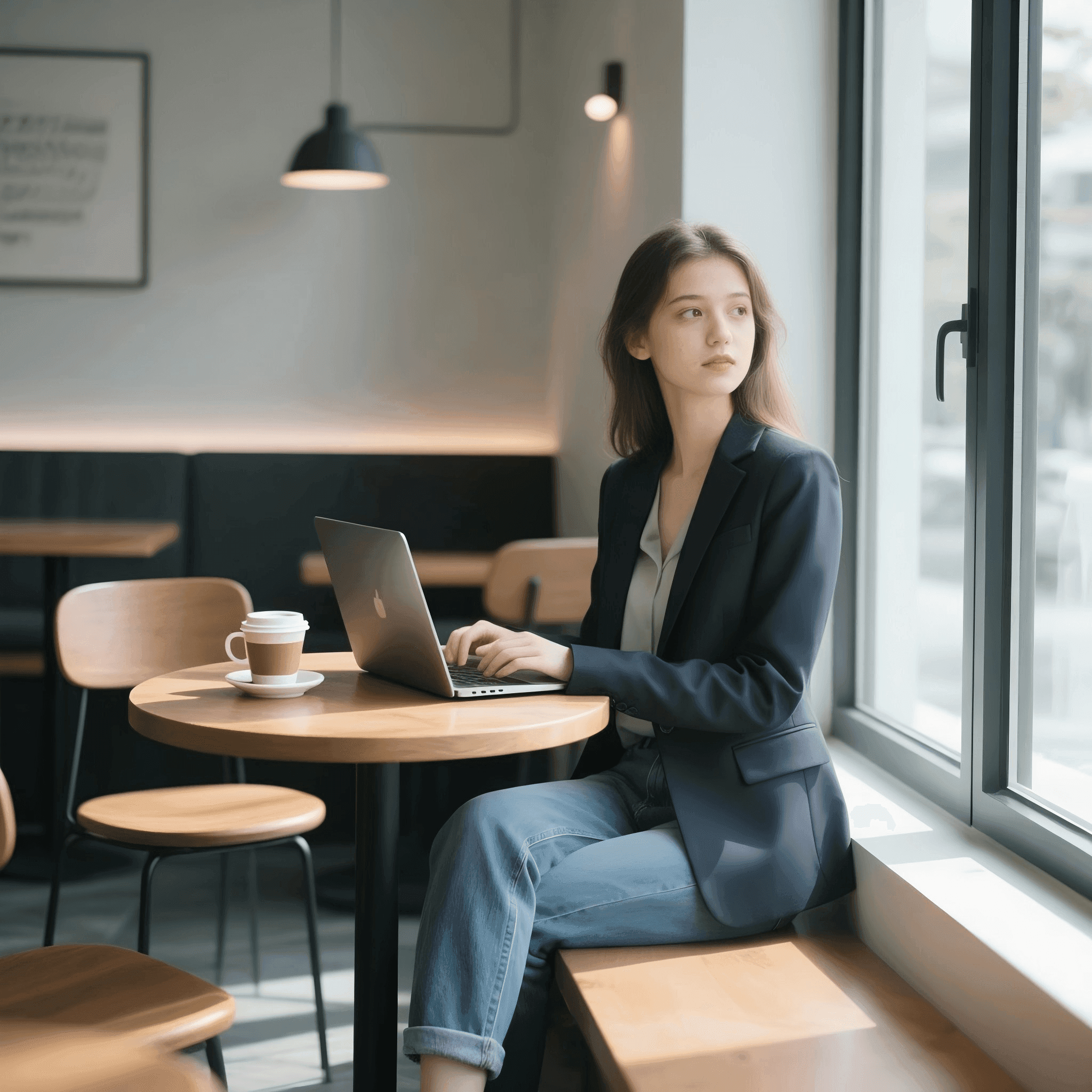
How To Use Grok Imagine Image AI Image Model on skills.video
Select the Grok Imagine Image model
Head to the create page and choose this model from the dropdown list.
Input your detailed prompt
Describe the scene, style, and motion you want. Adjust settings as needed.
Download your result
Click create, then download or share once the generation finishes.