
Key Features of Kling O3 Image
O3 Text-to-Image: Generate images directly from prompts with O3 Omni-Image quality.
O3 Image-to-Image: Use reference image inputs plus prompt instructions for controlled transformation.
4K + Single/Series Output: Generate at 1K/2K/4K and choose single-image or series output behavior.
Element Control: Optional element inputs help preserve subject identity and structure.
Aspect Ratio and Format Flexibility: Broad ratio support for different delivery surfaces.
O3 Text-to-Image
The O3 text-to-image endpoint supports high-fidelity prompt following, optional element inputs, up to 4K resolution, and both single-image and series generation modes.
Prompt
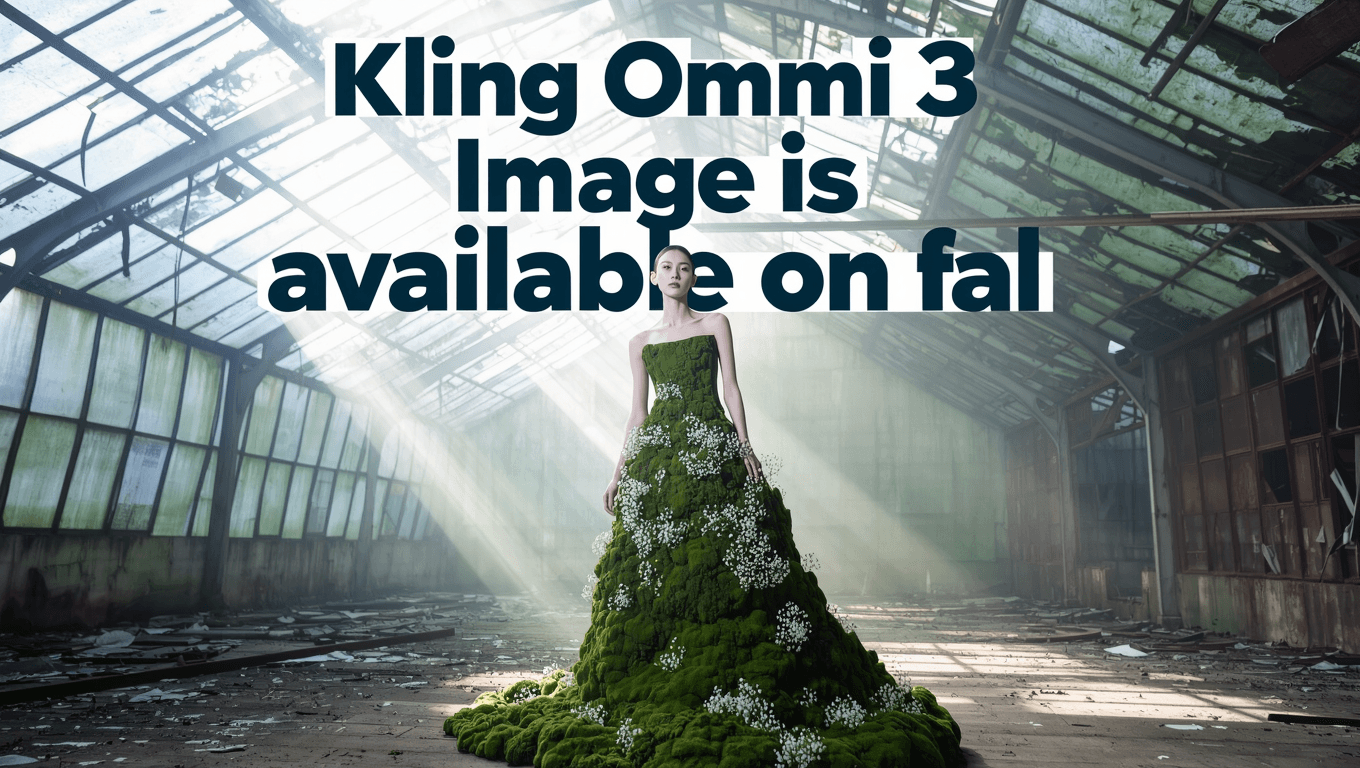
A poster design says 'Kling Omni 3 Image is available on fal' with a cool font in the background as several rows and big font size. Big gap between the rows. High fashion model wearing a dress made entirely of living moss and small white flowers, standing in an abandoned greenhouse, shafts of light, editorial photography.
Result
O3 Image-to-Image
The O3 image-to-image endpoint takes `image_urls` plus a prompt (with @Image1, @Image2 ... references), supports optional elements, and allows auto aspect-ratio selection in addition to fixed ratios.
Subject Reference
Prompt
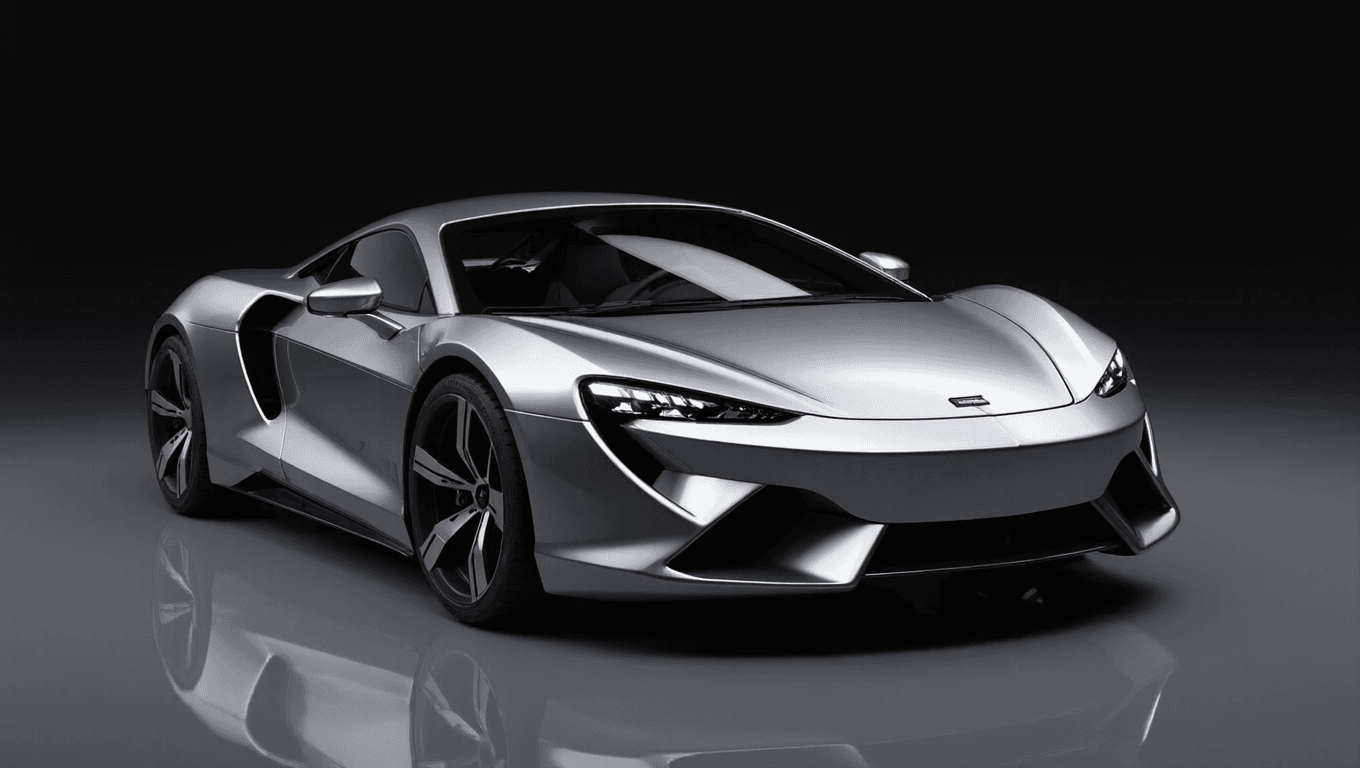
Transform into photorealistic 3D render, add proper lighting and shadows, realistic materials and textures, maintain exact proportions and design from sketch, product visualization quality.
Result
How To Use Kling O3 Image AI Image Model on skills.video
Select the Kling O3 Image model
Head to the create page and choose this model from the dropdown list.
Input your detailed prompt
Describe the scene, style, and motion you want. Adjust settings as needed.
Download your result
Click create, then download or share once the generation finishes.