
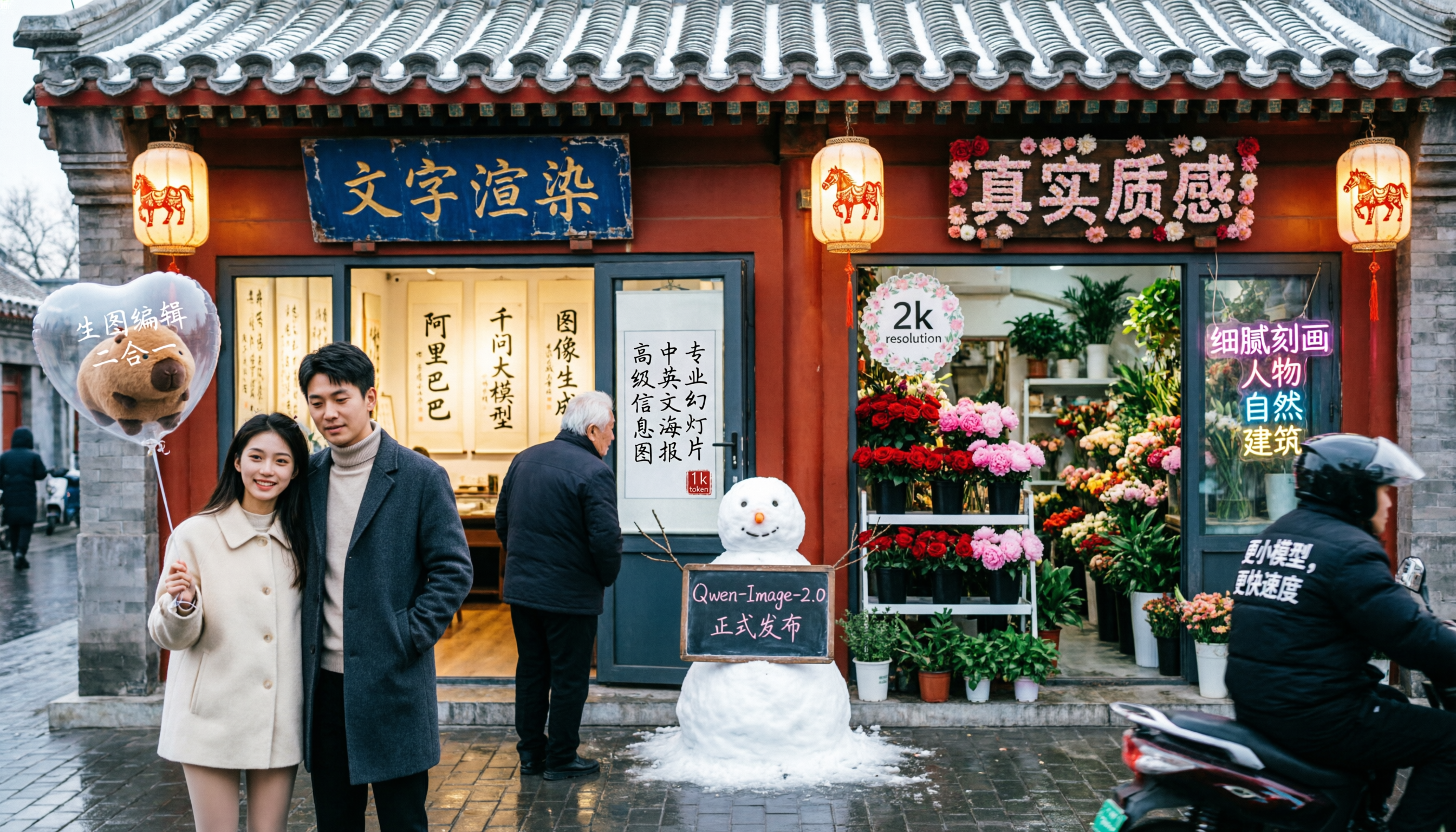
Key Features of Qwen Image 2.0
Publication-Ready Text Layouts: Qwen Image 2.0 renders complex text directly in generated images with strong placement and alignment.
Native 2K Resolution: Generate images natively at up to 2048 x 2048 with no upscaling pipeline required.
Unified Generation and Editing: A single 7B architecture supports both generation and editing workflows.
Complex Structured Prompt Following: Qwen Image 2.0 can follow long, structured prompts across layout-heavy scenes.
Publication-Ready Text Layouts
It can handle long prompts and typography-heavy tasks such as infographics, PPT-style visuals, movie posters, calendars, and charts. Text can adapt to surfaces like glass, fabric, and signage with more natural perspective and material consistency.
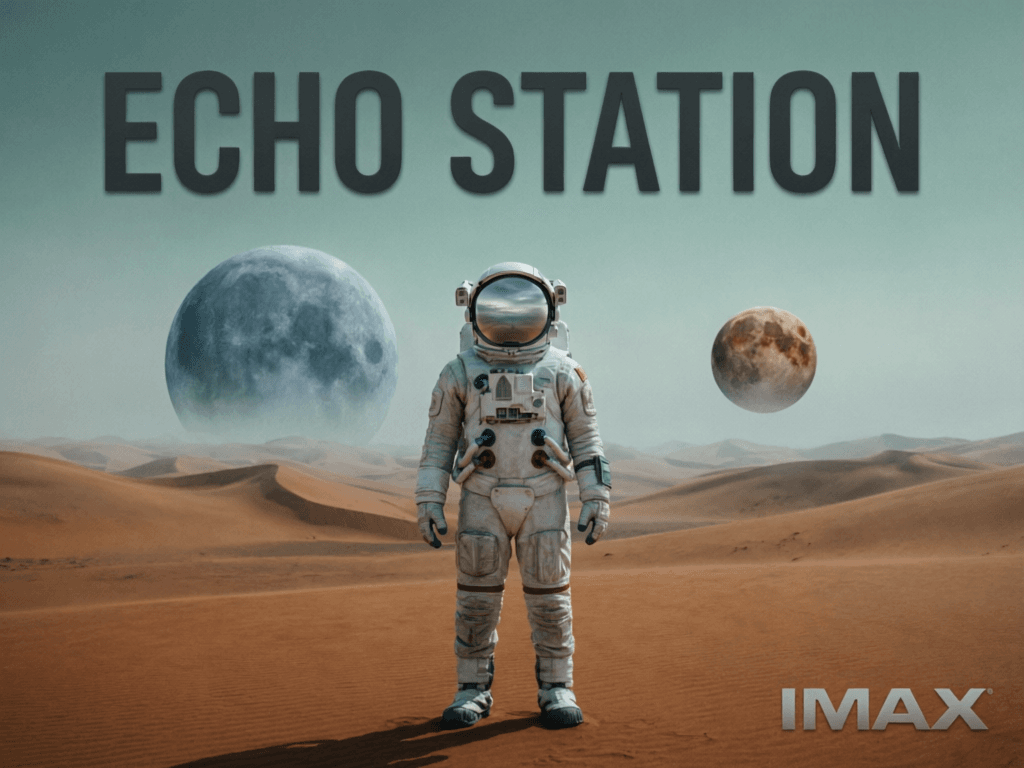
Prompt
Minimalist movie poster for a sci-fi film called 'ECHO STATION'. Title in bold sans-serif at top, a lone astronaut standing in a vast alien desert with two moons on the horizon, muted teal and burnt orange color palette, IMAX format stamp at bottom
Result
Native 2K Resolution
Fine details like fabric weave, skin texture, architecture, and natural foliage are rendered directly during generation. This improves readiness for downstream creative use with less post-processing.
Prompt
Professional product photography of a ceramic coffee mug on a marble countertop, morning light streaming through a window, steam rising from the cup, shallow depth of field, warm tones, editorial quality for a lifestyle brand
Result

Unified Generation and Editing
Style transfer, object insertion/removal, text overlay editing, multi-image compositing, and cross-domain edits can be handled in one model flow. This reduces quality drift that often appears when chaining multiple models.
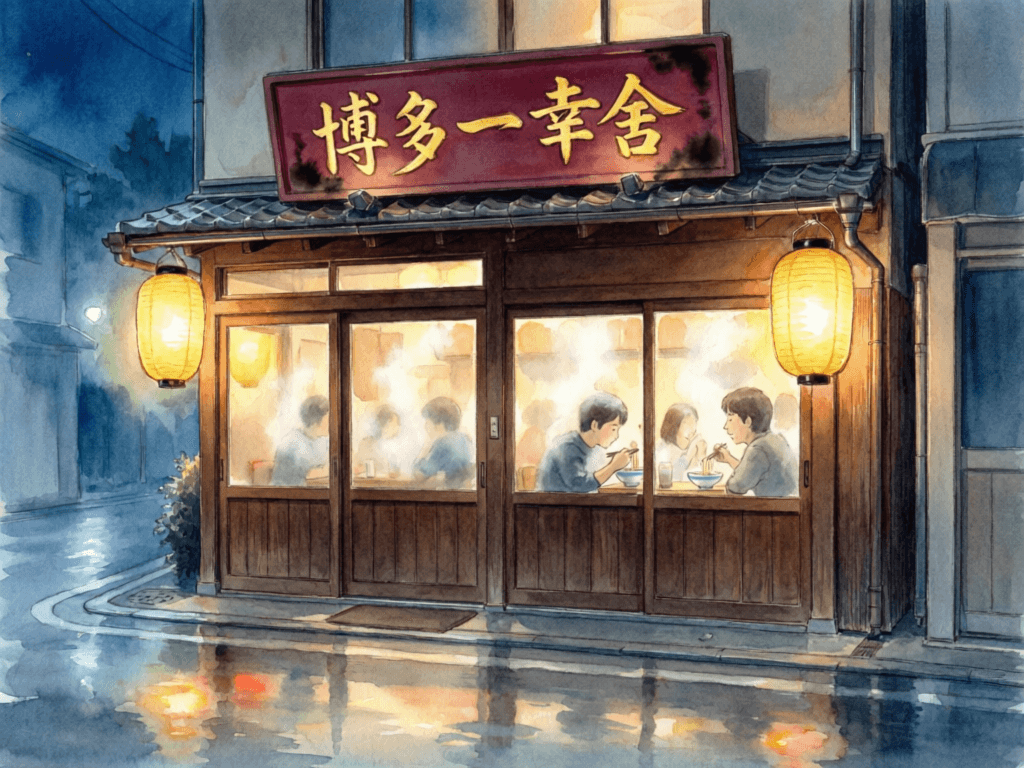
Prompt
Watercolor illustration of a cozy Japanese ramen shop at night, warm lantern glow, detailed signage with Japanese characters, rain-slick street reflections, a few customers visible through the steamy window, Studio Ghibli atmosphere
Result
Complex Structured Prompt Following
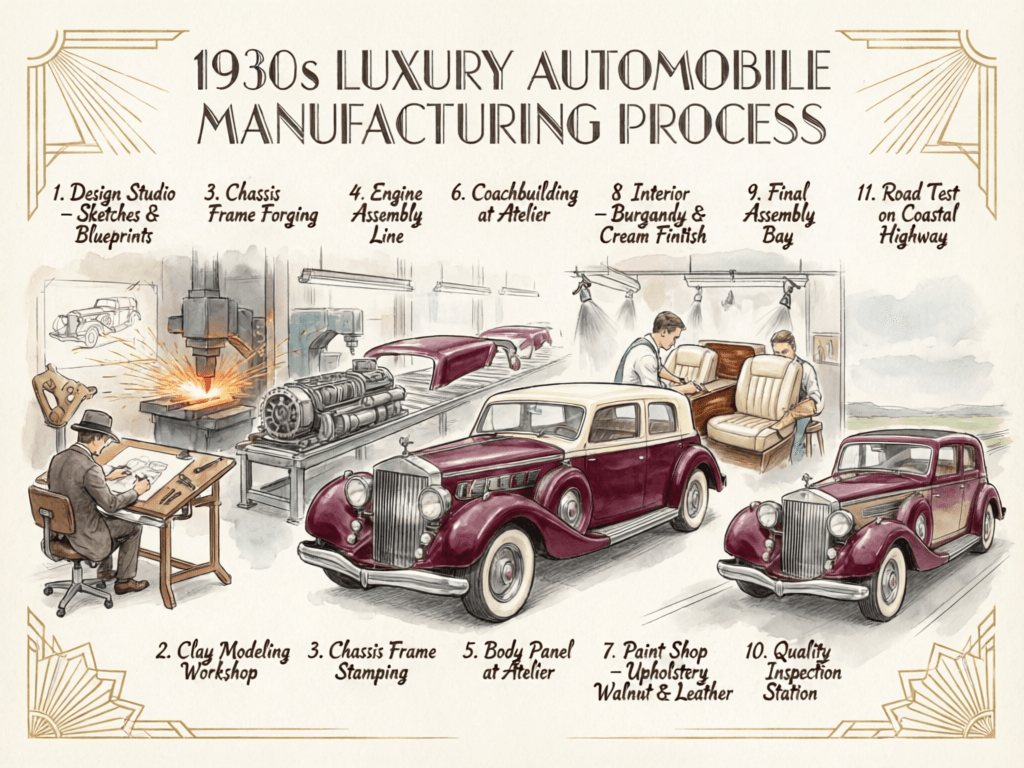
For multi-stage diagrams and content-rich creative outputs, the model keeps stronger scene hierarchy and composition coherence than many lightweight text-to-image pipelines.
Prompt
A detailed 1930s luxury automobile manufacturing infographic in hand-drawn sketch style with watercolor coloring, showing 11 stages from design studio to road test, deep burgundy car with cream accents, Art Deco flourishes throughout, landscape format
Result
How To Use Qwen Image 2.0 AI Image Model on skills.video
Select the Qwen Image 2.0 model
Head to the create page and choose this model from the dropdown list.
Input your detailed prompt
Describe the scene, style, and motion you want. Adjust settings as needed.
Download your result
Click create, then download or share once the generation finishes.