
Key Features of Qwen Image 2.0 Pro
Premium Typography Fidelity: Pro improves text clarity, spacing stability, and composition quality for design-heavy images.
Higher-Fidelity 2K Rendering: Pro emphasizes detail retention and cleaner global composition for final assets.
One Model, Full Creative Pipeline: Generation and editing capabilities stay unified while quality is tuned for delivery-ready results.
Premium Typography Fidelity
For posters, infographic layouts, branded key visuals, and content with dense text elements, Qwen Image 2.0 Pro is tuned for more reliable typography results.
Prompt
Minimalist movie poster for a sci-fi film called 'ECHO STATION'. Title in bold sans-serif at top, a lone astronaut standing in a vast alien desert with two moons on the horizon, muted teal and burnt orange color palette, IMAX format stamp at bottom
Result

Higher-Fidelity 2K Rendering
Compared with standard iteration mode, Pro is better suited for polished outputs where micro-texture quality, material rendering, and lighting transitions need to hold up in production use.
Prompt
Professional product photography of a ceramic coffee mug on a marble countertop, morning light streaming through a window, steam rising from the cup, shallow depth of field, warm tones, editorial quality for a lifestyle brand
Result

One Model, Full Creative Pipeline
Pro supports generation, style transfer, compositing, and editing-centric workflows without switching model families, helping teams keep visual consistency through ideation to final delivery.
Example 1
Prompt
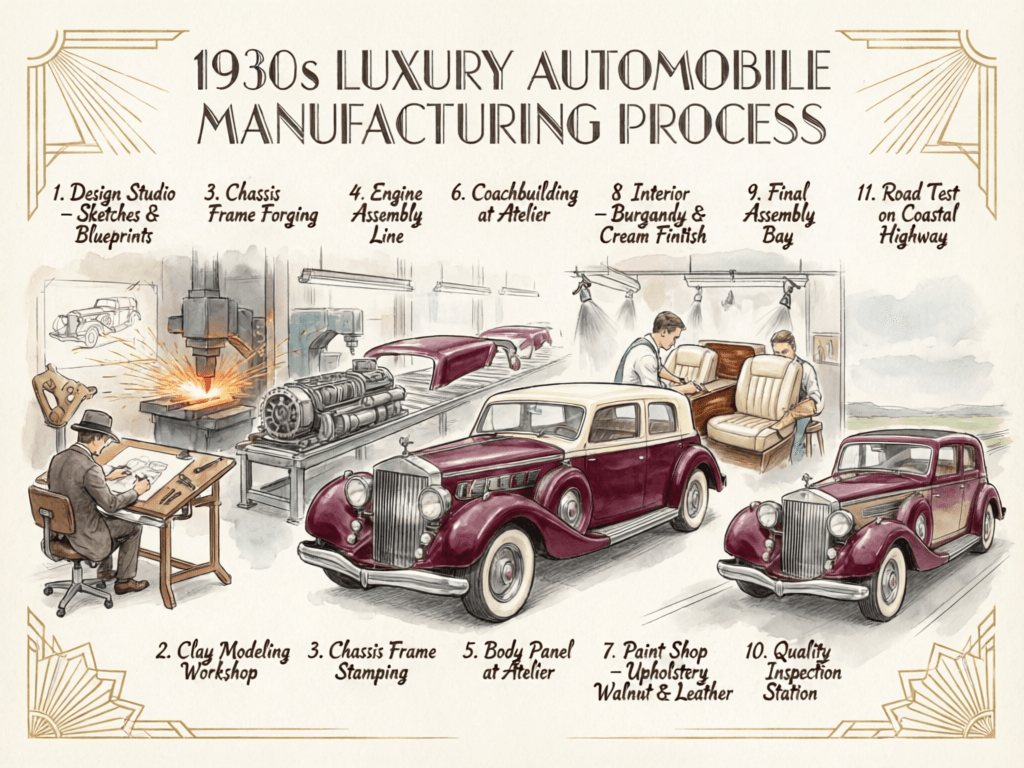
A detailed 1930s luxury automobile manufacturing infographic in hand-drawn sketch style with watercolor coloring, showing 11 stages from design studio to road test, deep burgundy car with cream accents, Art Deco flourishes throughout, landscape format
Result
Example 2
Prompt
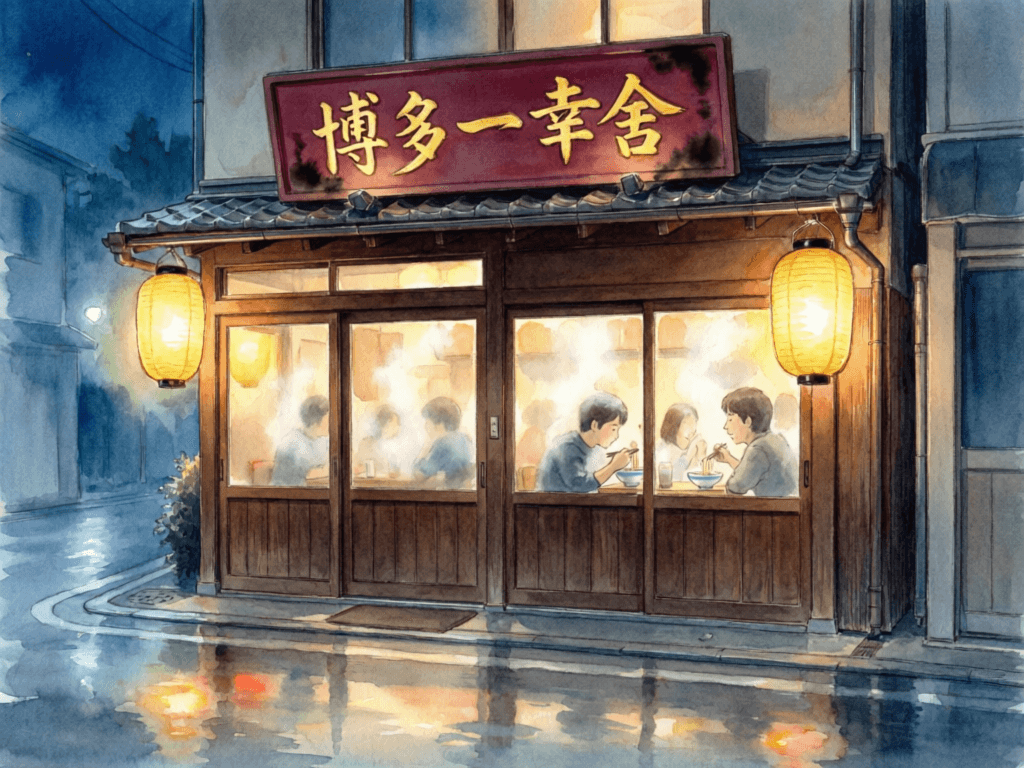
Watercolor illustration of a cozy Japanese ramen shop at night, warm lantern glow, detailed signage with Japanese characters, rain-slick street reflections, a few customers visible through the steamy window, Studio Ghibli atmosphere
Result
Prompt
Result
A detailed 1930s luxury automobile manufacturing infographic in hand-drawn sketch style with watercolor coloring, showing 11 stages from design studio to road test, deep burgundy car with cream accents, Art Deco flourishes throughout, landscape format
Watercolor illustration of a cozy Japanese ramen shop at night, warm lantern glow, detailed signage with Japanese characters, rain-slick street reflections, a few customers visible through the steamy window, Studio Ghibli atmosphere
How To Use Qwen Image 2.0 Pro AI Image Model on skills.video
Select the Qwen Image 2.0 Pro model
Head to the create page and choose this model from the dropdown list.
Input your detailed prompt
Describe the scene, style, and motion you want. Adjust settings as needed.
Download your result
Click create, then download or share once the generation finishes.